Das Produkt befindet sich in einem externen Lager. Die Lieferfrist: ca. 7-9 Werktage.. Mehr Info
Versandoptionen - Wird im Checkout ausgewählt
Versand mit DHL - PaketShop
Kostenloser Versand
Versand mit DHL zur Adresse
Kostenloser Versand
Versand mit GLS - PaketShop
Kostenloser Versand
Versand mit GLS zur Adresse
Kostenloser Versand
Alle Versandoptionen anzeigen (4)
EUR
121,79
ex. MwSt. 102,34
Gesamtbetrag inkl. Versand.
121,79
Die Funktion setzt voraus, dass Sie angemeldet sind. Erstellen Sie einen Nutzer und verwenden Sie unser intelligentes Listensystem, um zukünftige Einkäufe, regelmäßige Einkäufe oder Wunschlisten zu verfolgen. Jetzt registrieren Anmelden
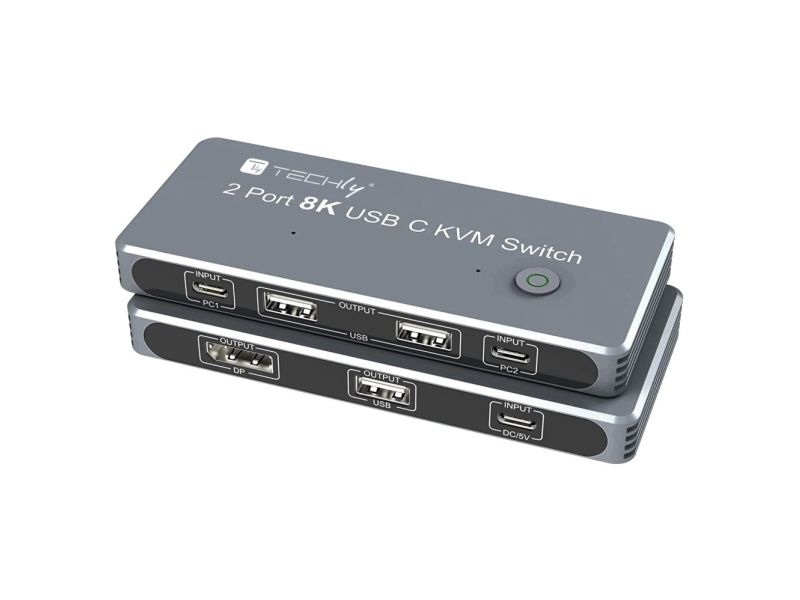
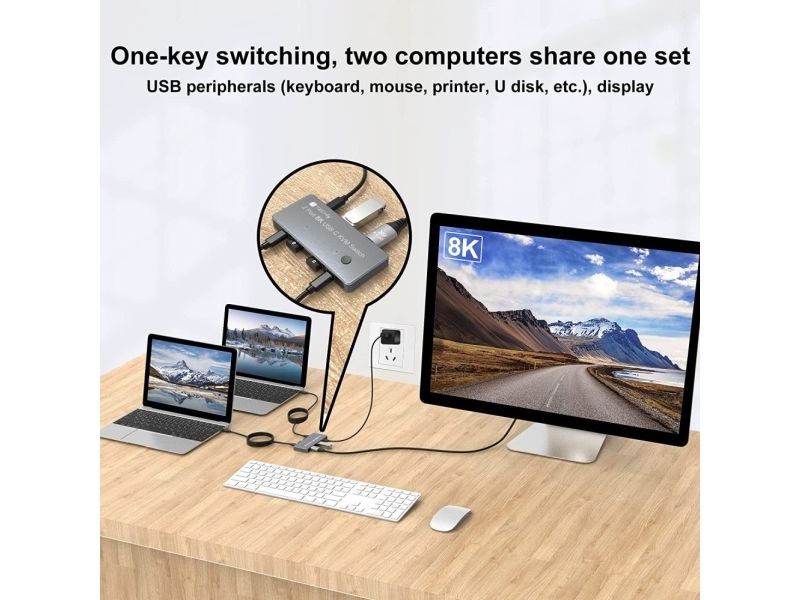
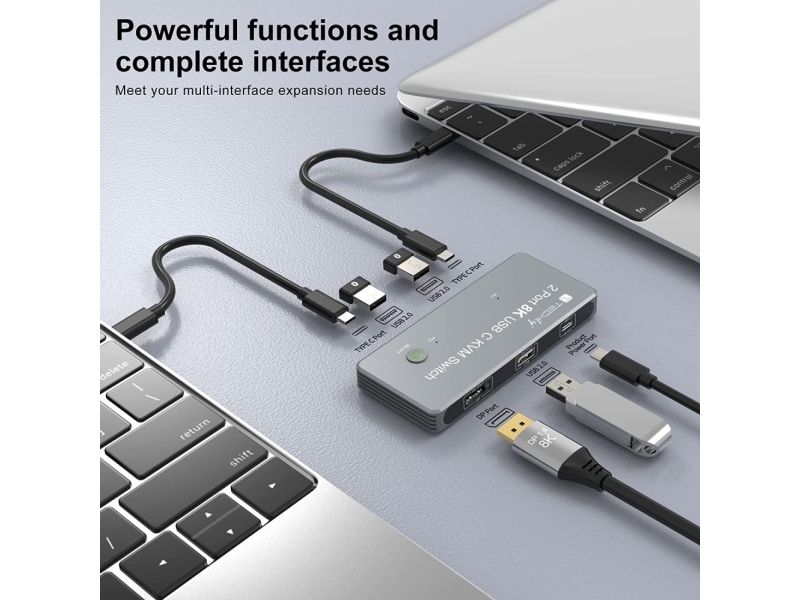
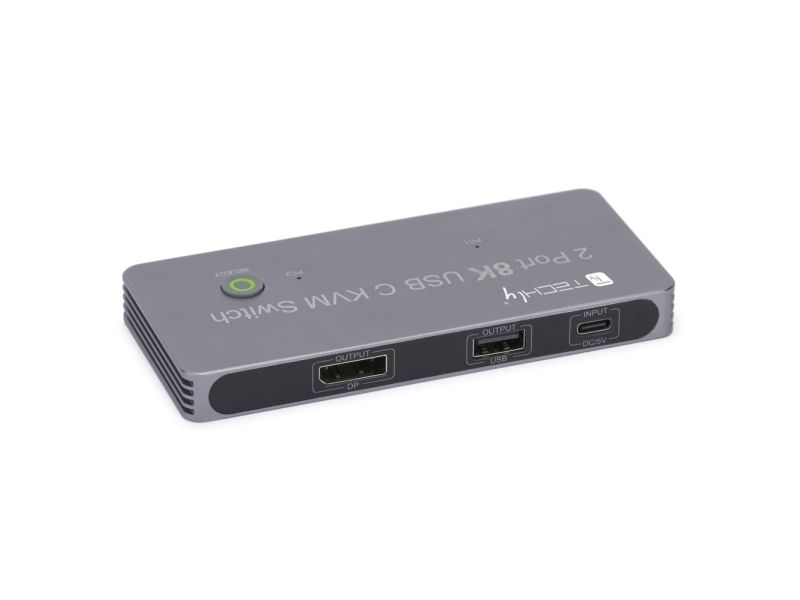
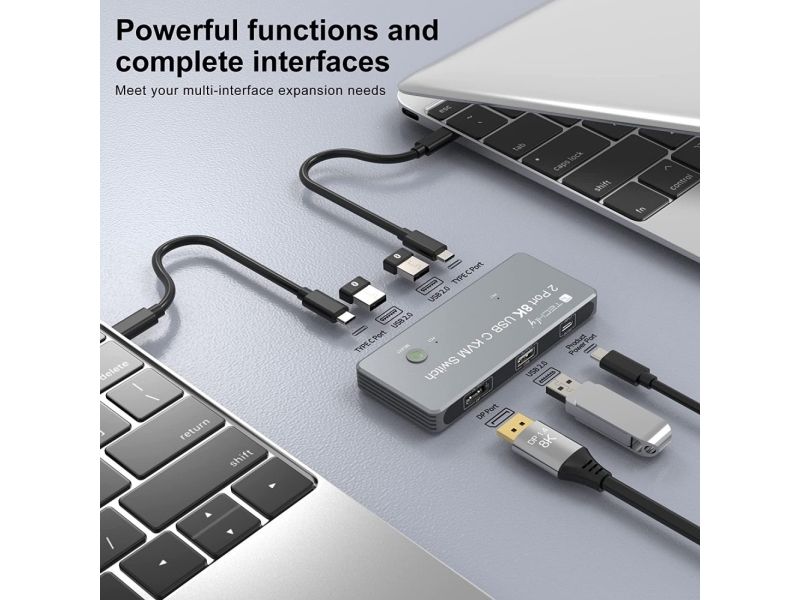
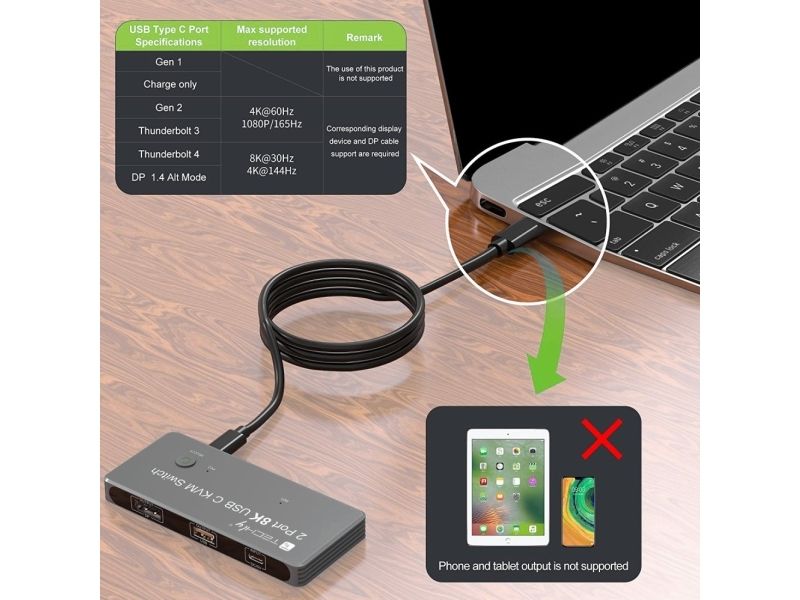
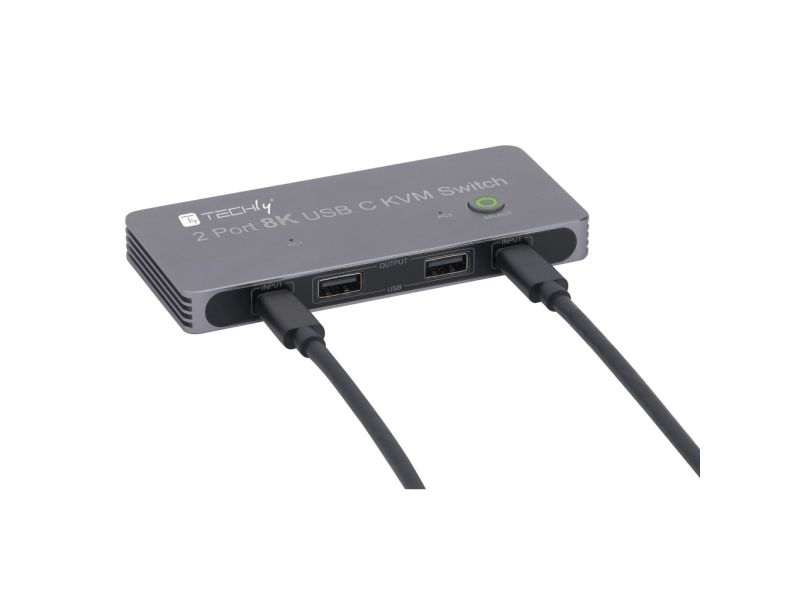
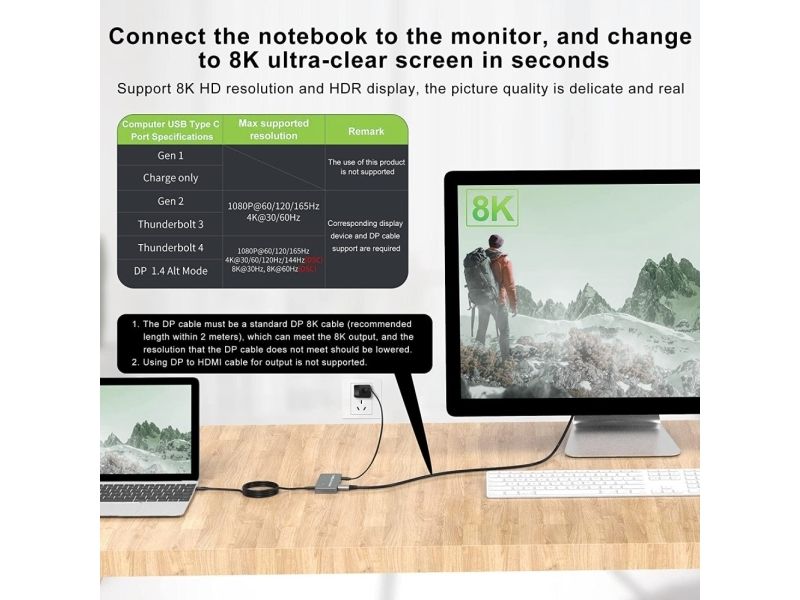
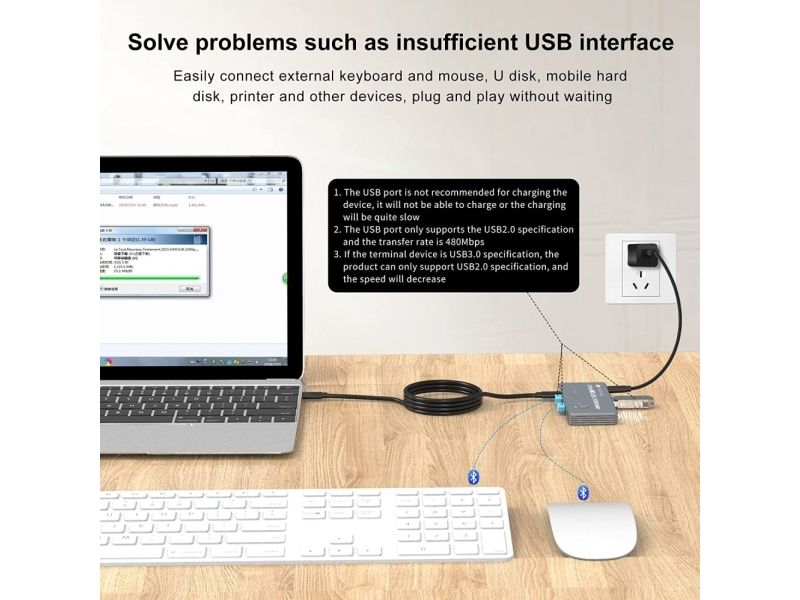
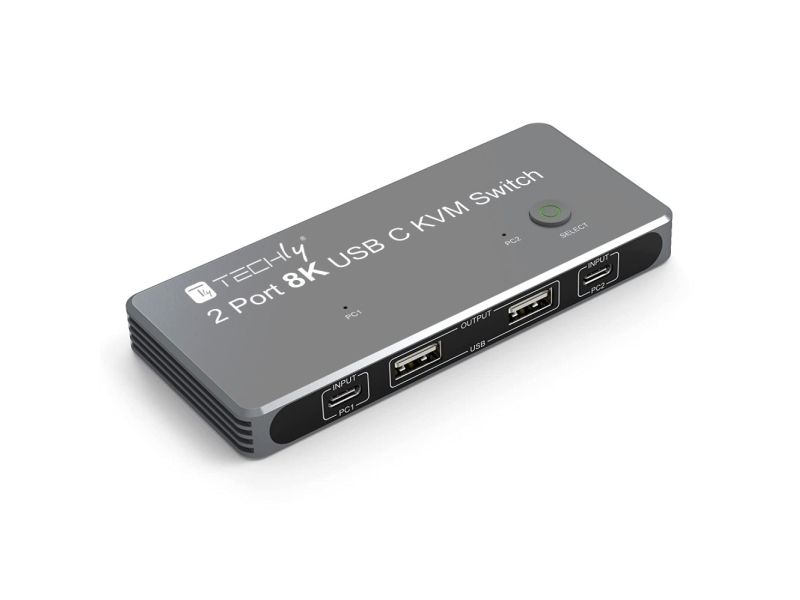
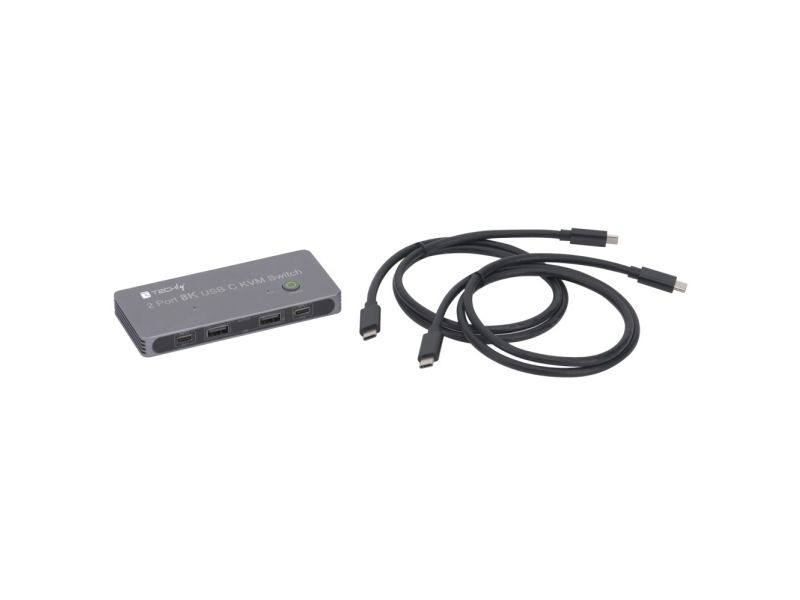
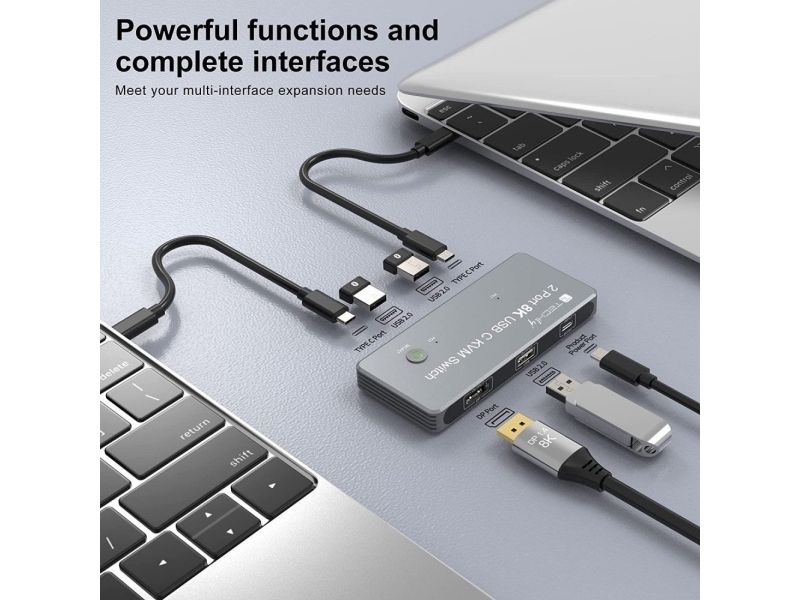
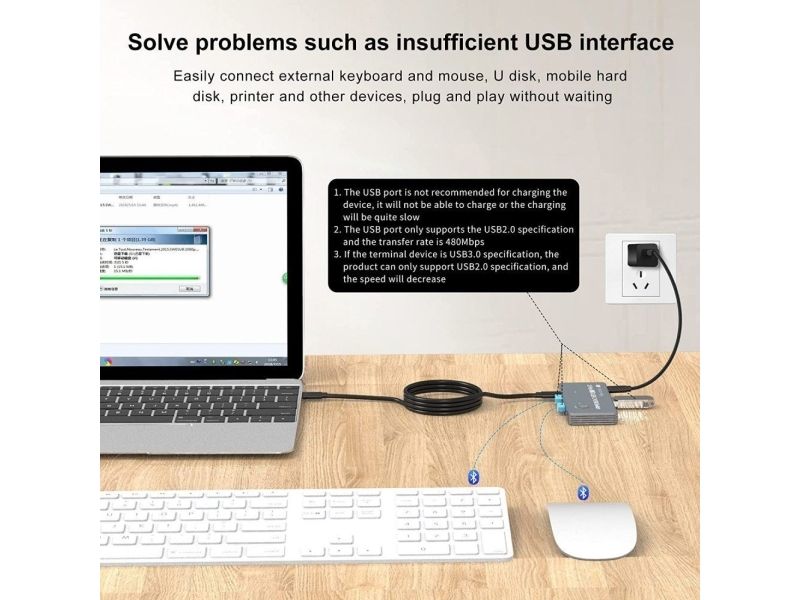
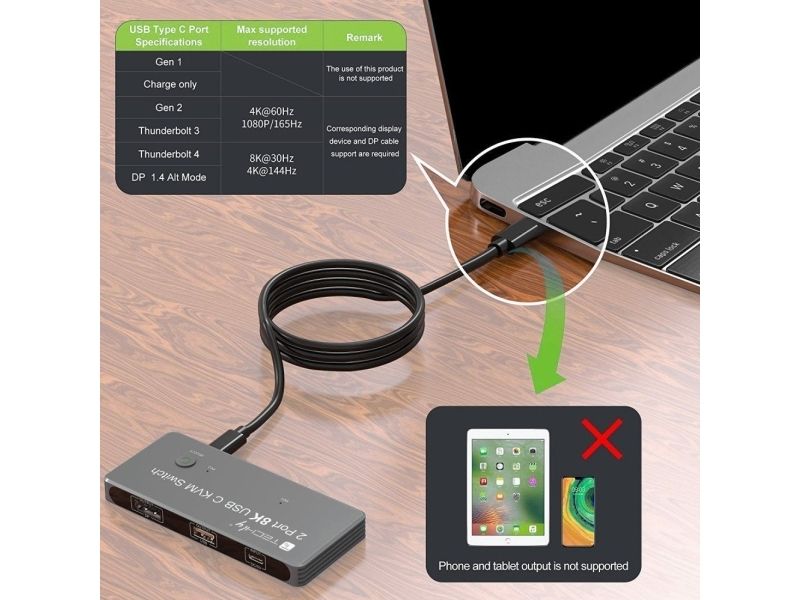
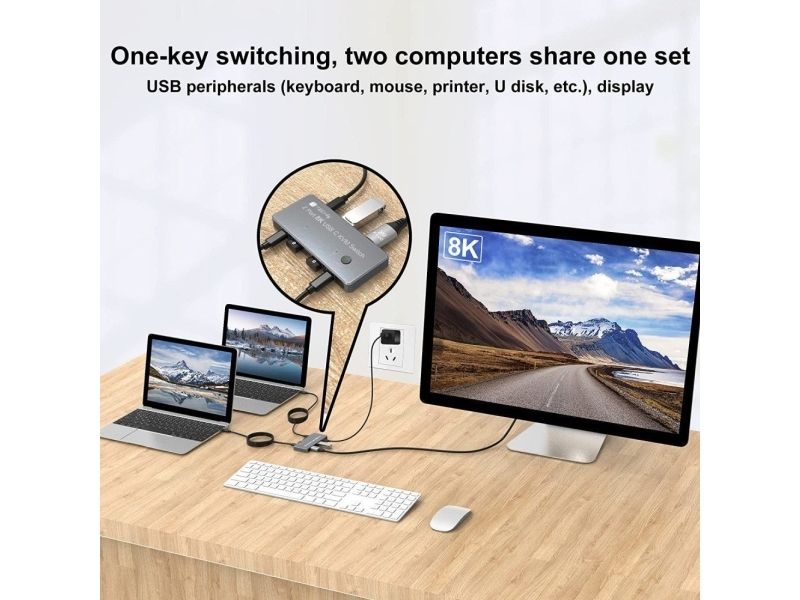
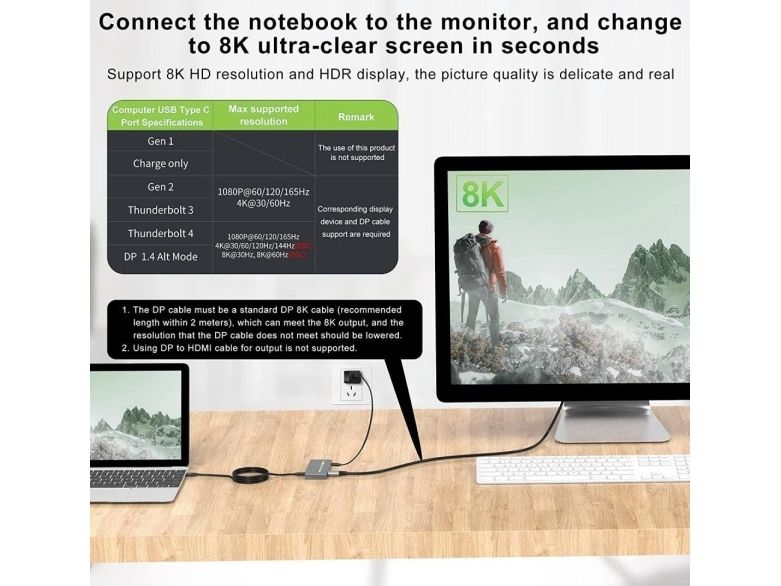
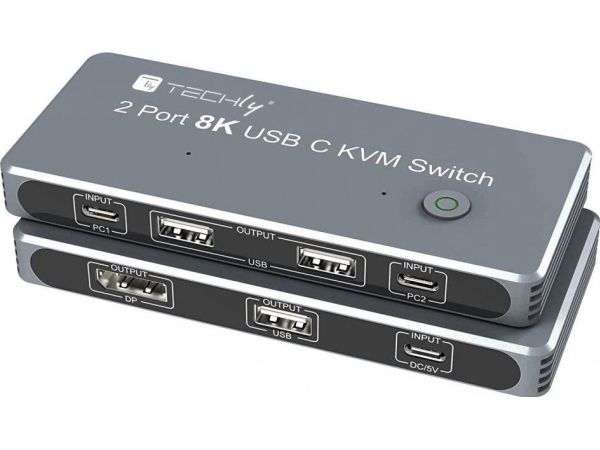
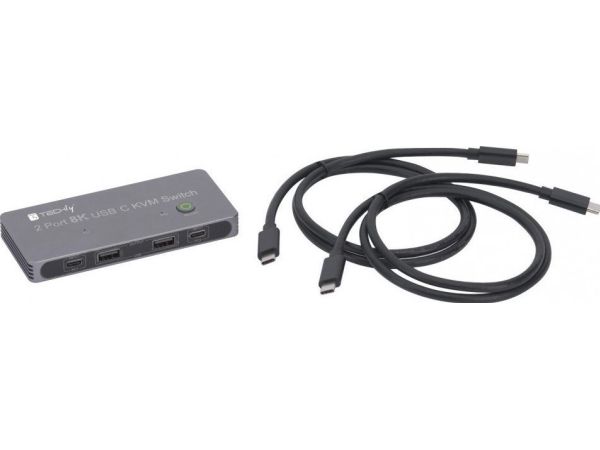
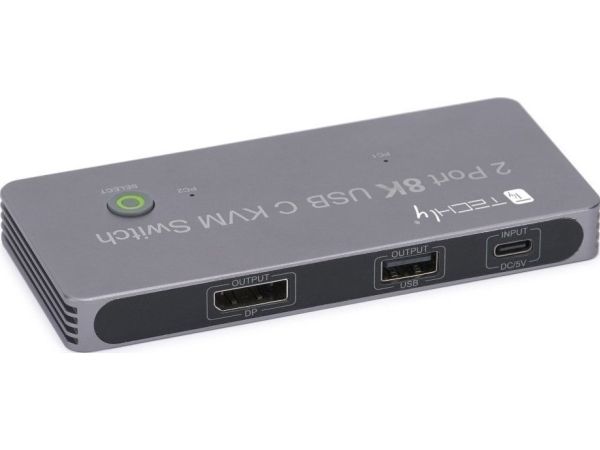
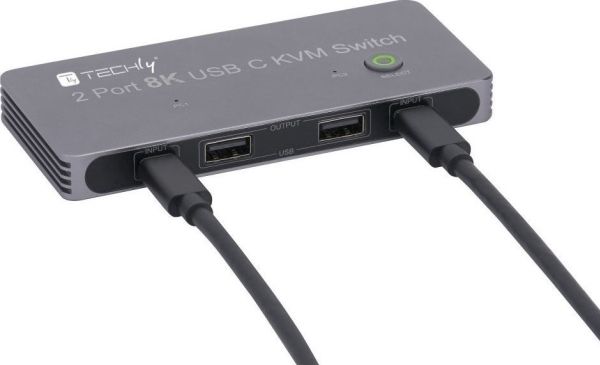
2xUSB-C 8K KVM Switch with one DisplayPort 1.4 Port for Video,with this 2 Port 8K KVM Switcher,you are able to connect from the switcher's two PC Input Port to your USB-C PC/Laptops via two standard USB-C Gen-2 Cable,then connect from the switcher's Standard DP 1.4 Port to your DisplayPort Monitors via your own displayport 8k Standard Cable,you can press the "select" button to switch between two of your PCs.Note:You must plug our USB C to USB A cable to power the switcher while working With 3xUSB2.0 Output Port,two Computers share one set,you can connect 3xUSB2.0 Output to your USB Mouse,Keyboard,Printer,Disks,or other usb devices,while you switch from one PC to another PC,Your USB device will be synced to your external display without pluging and unpluging the related USB device repeatedly.The USB Port supports the USB2.0 Specifications and the transfer rate is 480Mbps. DisplayPort 1.4 HDR Video Output,with this switch,you can max output 8K@60Hz 4K@144Hz resolution in your external DisplayPort Monitors,This requires that your USB-C pc and DisplayPort cable/Monitors should both supports the max resolution you would like to output,that is,your computer's USB-C port should be thunderbolt 4 and Monitor's DP Port should be DP1.4 Alternate Mode.If laptops with usb-c Gen-2 Port or Thunderbolt 3 Port,it can only max up to 4K@60Hz. This USB-C KVM switch equipped with two USB-C Gen-2 Cable as accessories to connect your USB-C Laptops,meanwhile,it includes a USB-A to USB-C Cabler for Power.With Multiple USB Ports,solved the problems of insufficient USB Interface,Two computers share one screen, and connect USB devices such as mouse and keyboard synchronously.Notes:The PC1 Input and PC2 Input only connect to your USB-C PC,these two ports are forbidden to connect to your USB-C Hub Widely used in many occasions:Our This USB-C Switch is easy to use and can be widely used in Studying, Entertainment, Work and other Occasions, ultra-High-Definition Smooth Video and Picture Quality Experience, Multi-source Switching, providing multiple possibilities for work and entertainment.
Anzahl der Computer
2
Tastatur Porttyp
USB
Maus-Porttyp
USB
Video Porttyp
DisplayPort
Konsolenanschluss
USB C
Anzahl DisplayPort Anschlüsse
1
DisplayPorts-Version
1.4
Anzahl USB 2.0 Typ-C Anschlüsse
3
Anzahl der USB-Anschlüsse an der Konsole
2
Anzahl USB 2.0 Anschlüsse
3
Gleichstrom-Anschluss (DC)
Ja
HD-Typ
8K Ultra HD
Videobandbreite
165 Hz
Rack-Einbau
Nein
Produktfarbe
Grau
Energiequelle
USB
Konformitätsbescheinigungen
CE, RoHS, REACH
Gewicht
242 g
Mitgelieferte Kabel
USB Typ-C auf USB Typ-C
Anzahl Produkte pro Versandkarton
30 Stück(e)
Audio-Unterstützung
Ja
Das Produkt hat folgende Artikelnummer in unserem System
EAN:
8059018365528
SKU:
IDATA KVM-DPC8K
SKU:
TEC-365528
Warum ist ein und dasselbe Produkt unter verschiedenen Artikelnummern erhältlich?
Hersteller bringen oft dasselbe Produkt unter verschiedenen Artikelnummern auf den Markt, in der Regel handelt es sich dabei nur um unterschiedliche Versionen der Verpackung. Die Verpackung kann zum Beispiel für verschiedene Länder bestimmt sein.
Wir versuchen unser Bestes, um die Produkte zu vereinheitlichen, aber es kann vorkommen, dass dasselbe Produkt unter verschiedenen Artikelnummern in unserem System erscheint.