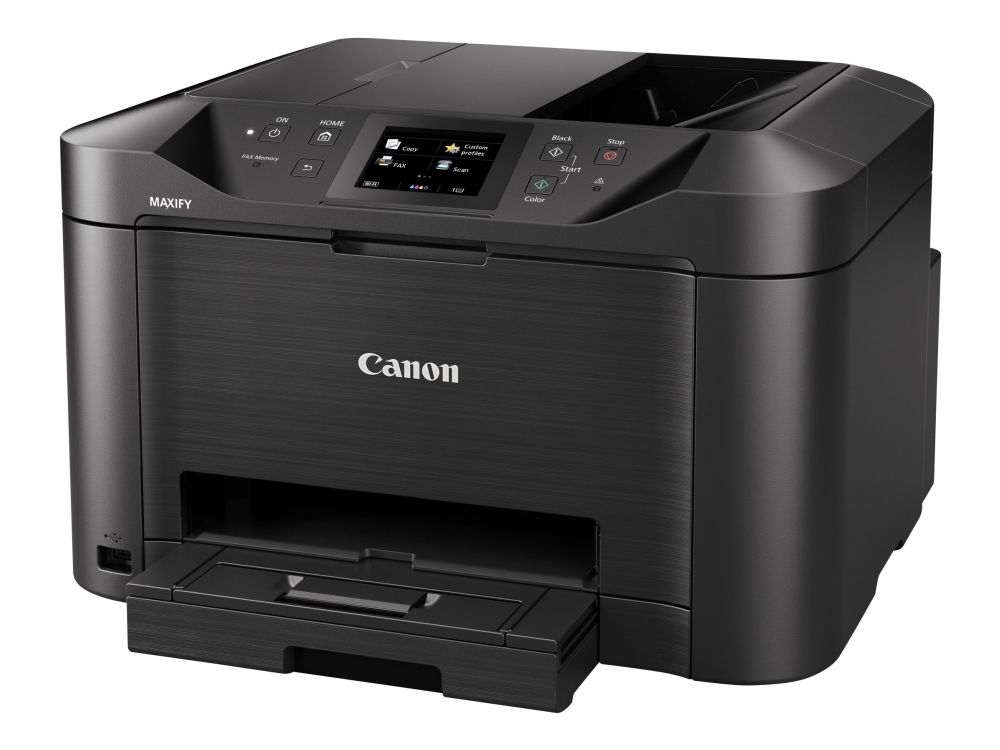
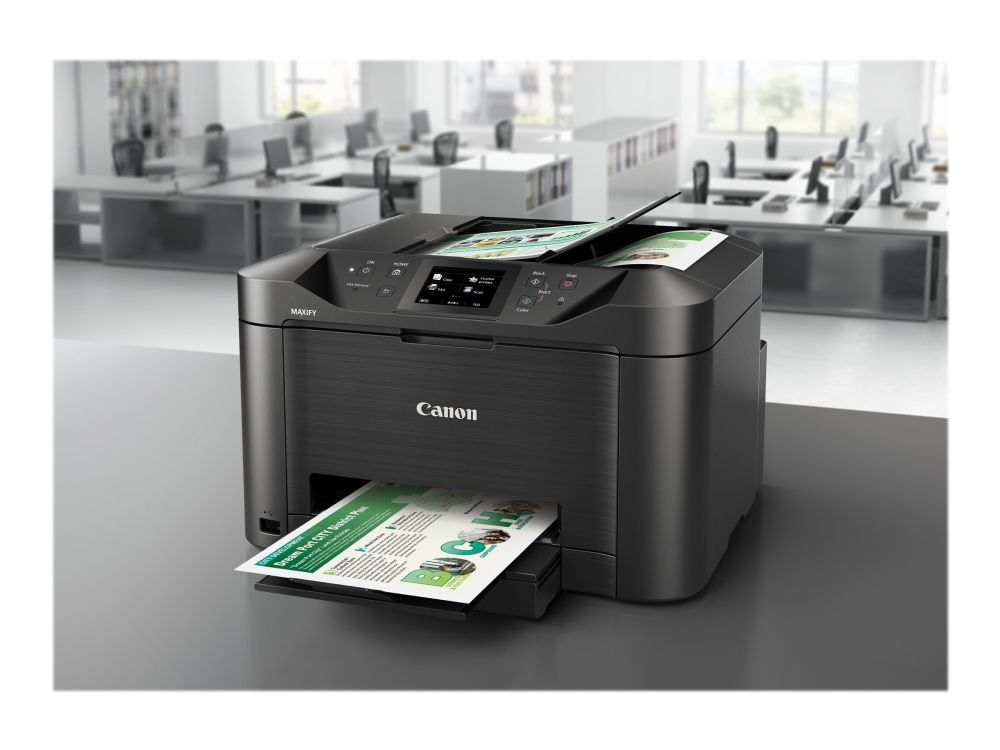
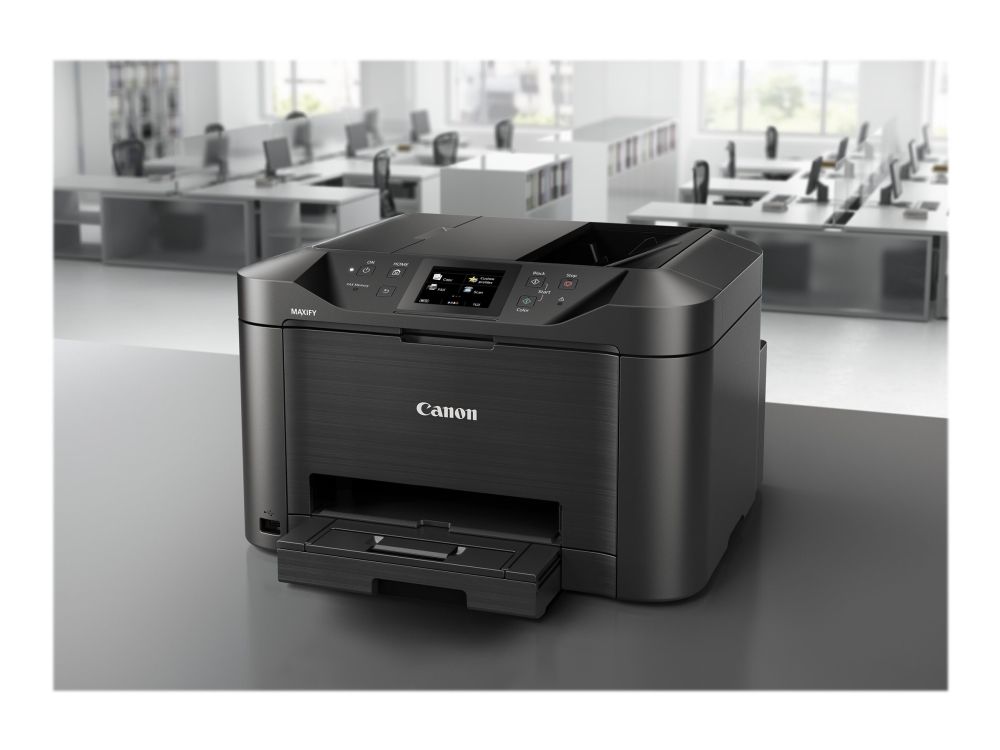
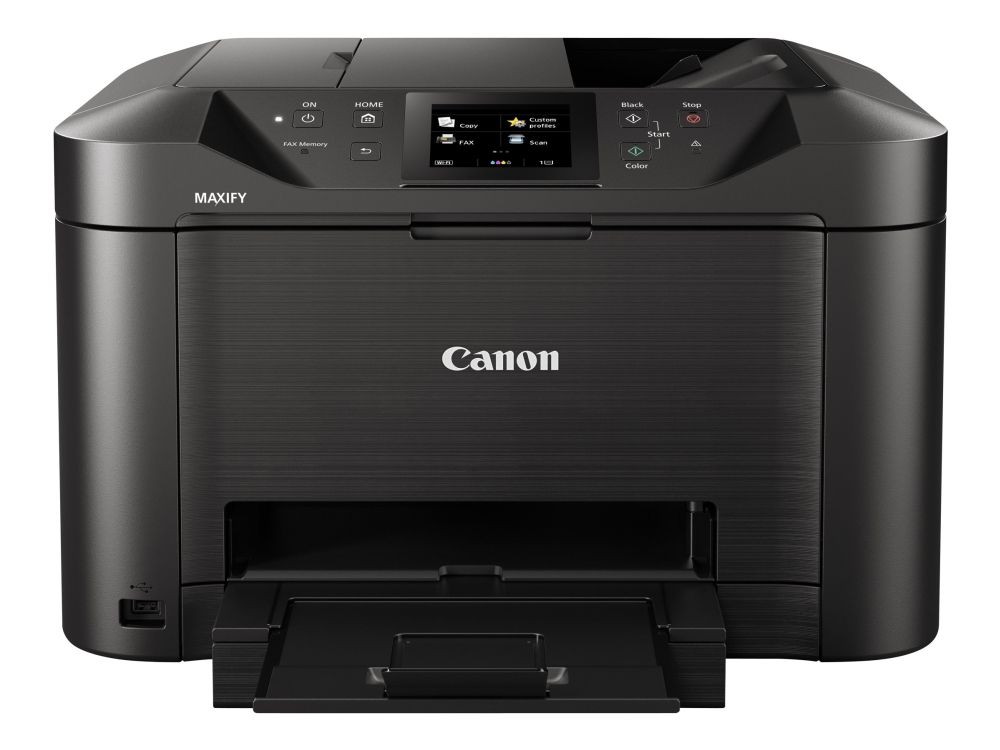
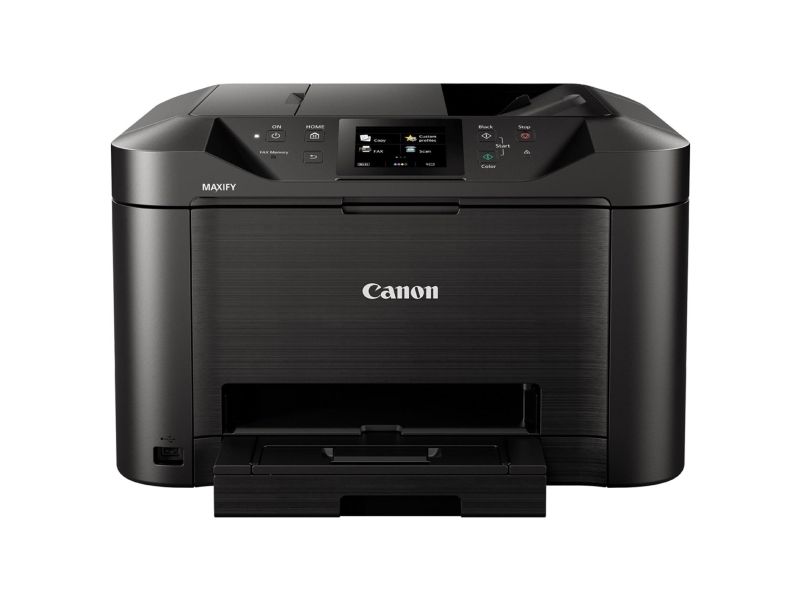
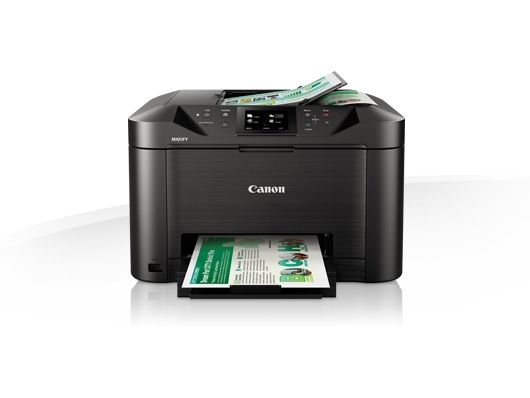
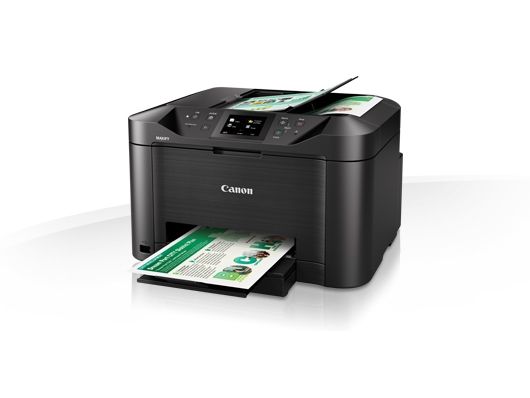
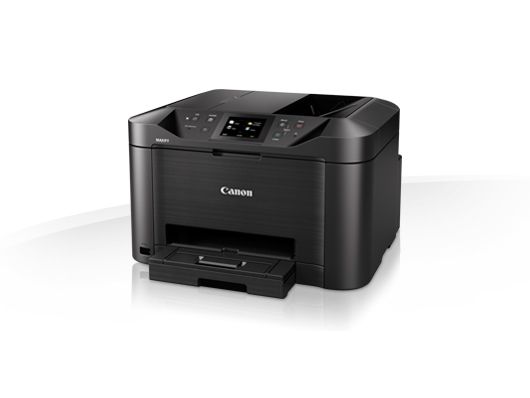
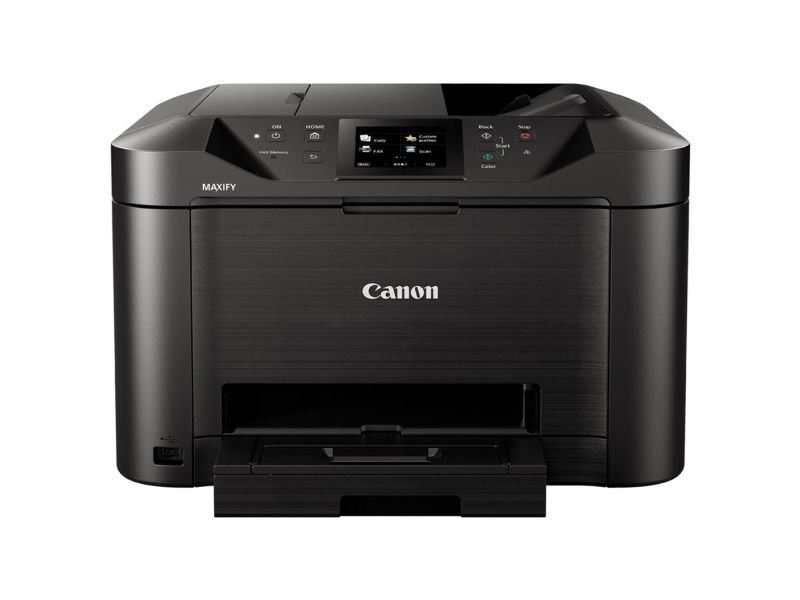
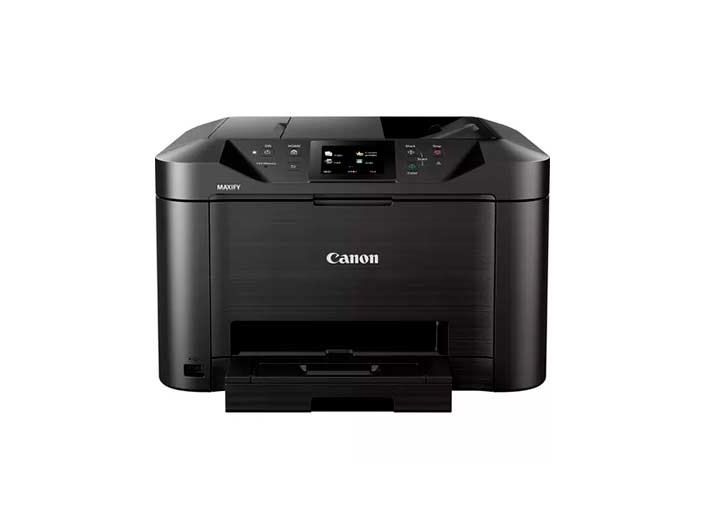
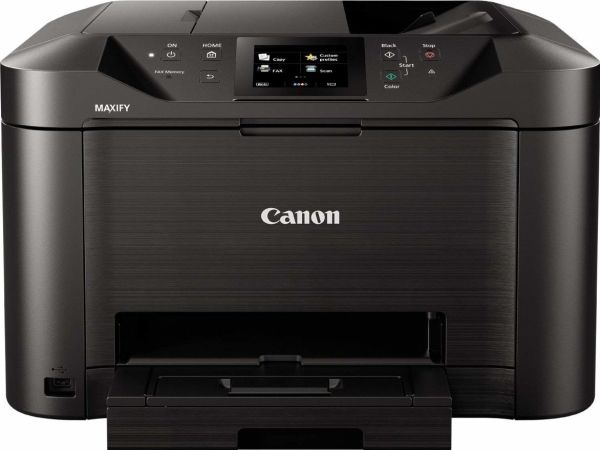
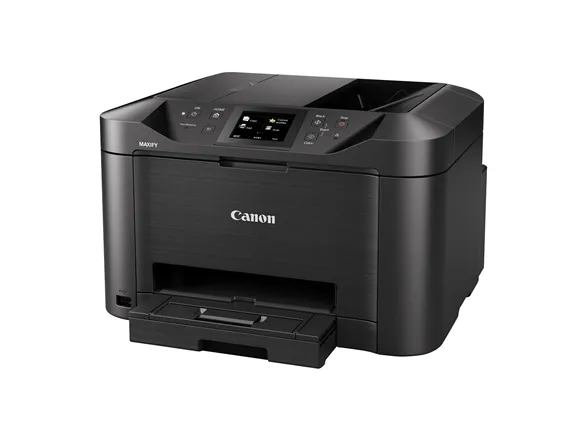
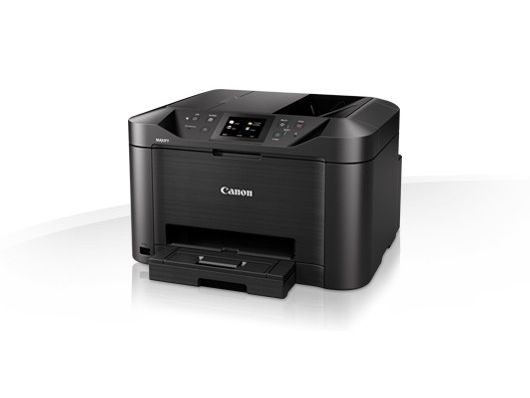
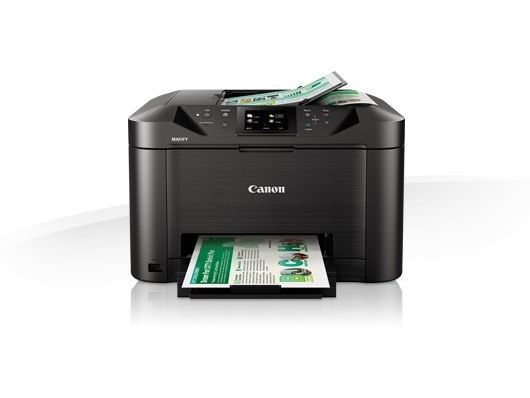
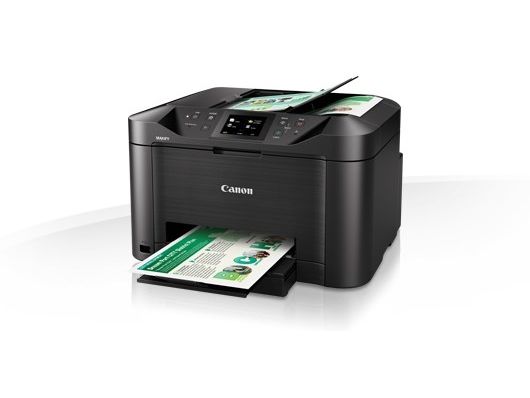
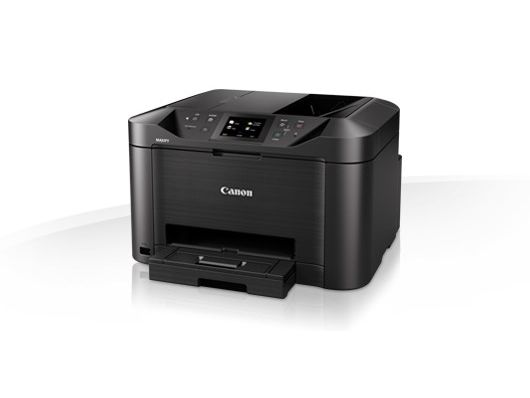
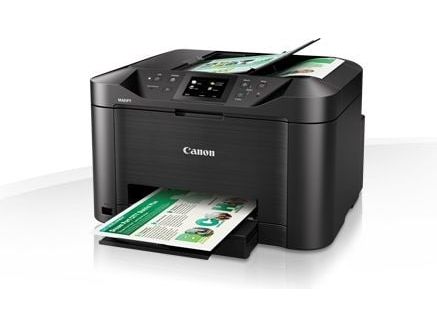
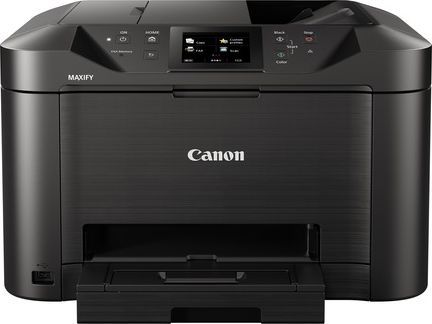
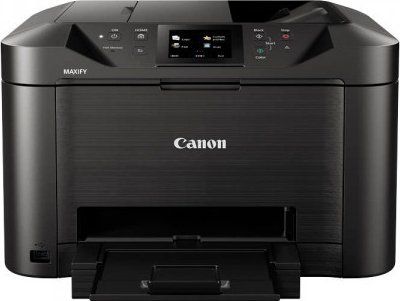
Canon MAXIFY MB5150, Tintenstrahl, Farbdruck, 600 x 1200 DPI, Farbkopieren, A4, Schwarz
FBAC4895-B52C-4E03-B099-A6A8F8B8017B Created with sketchtool. 706D6907-81E1-46A2-B8F9-7B702A1EF2C7 Created with sketchtool. 6A870209-E7F5-44F5-A66F-09E20C85A0DC Created with sketchtool. 0BB04D6C-A9AB-4913-BF4F-5A23954E68E1 Created with sketchtool. 501E26C7-66C1-4DAA-B740-6CFAF55A1B39 Created with sketchtool. C105F7D3-D5EE-43C9-9EE8-05CC42B296D4 Created with sketchtool. D94689D8-7CBB-41C8-AC06-F79D81FF82D5 Created with sketchtool. DA4C7ED9-2512-4D52-94F0-92800F2A6E04 Created with sketchtool. 42E133FD-828F-4CF4-A0BF-560014487A57 Created with sketchtool. F52D9745-4BFD-4506-BEEF-630FD09EF2D9 Created with sketchtool.
Externen Lager (4-5 Werktage)
Das Produkt befindet sich in einem externen Lager. Die Lieferfrist: ca. 4-5 Werktage. Mehr Info
Versandoptionen  - Wird im Checkout ausgewählt
Versand mit DHL zur Adresse
9,52
Versand mit DHL - PaketShop
5,70
Versand mit GLS zur Adresse
11,42
Versand mit GLS - PaketShop
9,52
EUR 194,38
ex. MwSt. 163,34
Gesamtbetrag inkl. Versand. 200,08

Brauchen Sie ein Ersatzteil für Ihren Drucker oder Scanner?

Unser Konfigurator zeigt genau die passenden Teile für 0960C009AA - Fixiereinheiten, Walzen, Papierkassetten, Druckköpfe und vieles mehr.

Ersatzteile für Ihr Modell finden

  • Teile für dieses Modell auf Lager
  • Lieferung in 1-2 Werktagen
  • Original- und kompatible Teile
MAXIFY MB5150 Series
A heavy-duty multifunction colour inkjet printer, scanner, copier and fax, with support for mobile devices and cloud services, fast 24 ipm mono print speed and easy network integration.

Benefits
- Fast productivity at 24 ipm mono, 15.5 ipm colour
- Wireless printing for smartphones and tablets
- Cloud connectivity: scan to cloud or email
- High ink yields: 2,500 mono/1,500 colour pages
- Large 250-sheet capacity and 50-sheet D-ADF

Small office, huge productivity

A fully featured printer, scanner, copier and fax designed for smaller offices that still need great mono and colour print quality while being economical to run. Marker- and friction-resistant DRHD Pigment inks produce strong blacks, deep colours and crisp text. The Canon MAXIFY MB5150 Series prints A4 at an ultra-fast 24 ipm in mono and 15.5 ipm in colour, plus a first page out time (FPOT) is just 6 seconds, while single pass two-sided scanning means you can scan faster than ever.

Superb print economy

From its low energy consumption of just 0.2kWh (TEC) to the individually replaceable colour cartridges, economy is a priority. Black cartridges provide an ISO yield of 2,500 pages and colour cartridges 1,500 pages, letting your office work with fewer interruptions. The optional 4-colour multipack offers even more cost-effective printing.

Increased productivity and ease of use

Printing, copying, scanning or faxing is simple, with the Canon MAXIFY MB5150 Series’ large 8.8 cm (3.5”) TFT colour touchscreen and improved user interface. In addition to its high-capacity 250-sheet feeder and 50-sheet automatic document feeder, the printer’s double-sided printing and support for a variety of paper sizes and types – from A4 plain paper, to labels, envelopes, photo paper and even two-sided ID card copying – make light work of common office print jobs.

Mobile-ready, cloud-ready, work-ready

Support for Google Cloud Print, Apple AirPrint (iOS), Mopria and the Canon PRINT app provide quick and simple printing and scanning from mobile devices. You can print from the cloud and even scan and save documents to popular cloud services, including Google Drive, Dropbox, Evernote, OneNote, OneDrive and Concur. Access Point mode means mobile device users can connect to the printer without a Wi-Fi network.

Comprehensive monitoring and maintenance capabilities

IP address filtering means only a select number of users can be given access, while SMTP email support allows secure scan-to-email. System administrators can quickly and easily configure the printer and restrict certain operations, such as scan-to-USB.

Effortless network integration

Simple Network Management Protocol (SNMP) compatibility makes it easy to integrate the printer into an existing office network. The SNMP standard enables a range of maintenance monitoring functions, including ink levels, error status, and page count.