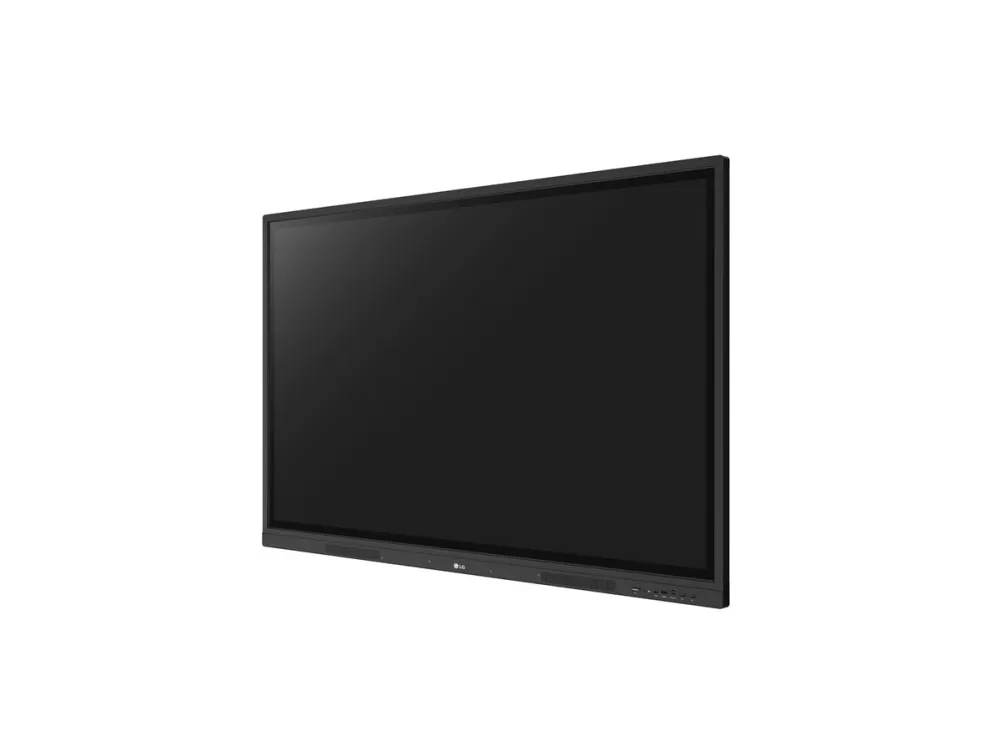
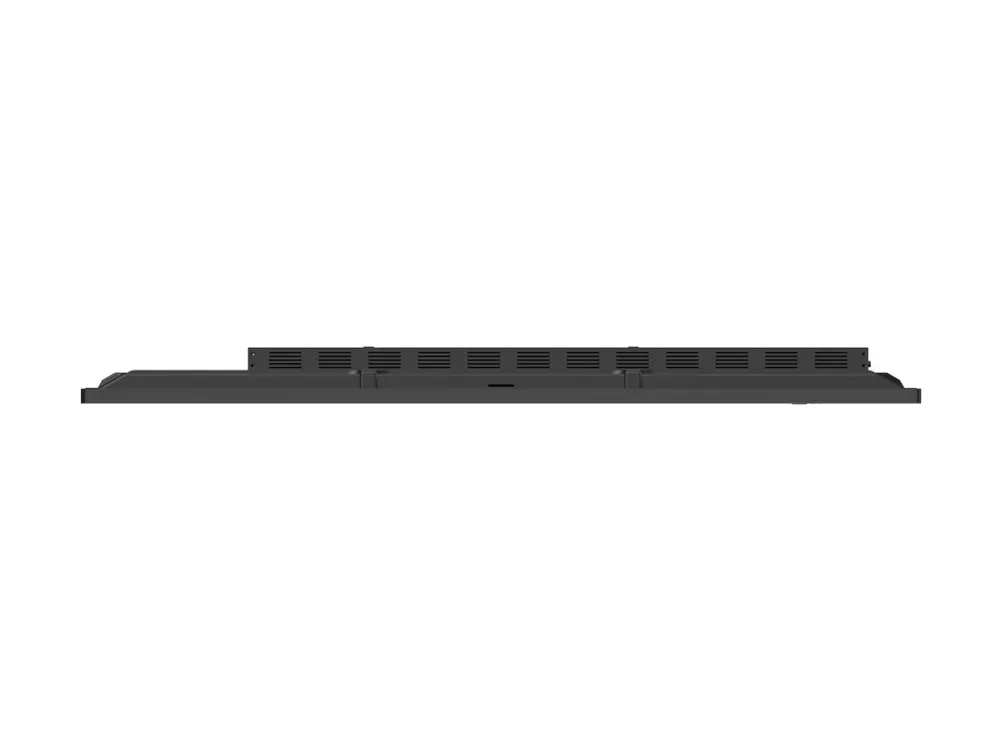
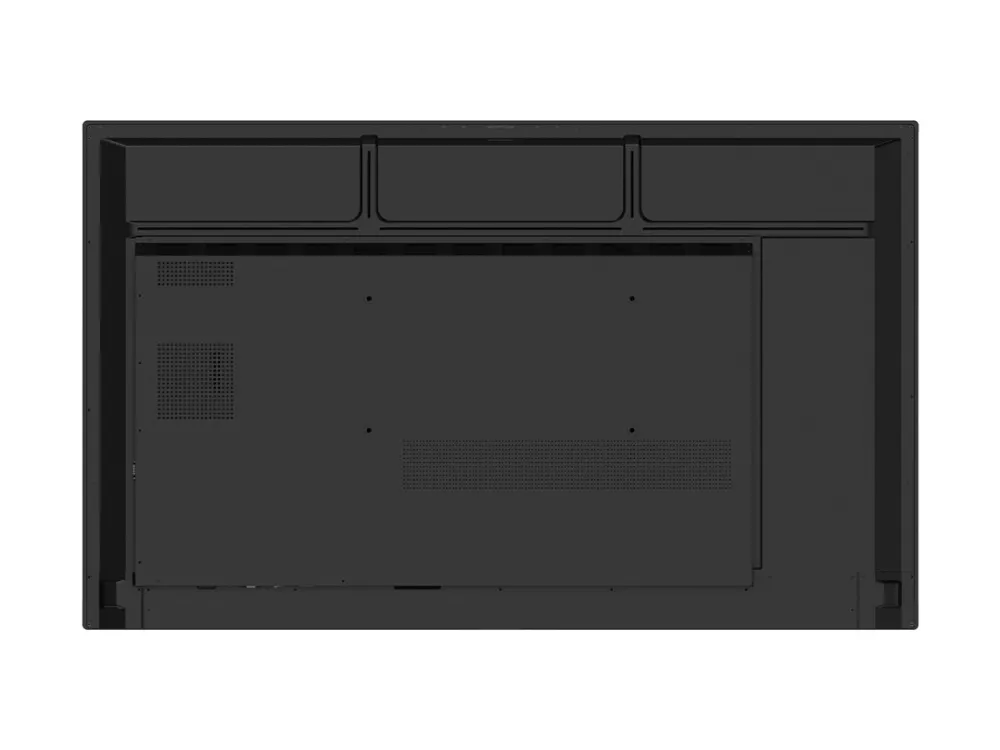
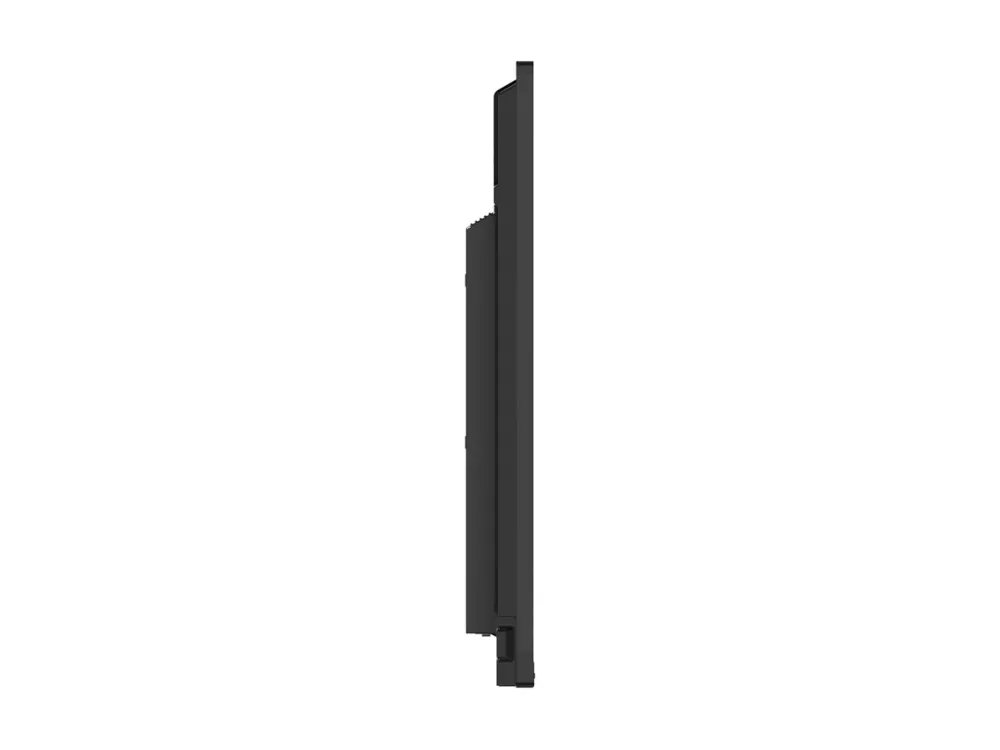
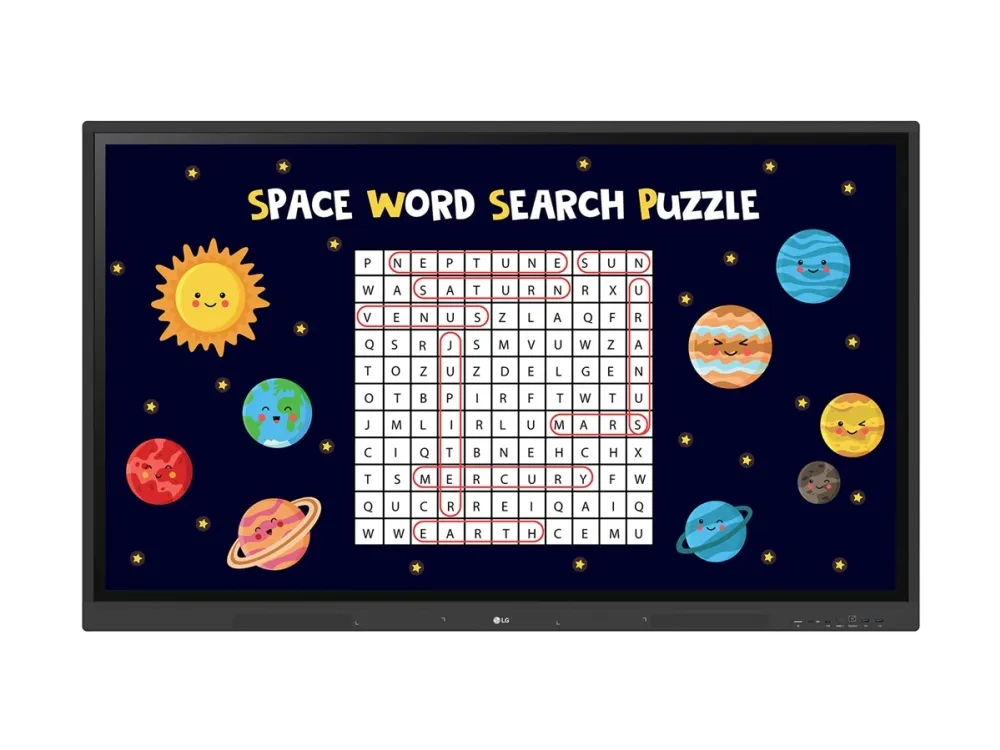
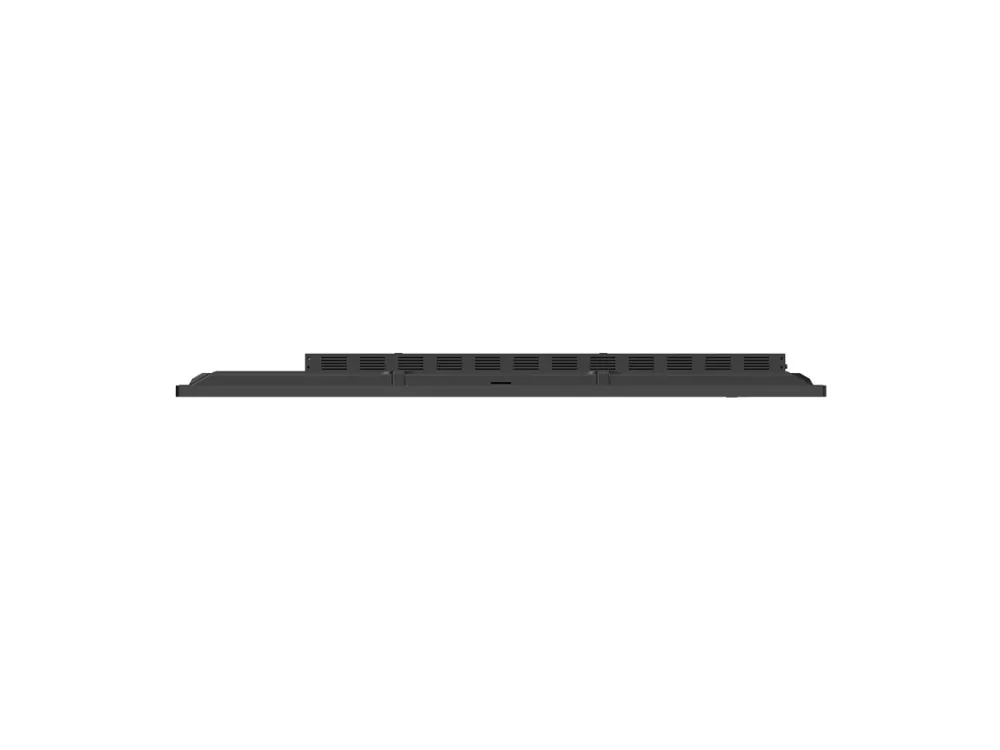
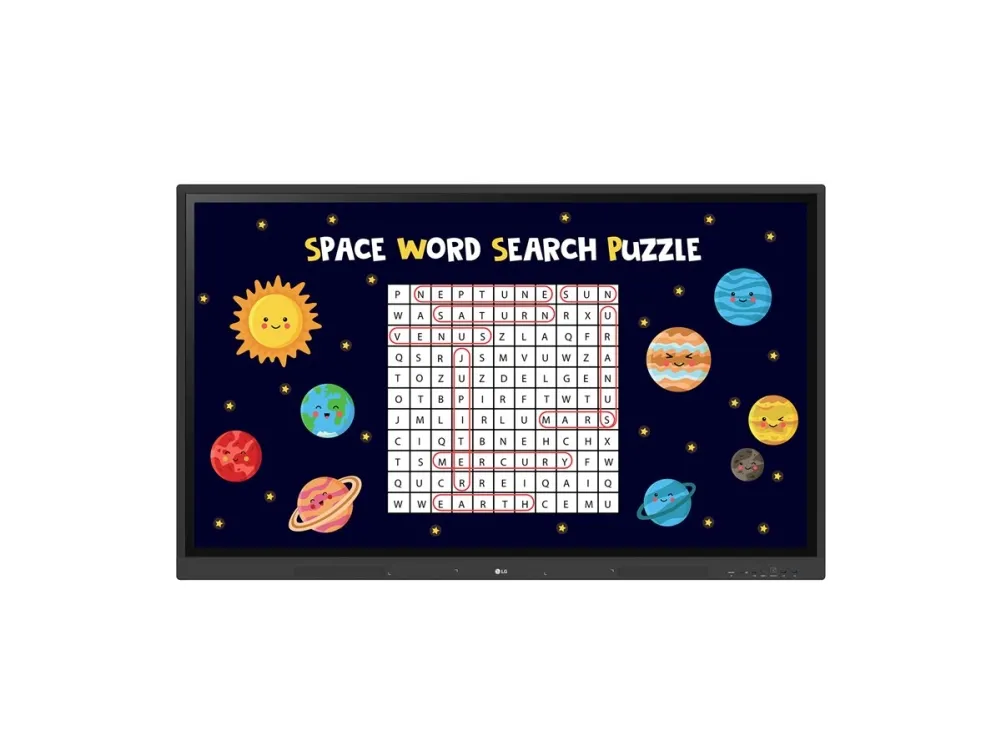
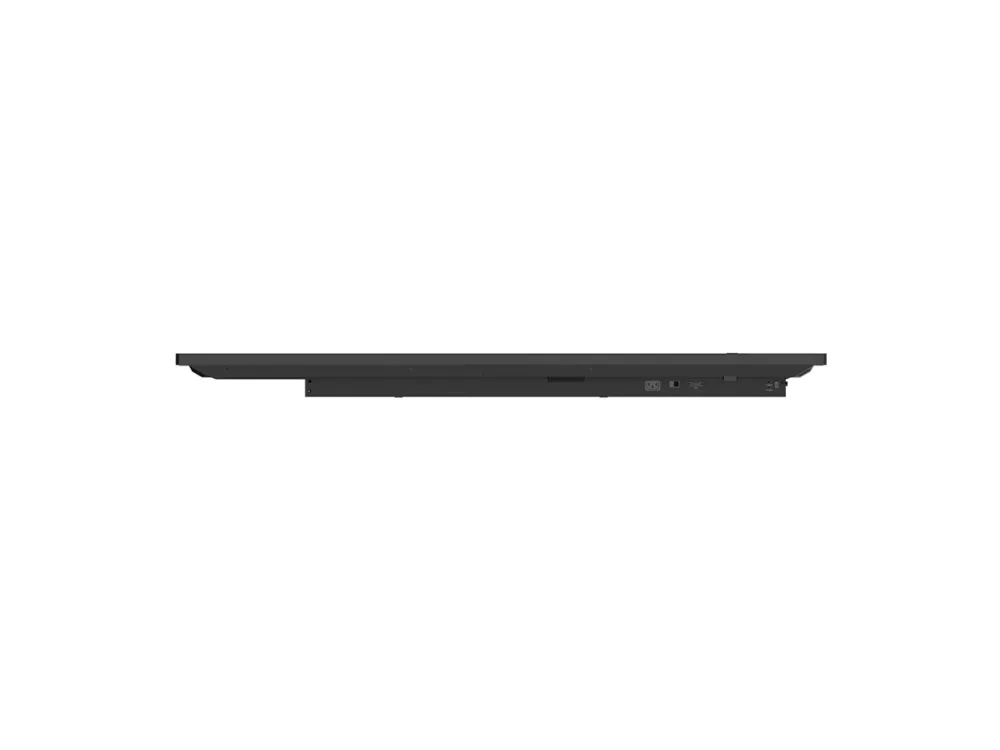
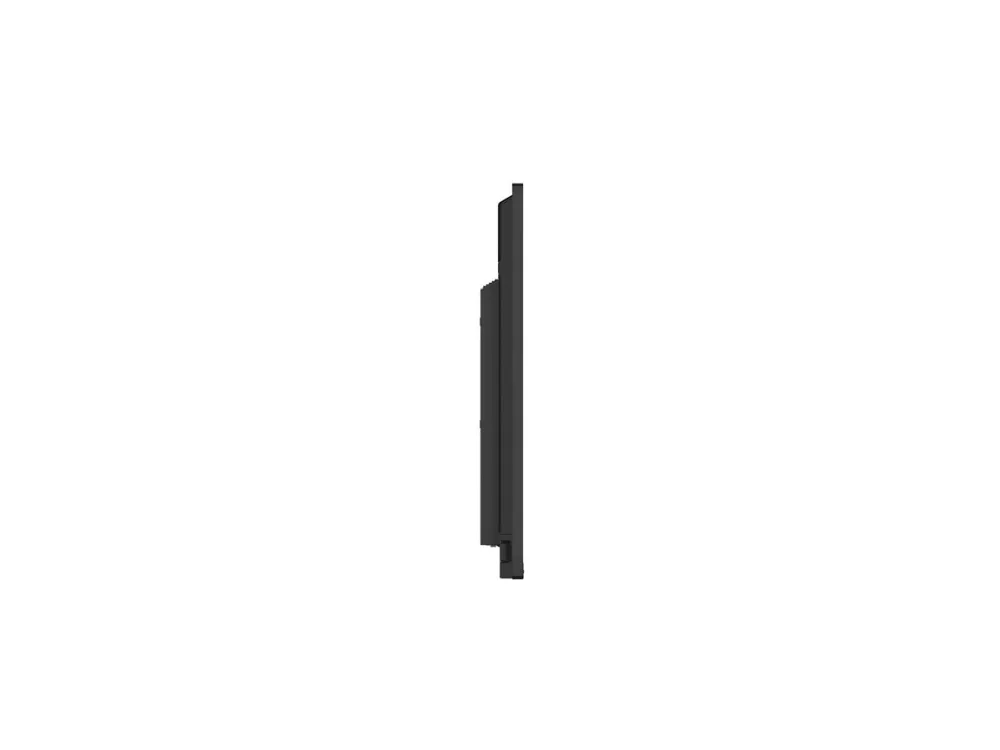
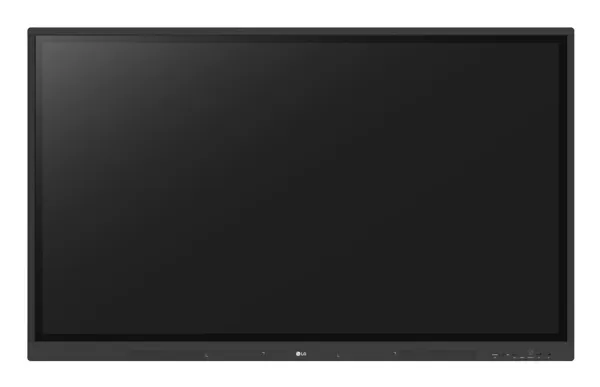
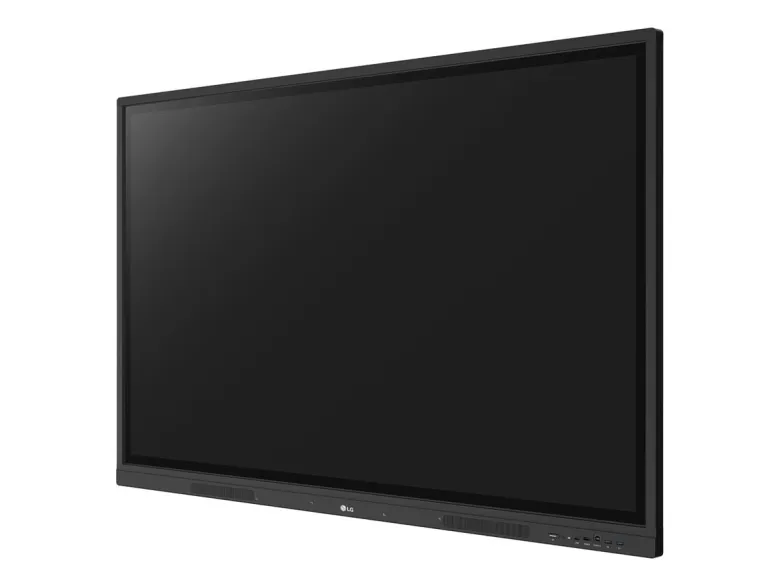
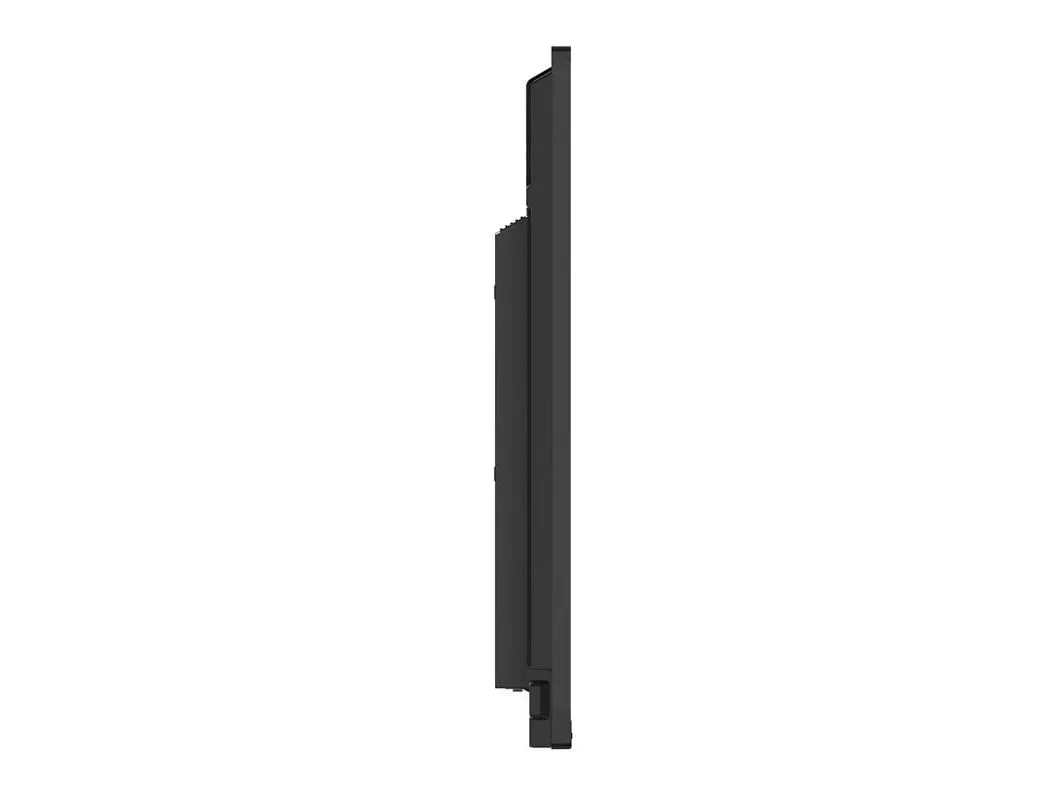
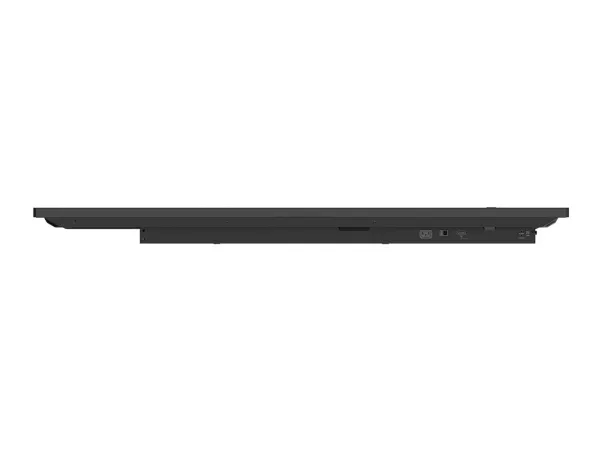
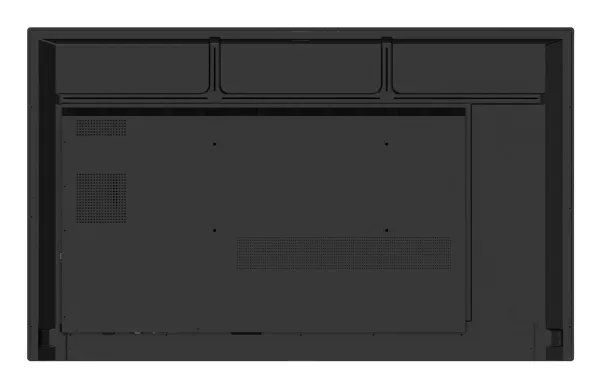
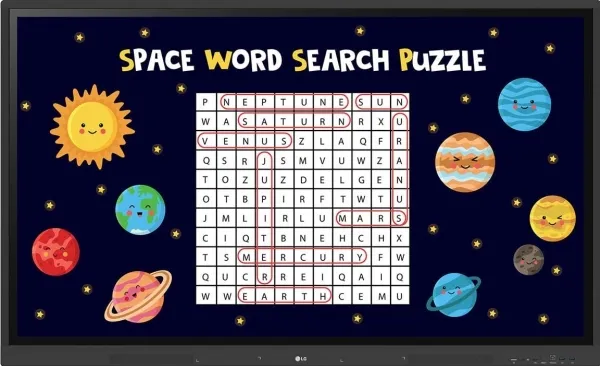
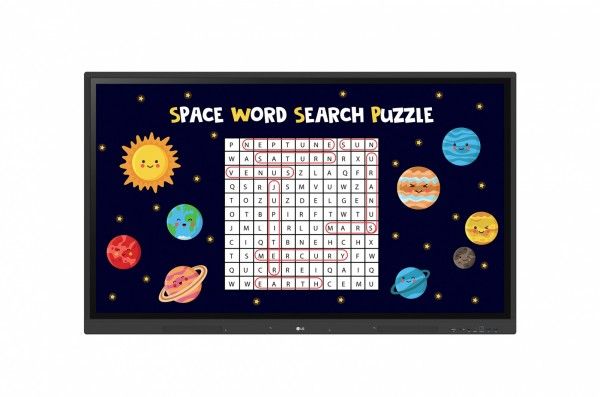
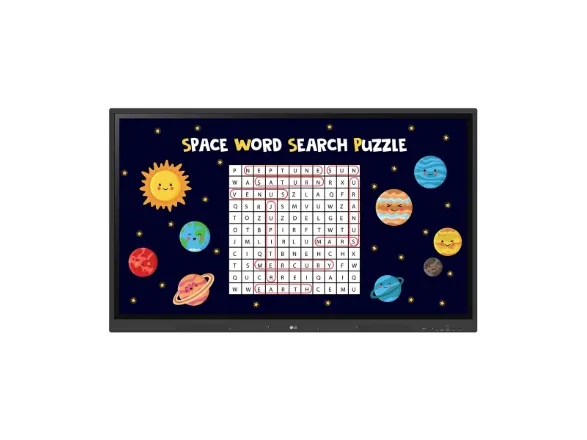
LG CreateBoard, 190,5 cm (75"), 440 cd/m², 3840 x 2160 Pixel, 4K Ultra HD, IPS, Direct-LED
Artikelnummer: [20986356] | Produzent: LG Electronics | Modell nummer: 75TR3DK-BM | EAN: 8806084704184
Externen Lager (5-6 Werktage)
Das Produkt befindet sich in einem externen Lager. Die Lieferfrist: ca. 5-6 Werktage. Mehr Info
Versandoptionen - Wird im Checkout ausgewählt
Palettenlieferung bis Bordsteinkante (8:00-16:00 Uhr an Wochentagen) - Tägliche Versandfrist um 14:00
150,00
EUR
3.813,99
ex. MwSt. 3.205,03
Gesamtbetrag inkl. Versand.
3.963,99
Die Funktion setzt voraus, dass Sie angemeldet sind. Erstellen Sie einen Nutzer und verwenden Sie unser intelligentes Listensystem, um zukünftige Einkäufe, regelmäßige Einkäufe oder Wunschlisten zu verfolgen. Jetzt registrieren Anmelden
Send på mail
Brauchen Sie ein Ersatzteil für Ihren Monitor oder Projektor?
Unser Konfigurator zeigt genau die passenden Teile für 75TR3DK-BM - Lampen, Standfüße, Netzteile, Filter und vieles mehr.
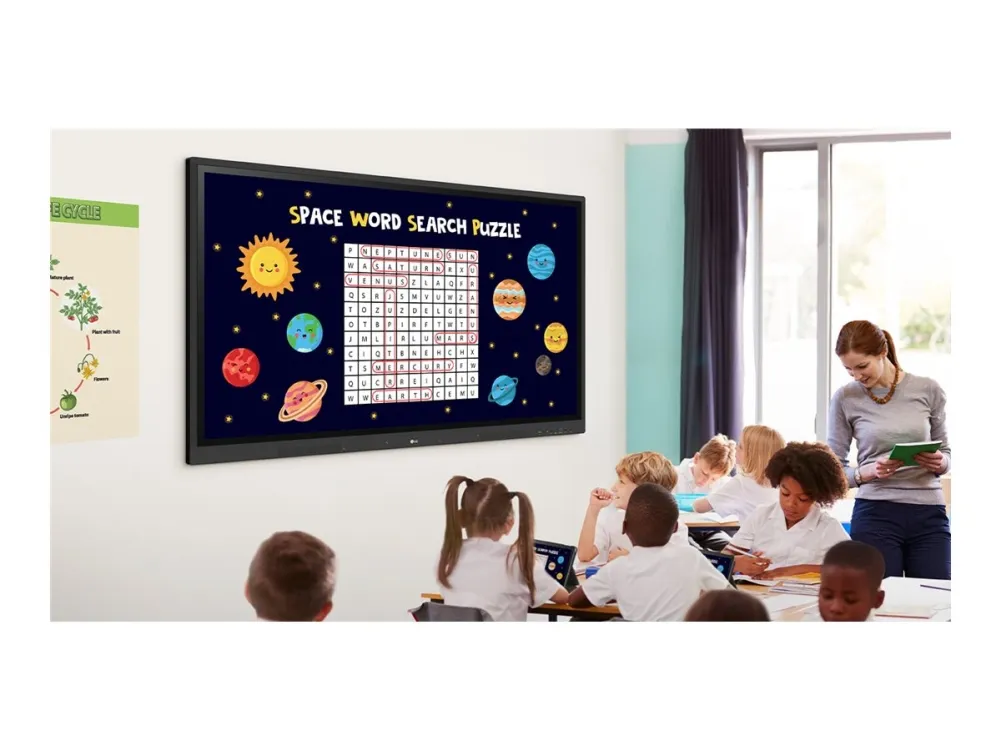
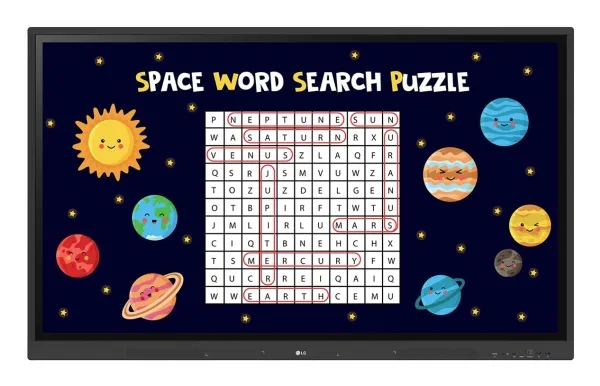
A New Level of Classroom with LG CreateBoard Various Teaching Templates LG CreateBoard offers a variety of educational templates and teaching tools such as a ruler, table, and sticky notes, allowing for active engagement by students and enabling intuitive classes. Editing images and videos becomes easy with LG CreateBoard, and created resources can be easily shared with others through QR codes.
Multi-touch LG CreateBoard can simultaneously detect up to 40 points for multi-touch functionality. This creates a lifelike board touch experience, helping students easily become accustomed and truly engage in classes. This leads to the maximum concentration and organic engagement of students.
Easy to Save / Import / Export LG CreateBoard includes simple import and export functionality. Resources can be saved and imported directly to and from Google Drive or OneDrive, and files can be imported from a USB drive (Users can browse resources saved on USB storage).
Wireless ScreenShare LG CreateBoard Share enables users to show up to 9 shared screens or a file on a screen in real-time when the LG CreateBoard Share app is installed on the device. Also, files from the host can be easily sent to any devices connected to the LG CreateBoard Share app, and several quick controls by the host are available.
LG ConnectedCare DMS LG ConnectedCare DMS is a cloud solution for remotely monitoring, controlling, and managing the status of LG CreateBoard installed in educational environments. This feature enables IT managers to operate and manage important resources on operating devices without physically visiting sites.
Remote-control / Scheduling Frequently used controls such as the power on/off, scheduling, brightness, and screen lock functions can be applied using a remote control.
Broadcasting / Alert Messaging Messages and a range of other content can be sent from the main system to individual classroom devices connected to LG ConnectedCare DMS. In case of urgent occasions such as a fire or a natural disaster, alert messages can be distributed manually across the system, which help teachers and students promptly take safety action.
Threshold Settings Users can set thresholds in eight categories including display temperature, memory usage, or signal, and can receive warning or error notifications based on their threshold settings.
Monitoring & Fault Diagnosis An engineer can check the status in real-time and diagnose problems remotely. Also, the current status of issues can be categorized, allowing for easy viewing and quick responses.
Issue Management Remote issue management can be carried out by the LG ConnectedCare DMS solution. This makes management safer and more efficient, facilitating the stable operation of the classroom.
Bluetooth Connectivity LG CreateBoard supports wireless Bluetooth connections to various devices such as a speaker, mouse, keyboard, etc. This is optimal for building a hybrid environment so that online and offline classes can proceed smoothly.
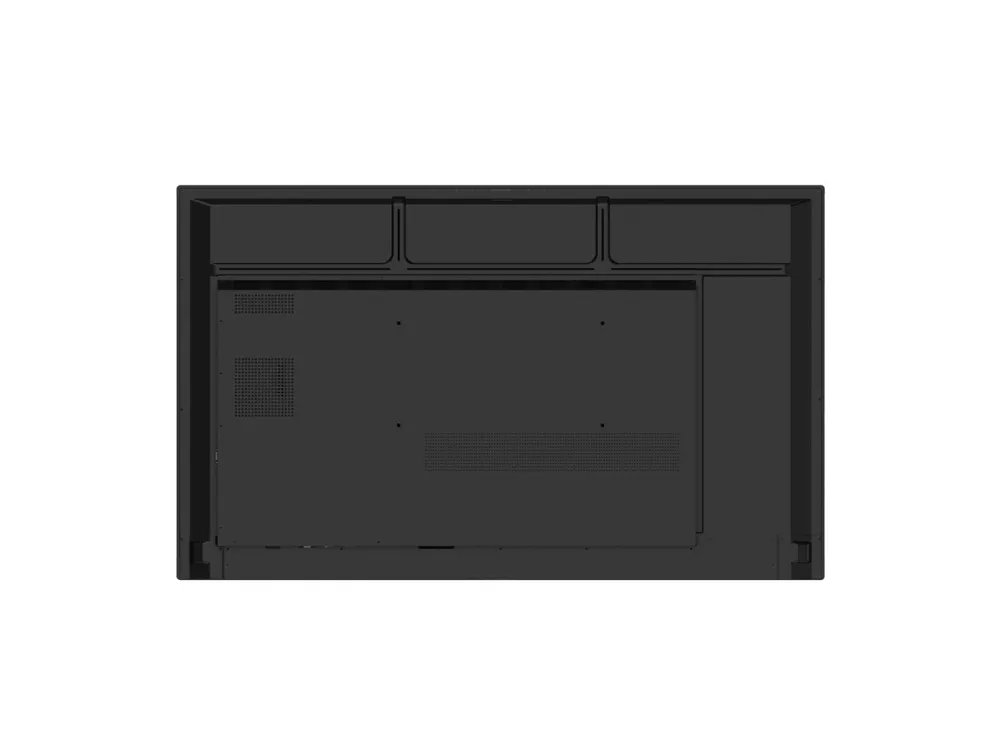
C-type Connection USB-C connectivity simplifies connections which enables charging and sending data simultaneously over just one single cable.
QR Login for Easy Cloud Access The QR code on the home screen reduces preparation time for class by enabling personal device verification. Users can sign up for a variety of apps on the LG CreateBoard including Google Drive and OneDrive with just one QR verification without any additional login process. Once a lesson is finished, users can simply click the Logout button to disconnect, thus the risk of a personal information leak is reduced.
Advanced Eye-Care LG CreateBoard has introduced a flicker-free function. With the reduced flickering of the monitor's backlight, users can use the device with more comfort even when using it for a long time.
Front Connectivity Design LG CreateBoard features front display ports and speakers which are ideal for both teachers and students, enabling content to be delivered easier with more immersive sound.
Built-in OPS Slot LG CreateBoard supports OPS slots, allowing you to easily and conveniently mount OPS desktop at the back of the LG CreateBoard without the hassle of connecting to an external desktop, offering you more expanded functions.
Smart Viewing The Smart Viewing feature of LG CreateBoard enables efficient teaching. Two or more materials can be displayed on the same screen simultaneously without having to repeat Alt-tab, making teaching more convenient and efficient. Two materials can be displayed side by side (multi window mode), or one material can be overlaid on the other one (picture-in-picture mode).
Power Saving When a device doesn’t receive an external input signal for a specific amount of time set by the user, the device goes into standby mode. Devices can also be automatically turned on or off at specific time or day set by the user, which contributes to save energy.
Secure Function Screen Lock Teachers can lock the screen using the Screen Lock function, and unlock it by entering a password. Users can set the Screen Lock in the Settings menu to protect the device from unidentified users.
Secure Mode LG CreateBoard supports Secure Mode that disables the LG CreateBoard Share function to prevent unauthorized content from being shown on various devices.
USB Lock Mode USB Lock Mode is a security measure that helps prevent data from being copied to unauthorized devices, which is essential when being used in spaces where security is critical.
Auto-remove Files Users can set LG CreateBoard to delete files regularly for enhanced security.
Easy Transportation with LG Universal Stand The LG Createboard can be used anywhere indoors where it can be easily wheeled around. From classrooms to in-between spaces, it plays various roles according to each need such as lectures, group discussions, school announcements, and more.
Bildschirmdiagonale
190,5 cm (75")
Touchscreen
Ja
Helligkeit
440 cd/m²
Display-Auflösung
3840 x 2160 Pixel
Blendfreier Bildschirm
Ja
HD-Typ
4K Ultra HD
Panel-Typ
IPS
LED-Hintergrundbeleuchtung
Ja
LED-Hintergrundbeleuchtungstyp
Direct-LED
Natives Seitenverhältnis
16:9
Kontrastverhältnis
1200:1
Kontrastverhältnis (dynamisch)
5000:1
Reaktionszeit
8 ms
Maximale Bildwiederholrate
60 Hz
Touch-Technologie
Multitouch
Anzahl der gleichzeitigen Touchpoints
40
Reaktionszeit des Touch-Systems
5 ms
Größe des zu berührenden Objekts (min.)
2 mm
Bildwinkel, horizontal
178°
Bildwinkel, vertikal
178°
Eingebauter Prozessor
Ja
Prozessor Architektur
ARM Cortex-A55
Anzahl Prozessorkerne
5
RAM-Speicher maximal
64 GB
RAM-Kapazität
8 GB
Grafikkarte-Familie
ARM
Grafikkarte
Mali-G52 MP2
Eingebaute Lautsprecher
Ja
Anzahl eingebauter Lautsprecher
2
Lautsprecherleistung
30 W
Eingebauter projector
Nein
WLAN
Ja
Top WLAN-Standard
Wi-Fi 6E (802.11ax)
Bluetooth
Ja
Bluetooth-Version
5.0
Ethernet/LAN
Ja
Schnittstelle
USB-/RF-Drahtlos
USB 3.2 Gen 1 (3.1 Gen 1) Anzahl der Anschlüsse vom Typ A
4
Anzahl HDMI-Anschlüsse
3
HDMI-Version
2.2
Anzahl Ethernet-LAN-Anschlüsse (RJ-45)
1
IR-Eingangsport
Ja
Produktfarbe
Schwarz
VESA-Halterung
Ja
Panel-Montage-Schnittstelle
800 x 400 mm
Stromkabellänge
3 m
Stromverbrauch (max.)
430 W
Stromverbrauch (Standardbetrieb)
225 W
Stromverbrauch (aus)
0,5 W
AC Eingangsspannung
100-240 V
AC Eingangsfrequenz
50/60 Hz
Maximale Kapazität
1467 BTU/h
Unterstützt Windows-Betriebssysteme
Windows 10, Windows 7, Windows 8
Mac-Kompatibilität
Ja
Unterstützte Linux-Betriebssysteme
Ja
Unterstützte mobile Betriebssysteme
Android
Betriebstemperatur
0 - 40 °C
Relative Luftfeuchtigkeit in Betrieb
10 - 90%
Breite
1709 mm
Höhe
1020 mm
Tiefe
88 mm
Gewicht
47,3 kg
Verpackungsbreite
1863 mm
Verpackungstiefe
225 mm
Verpackungshöhe
1140 mm
Paketgewicht
60,6 kg
Menge pro Packung
1 Stück(e)
Mitgelieferte Kabel
HDMI, Leistung, USB Type-A to Micro USB Type-B
Fernbedienung enthalten
Ja
Anzahl der Stylus-Stifte
2
Blendenbreite (L/T, R/B)
15/15/15/44
Das Produkt hat folgende Artikelnummer in unserem System
EAN:
8806084704184
SKU:
75TR3DK-BM
Warum ist ein und dasselbe Produkt unter verschiedenen Artikelnummern erhältlich?
Hersteller bringen oft dasselbe Produkt unter verschiedenen Artikelnummern auf den Markt, in der Regel handelt es sich dabei nur um unterschiedliche Versionen der Verpackung. Die Verpackung kann zum Beispiel für verschiedene Länder bestimmt sein.
Wir versuchen unser Bestes, um die Produkte zu vereinheitlichen, aber es kann vorkommen, dass dasselbe Produkt unter verschiedenen Artikelnummern in unserem System erscheint.