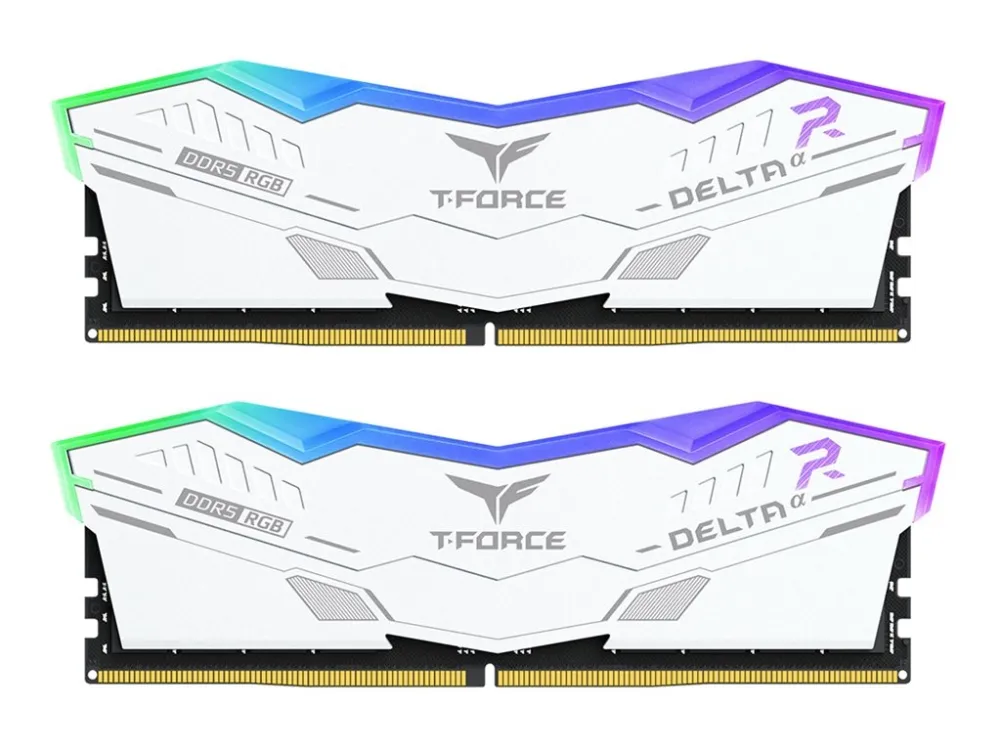
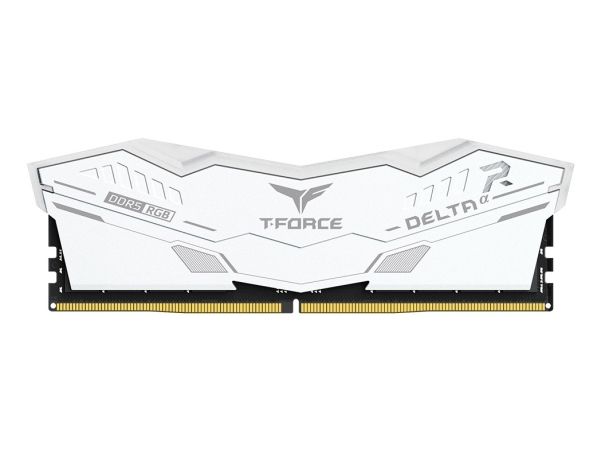
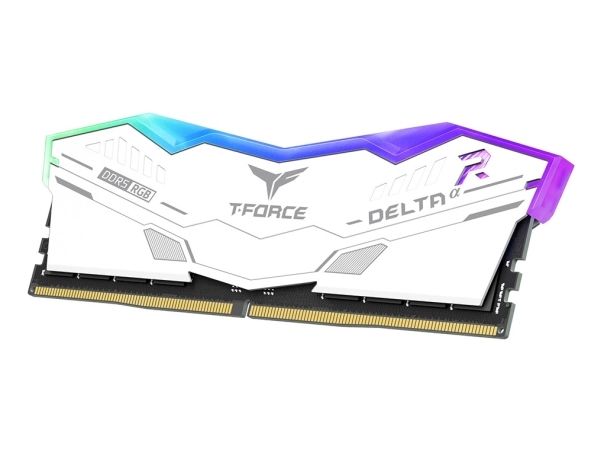
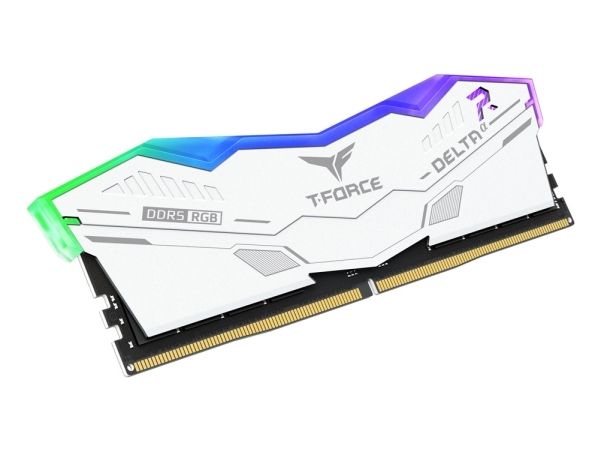
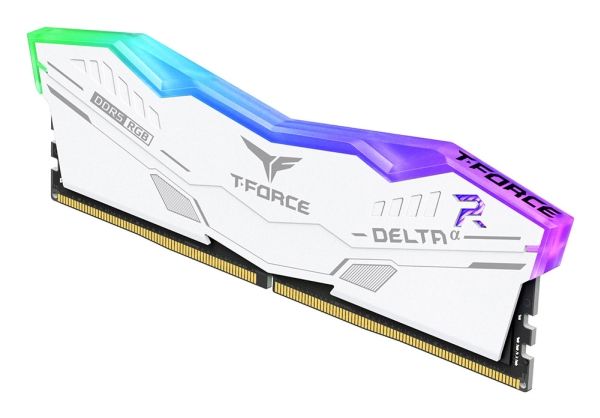
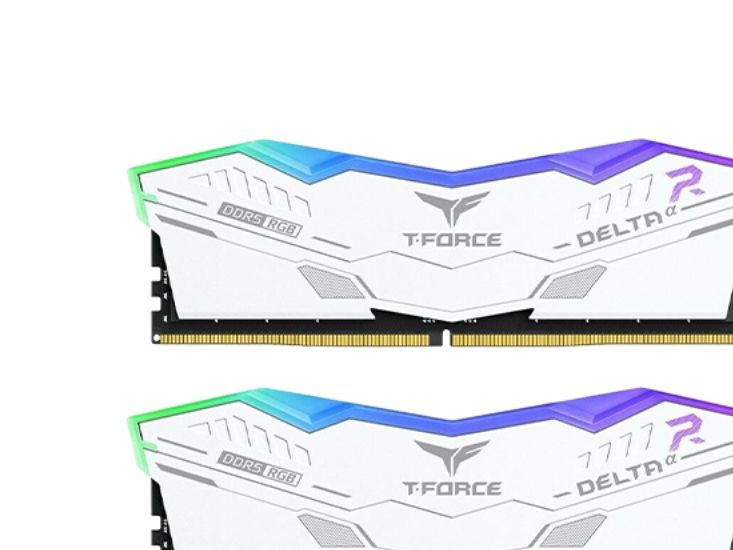
Team Group DELTA RGB FF8D532G6000HC30DC01, 32 GB, 2 x 16 GB, DDR5, 6000 MHz, 288-pin DIMM
FBAC4895-B52C-4E03-B099-A6A8F8B8017B Created with sketchtool. 706D6907-81E1-46A2-B8F9-7B702A1EF2C7 Created with sketchtool. 6A870209-E7F5-44F5-A66F-09E20C85A0DC Created with sketchtool. 0BB04D6C-A9AB-4913-BF4F-5A23954E68E1 Created with sketchtool. 501E26C7-66C1-4DAA-B740-6CFAF55A1B39 Created with sketchtool. C105F7D3-D5EE-43C9-9EE8-05CC42B296D4 Created with sketchtool. D94689D8-7CBB-41C8-AC06-F79D81FF82D5 Created with sketchtool. DA4C7ED9-2512-4D52-94F0-92800F2A6E04 Created with sketchtool. 42E133FD-828F-4CF4-A0BF-560014487A57 Created with sketchtool. F52D9745-4BFD-4506-BEEF-630FD09EF2D9 Created with sketchtool.
Externen Lager (4-5 Werktage)
Das Produkt befindet sich in einem externen Lager. Die Lieferfrist: ca. 4-5 Werktage. Mehr Info
Versandoptionen  - Wird im Checkout ausgewählt
Versand mit DHL - PaketShop
Kostenloser Versand
Versand mit DHL zur Adresse
Kostenloser Versand
Versand mit GLS - PaketShop
Kostenloser Versand
Versand mit GLS zur Adresse
Kostenloser Versand
EUR 675,60
ex. MwSt. 567,73
Gesamtbetrag inkl. Versand. 675,60
Exclusive DDR5 memory for AMD
Built for AMD Ryzen series of processors and motherboards, the DELTAa RGB DDR5 Memory has passed compatibility and reliability testing from major motherboard manufacturers including ASRock, ASUS, BIOSTAR, GIGABYTE, and MSI.

AMD EXPO support for one-click overclocking
Supported the latest AMD EXPO(EXtended Profiles for Overclocking) technology; users can now experience enhanced performances with the DELTAa RGB DDR5 Memory's optimized compatibility and ultra- high overclocking speed within one click time.

RGB Colors & 120° Ultra-Wide Lighting
Modeled after a stealth aircraft, the T-FORCE DELTAa RGB DDR5 delivers a refreshing visual experience and continues to offer the 120° ultra-wide lighting and clean geometric silhouette found in the DELTA RGB DDR4.

Strengthened PMIC Cooling Design
DELTAa RGB DDR5 is equipped with professional thermally conductive silicon, reinforced PMIC cooling design, and effective, stable PMIC operations.

Power Management ICs (PMICs) Equipped for Stable, Efficient Power Usage
The DELTAa RGB DDR5 memory is equipped with PMIC, minimizing noise interference and ensuring stable, efficient power distribution across all components for fast, reliable power supply.

On-die ECC for System Stability
The DELTAa RGB DDR5 memory supports on-die ECC, which offers error correction and detection to ensure that system stability is not compromised for performance.

High-Quality ICs Selected for Stability & Reliability
TEAMGROUP has selected a high-quality IC that has undergone comprehensive compatibility and reliability testing to ensure a gaming memory that delivers both stability and compatibility.

Smart RGB IC Controllers Support Various Lighting Effect Software
The T-FORCE DELTAa RGB DDR5 is equipped with a smart RGB IC controller that is compatible with lighting effect software such as ASUS Aura Sync, GIGABYTE RGB Fusion 2.0, MSI Mystic Light Sync, ASROCK-Polychrome Sync, and BIOSTAR Advanced VIVID LED DJ for lighting effects and synchronization. With the RGB DDR5, gamers can design their own lighting effects and create an incredibly stunning RGB system.

CAUTION
- Before purchasing memory products, please refer to the QVL(Qualified Vendor List) compatibility list first of the motherboard.
- The quality of the CPU memory controller (IMC) and the version from the BIOS of motherboard may both potentially affect the operating frequency of the memory.
- The overclocking memory with high frequency needs a more enhanced heat solution inside the case, to bring out better stability.
- Do not mix memory modules of different capacities, frequencies, brands, or models. Each memory kit is paired through compatibility testing. Mixing different kits may cause system instability or failure to boot.
- Memory kits labeled "Support Intel XMP 3.0" only include XMP Profiles. Kits labeled "Support AMD EXPO" only include EXPO Profiles. Kits labeled "COMBINATION Intel XMP/AMD EXPO" include both XMP and EXPO Profiles.
- If the system fails to boot, reset the motherboard CMOS, enter BIOS with default frequency, and then enable the Profile to retry system boot.
- Failure to install and use the memory as per the official specifications, warnings, or operating instructions may result in the memory not operating at the speed indicated on the packaging, system instability, or damage to other hardware.
- For product-related or technical support issues, please contact our professional technical support team via email.