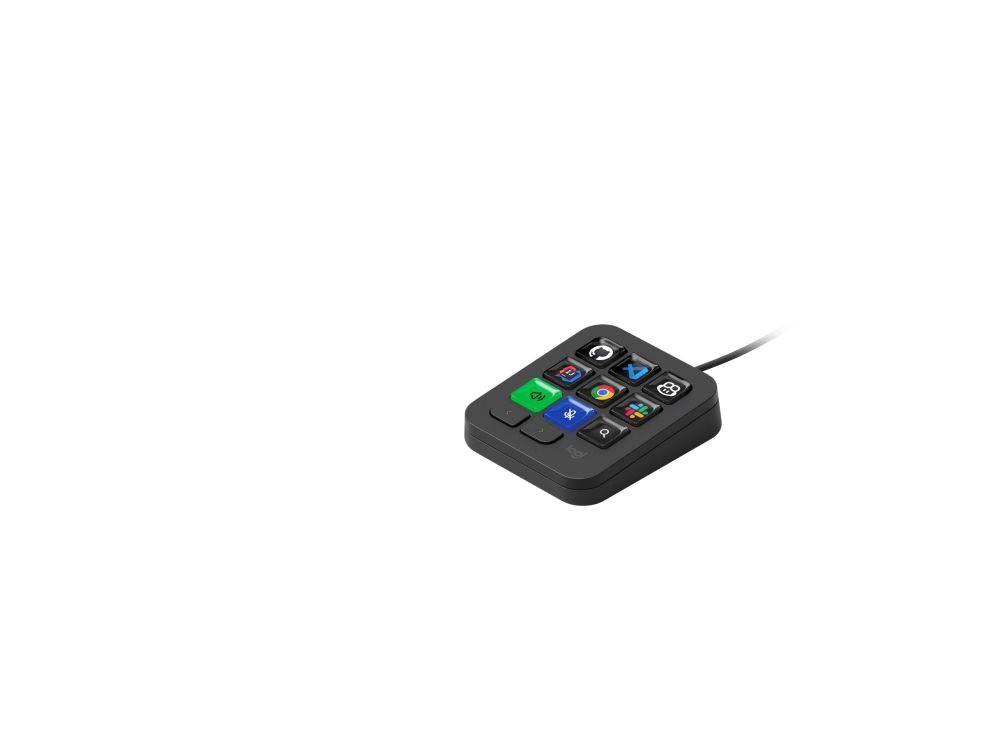
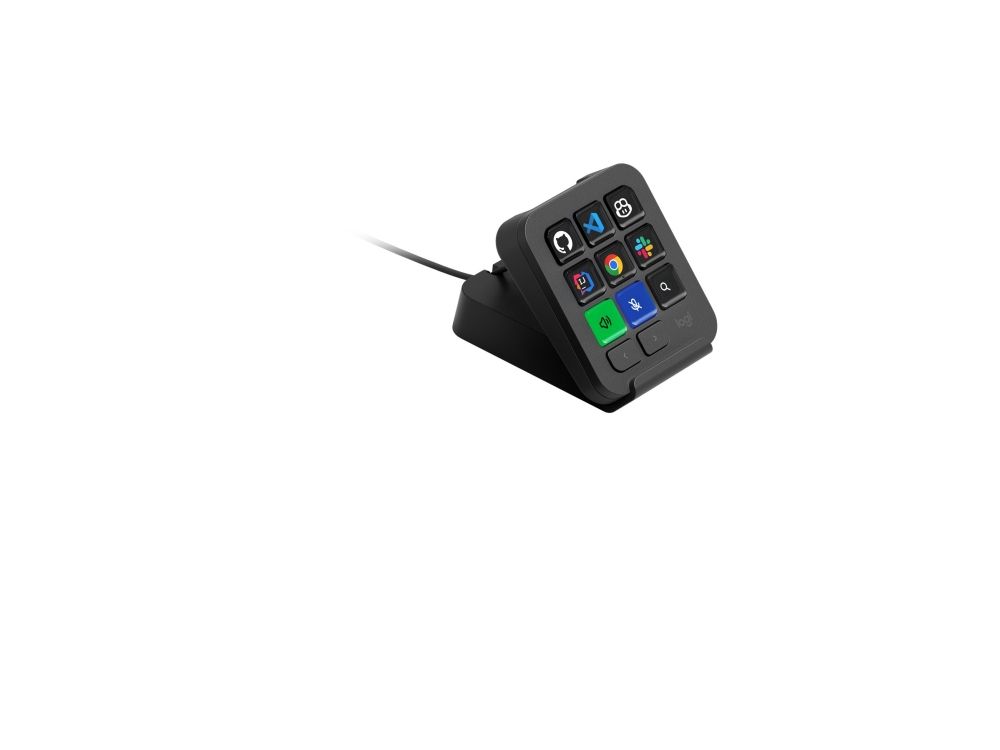
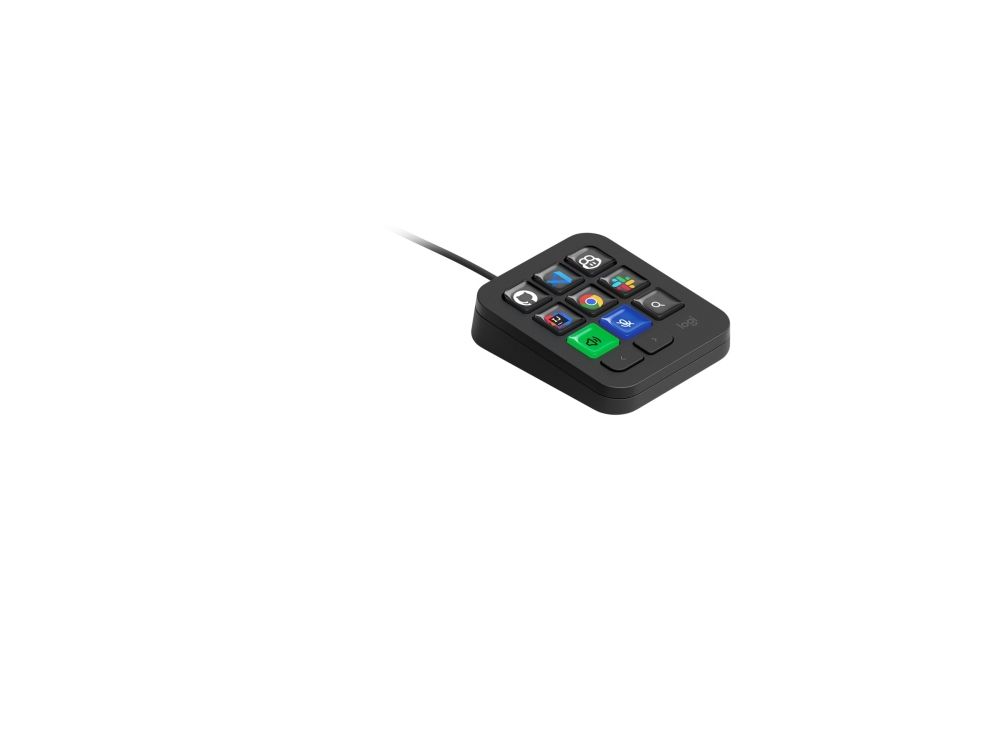
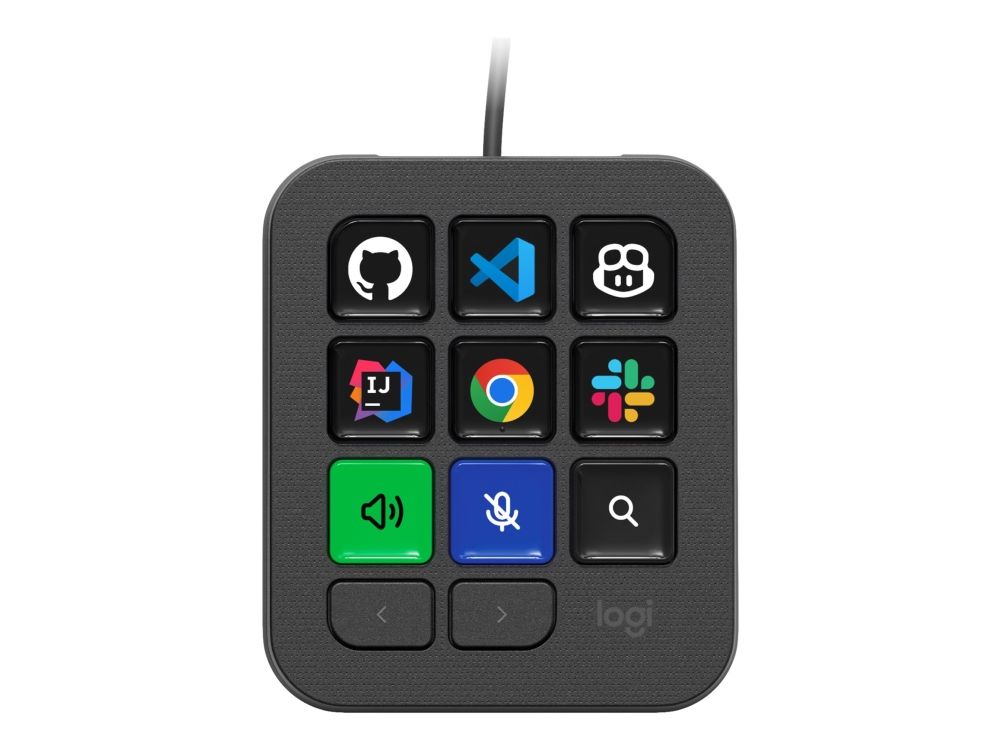
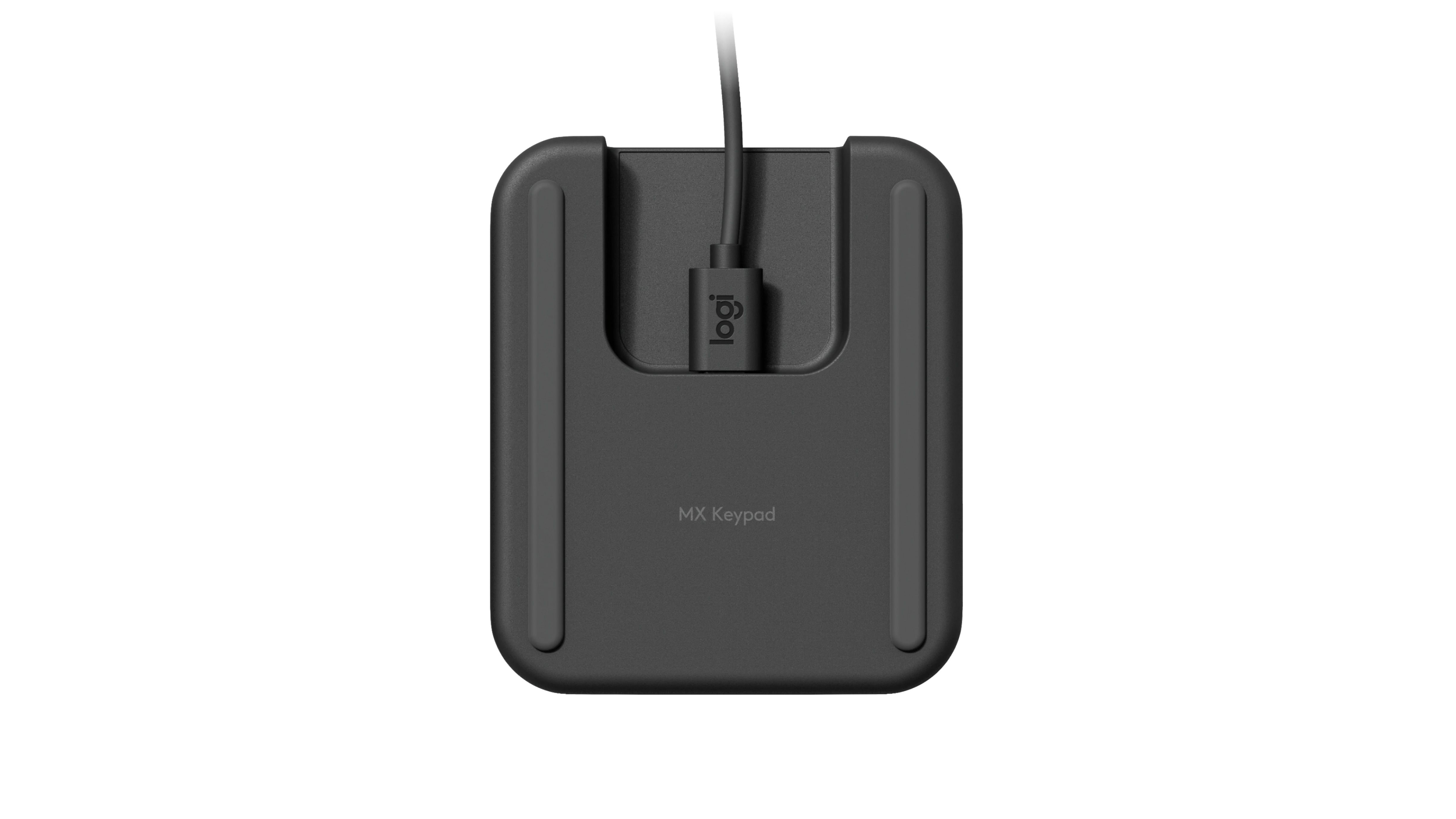
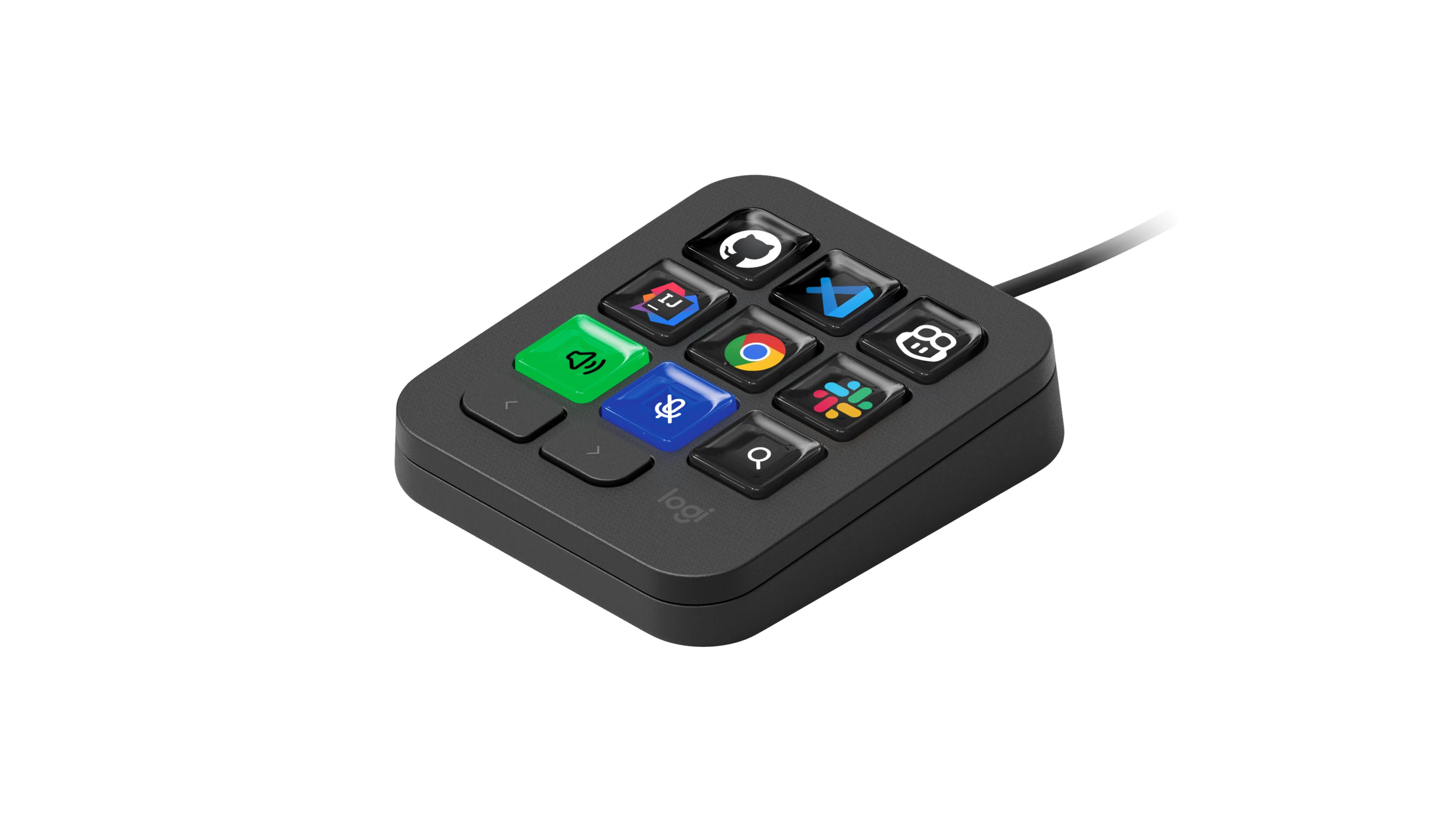
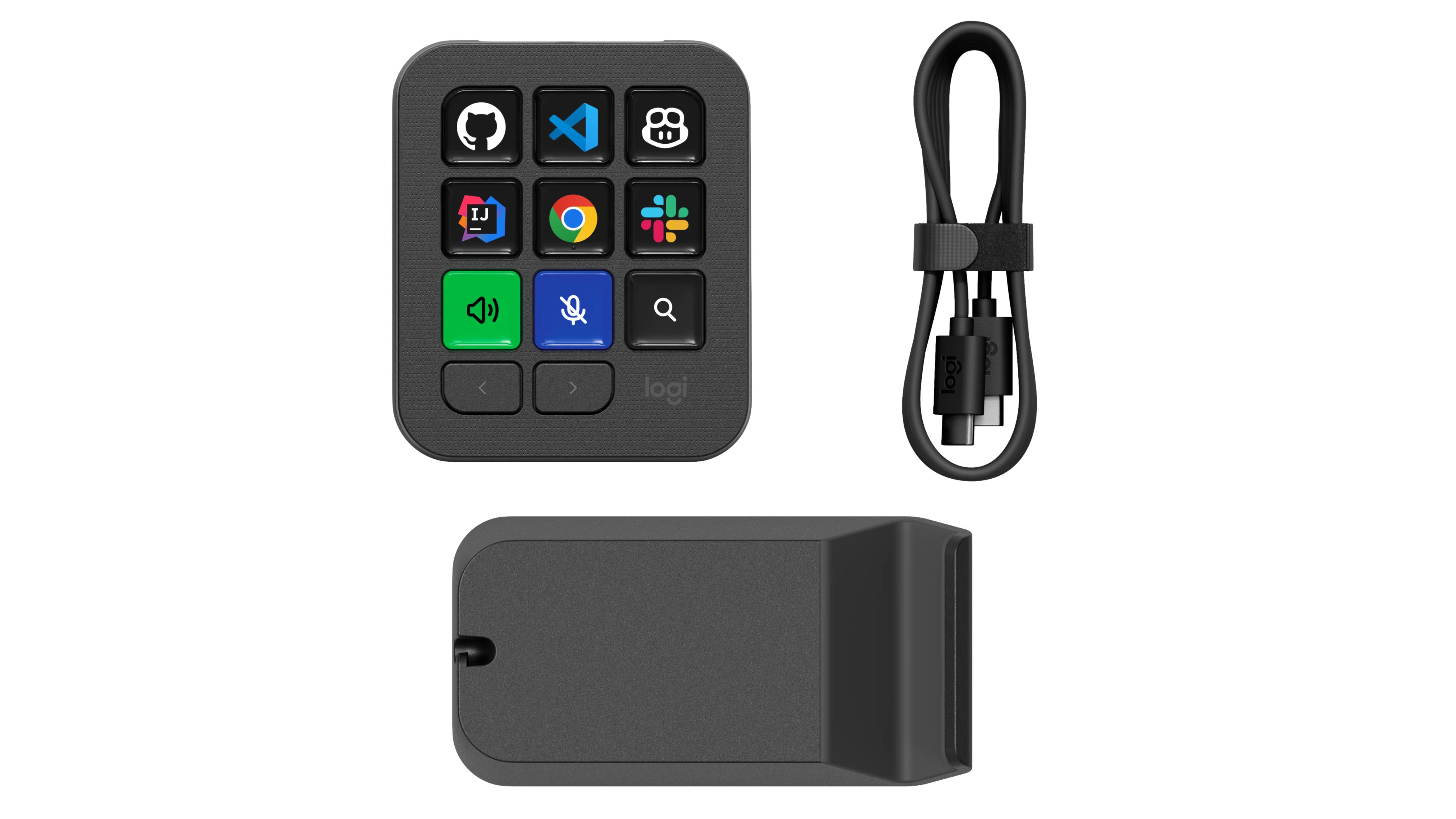
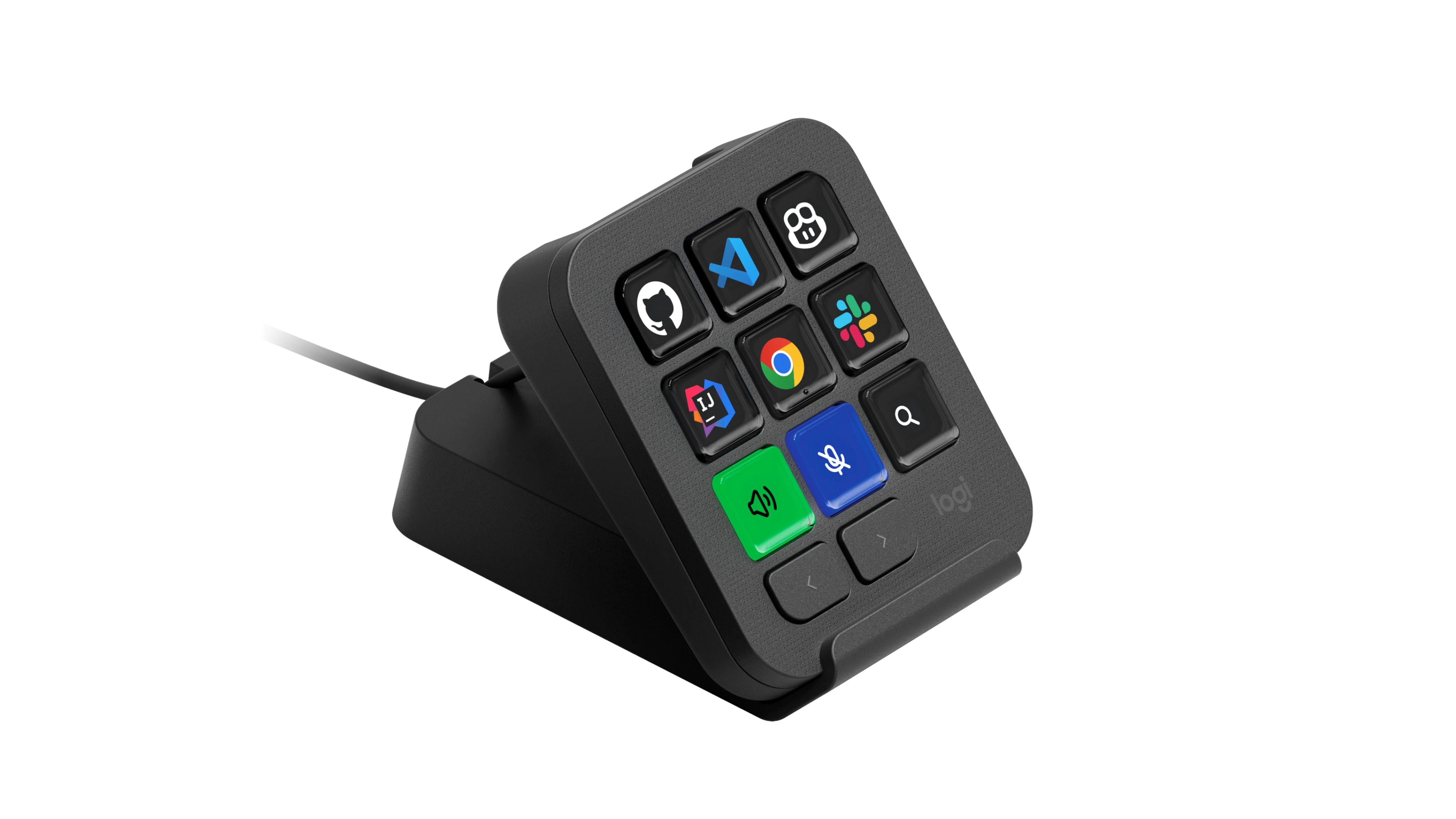
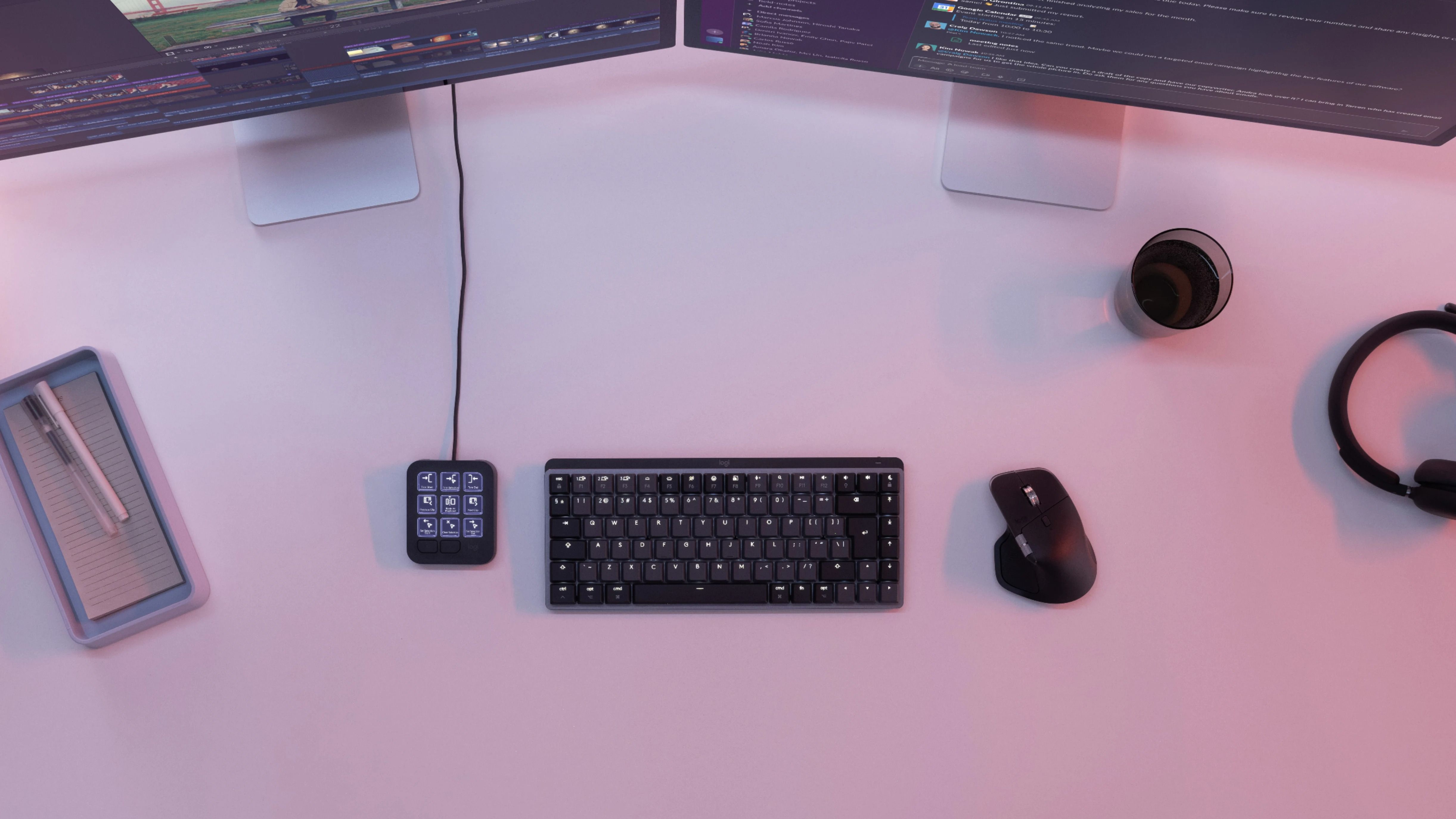
Logitech MX Keypad - Graphite
FBAC4895-B52C-4E03-B099-A6A8F8B8017B Created with sketchtool. 706D6907-81E1-46A2-B8F9-7B702A1EF2C7 Created with sketchtool. 6A870209-E7F5-44F5-A66F-09E20C85A0DC Created with sketchtool. 0BB04D6C-A9AB-4913-BF4F-5A23954E68E1 Created with sketchtool. 501E26C7-66C1-4DAA-B740-6CFAF55A1B39 Created with sketchtool. C105F7D3-D5EE-43C9-9EE8-05CC42B296D4 Created with sketchtool. D94689D8-7CBB-41C8-AC06-F79D81FF82D5 Created with sketchtool. DA4C7ED9-2512-4D52-94F0-92800F2A6E04 Created with sketchtool. 42E133FD-828F-4CF4-A0BF-560014487A57 Created with sketchtool. F52D9745-4BFD-4506-BEEF-630FD09EF2D9 Created with sketchtool.
Auf Lager
Sofort versandfertig, Lieferfrist: 2-3 Werktage - Vor 13:00 Uhr bestellen und wir versenden heute. Mehr Info

SONDERANGEBOT

Es gibt 1 auf Lager

Der aktuelle Preis gilt bis zum Abbau des lokalen Lagers

Versandoptionen - Klicken Sie auf eine Option, um sie auszuwählen
Versand mit DHL - PaketShop
3,57
Versand mit DHL zur Adresse
7,60
Versand mit GLS - PaketShop
9,16
Versand mit GLS zur Adresse
11,90
EUR 104,47
ex. MwSt. 87,79
Gesamtbetrag inkl. Versand. 108,04

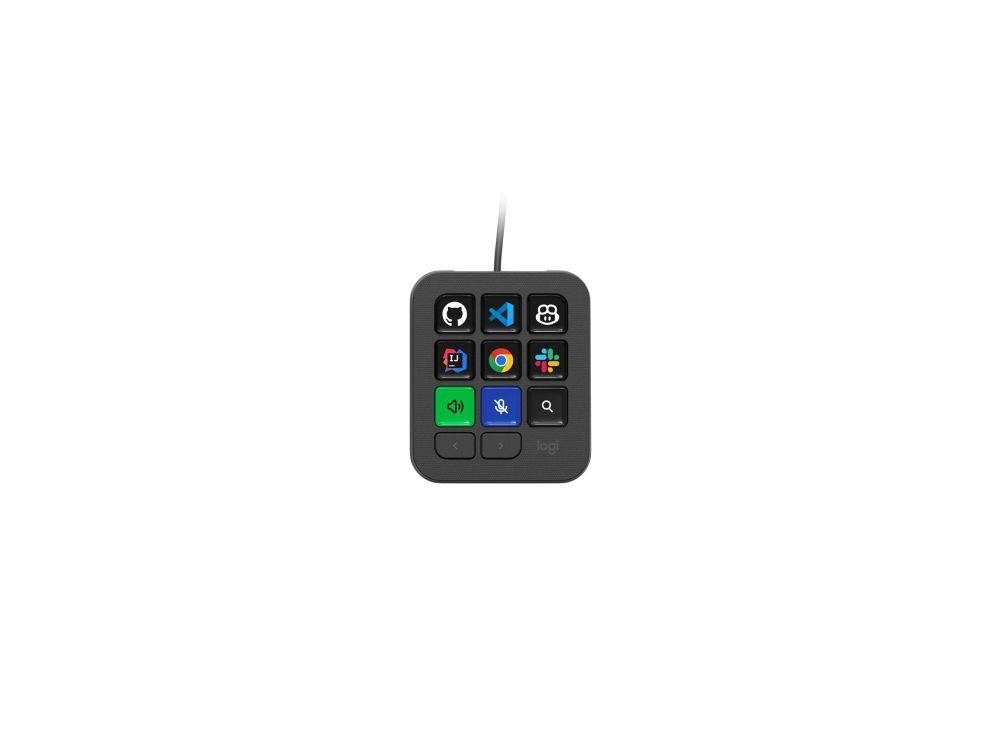
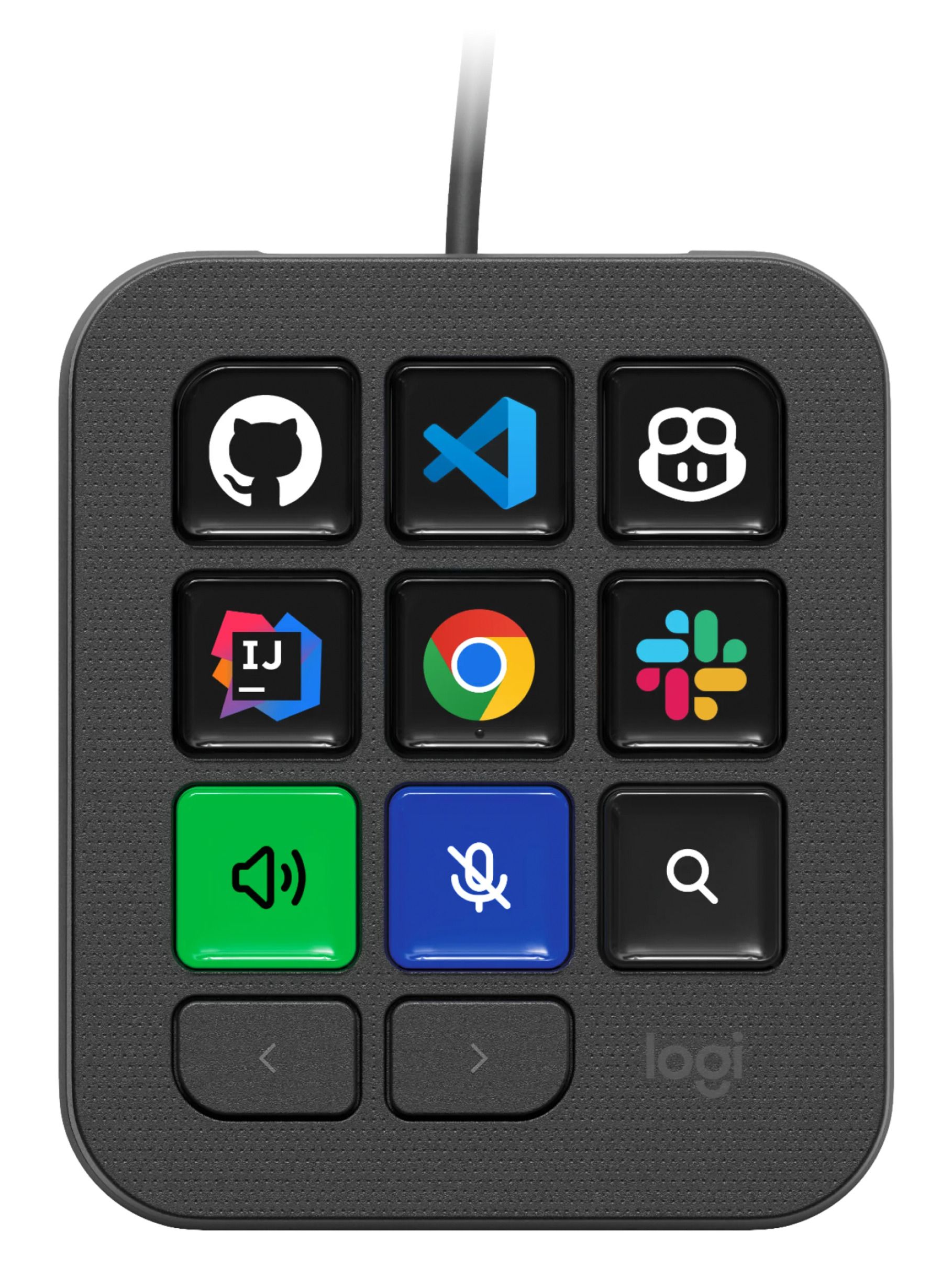
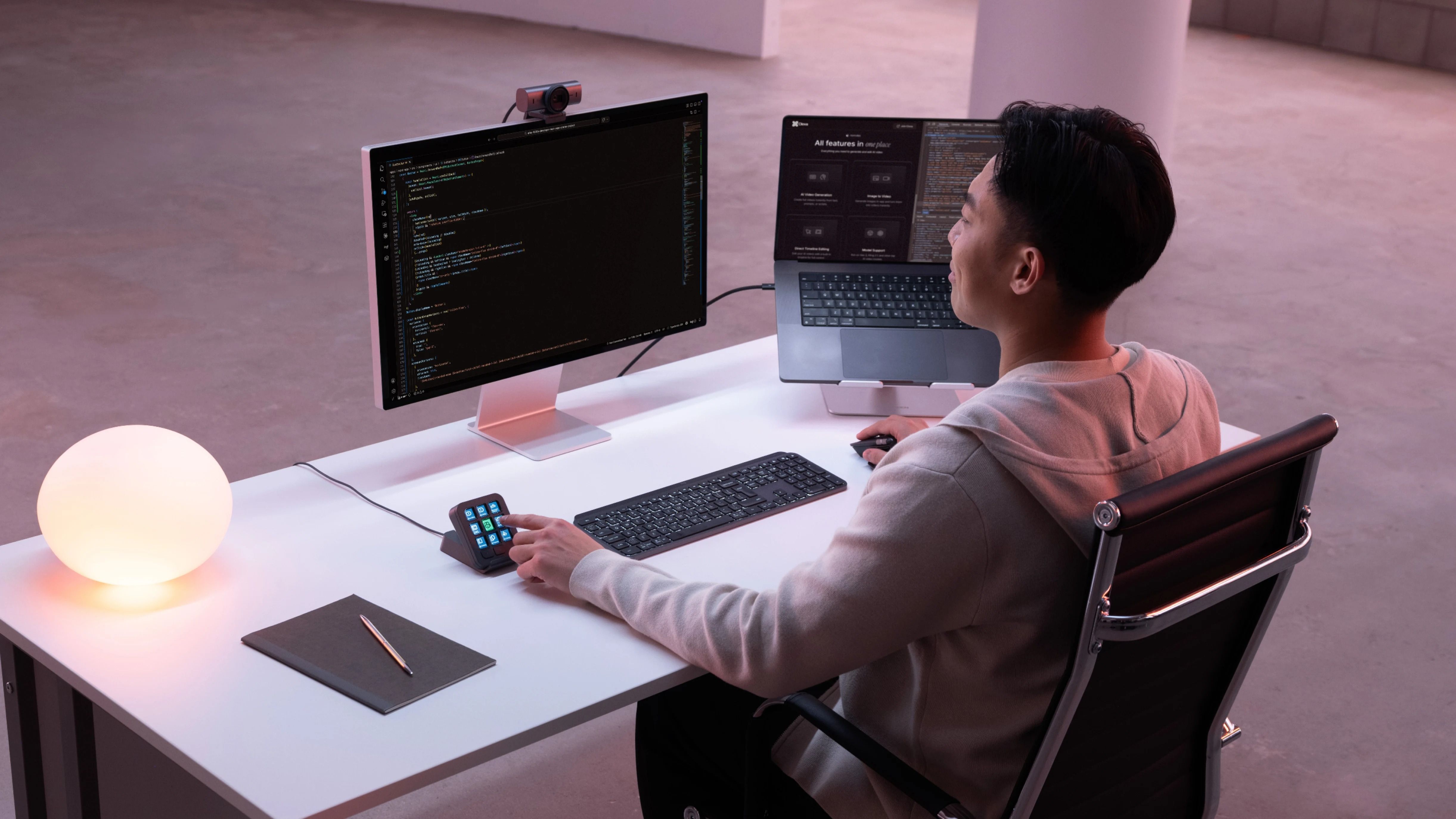
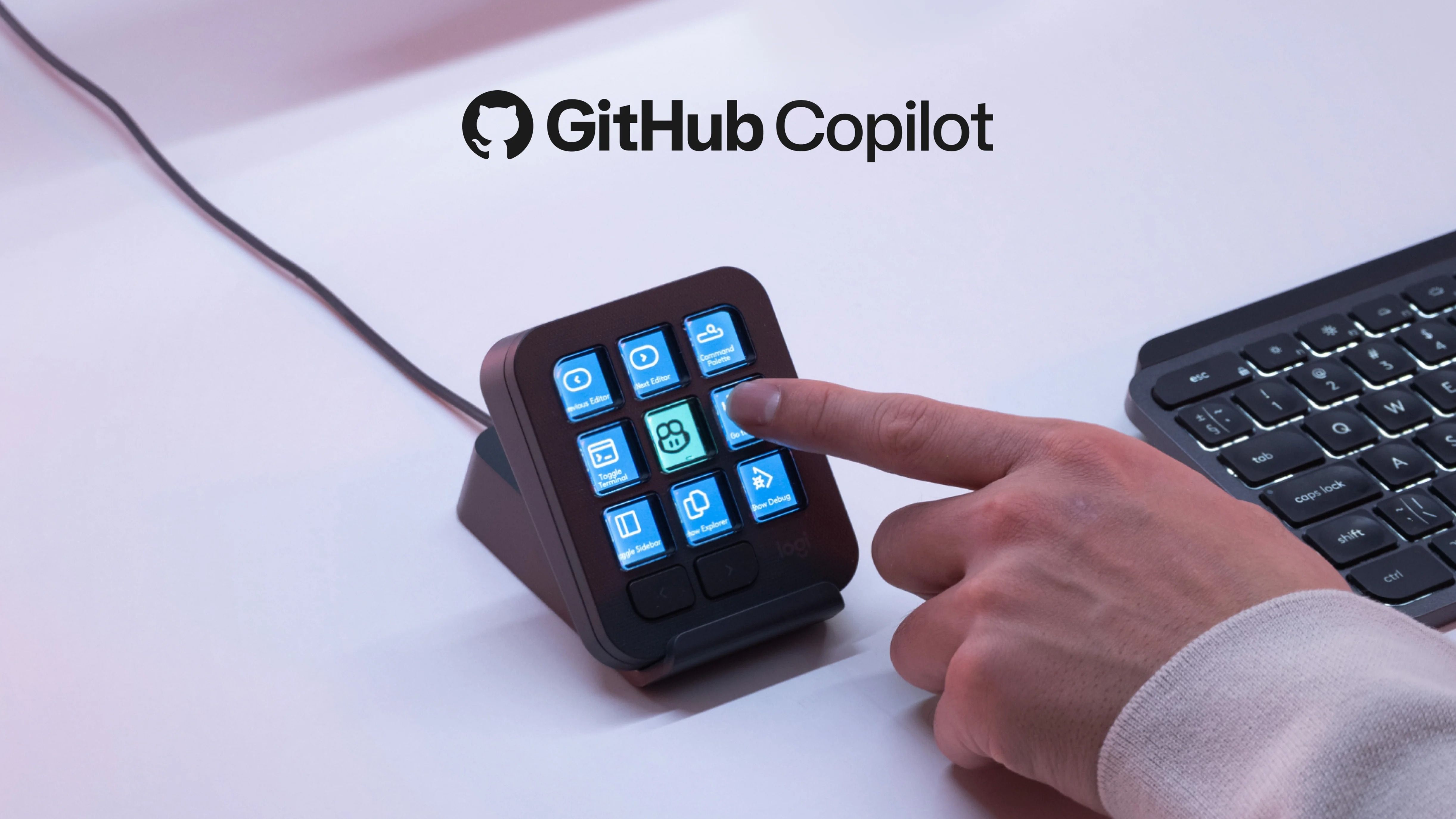
KI-Steuerung direkt auf Knopfdruck. Mit dem MX Keypad können Sie KI-Agenten auslösen, Aufgaben automatisieren und Ihre bevorzugten Tools mit nur einem Tastendruck steuern. Funktioniert mit VS Code, GitHub Copilot, Claude Code, IntelliJ, Zoom, Figma und vielen weiteren Anwendungen.



Funktionen


  • Anpassungs-App: Logi Options+ App*. (*Verfügbar für aktuelle Versionen von Windows und macOS unter app.logi.com)

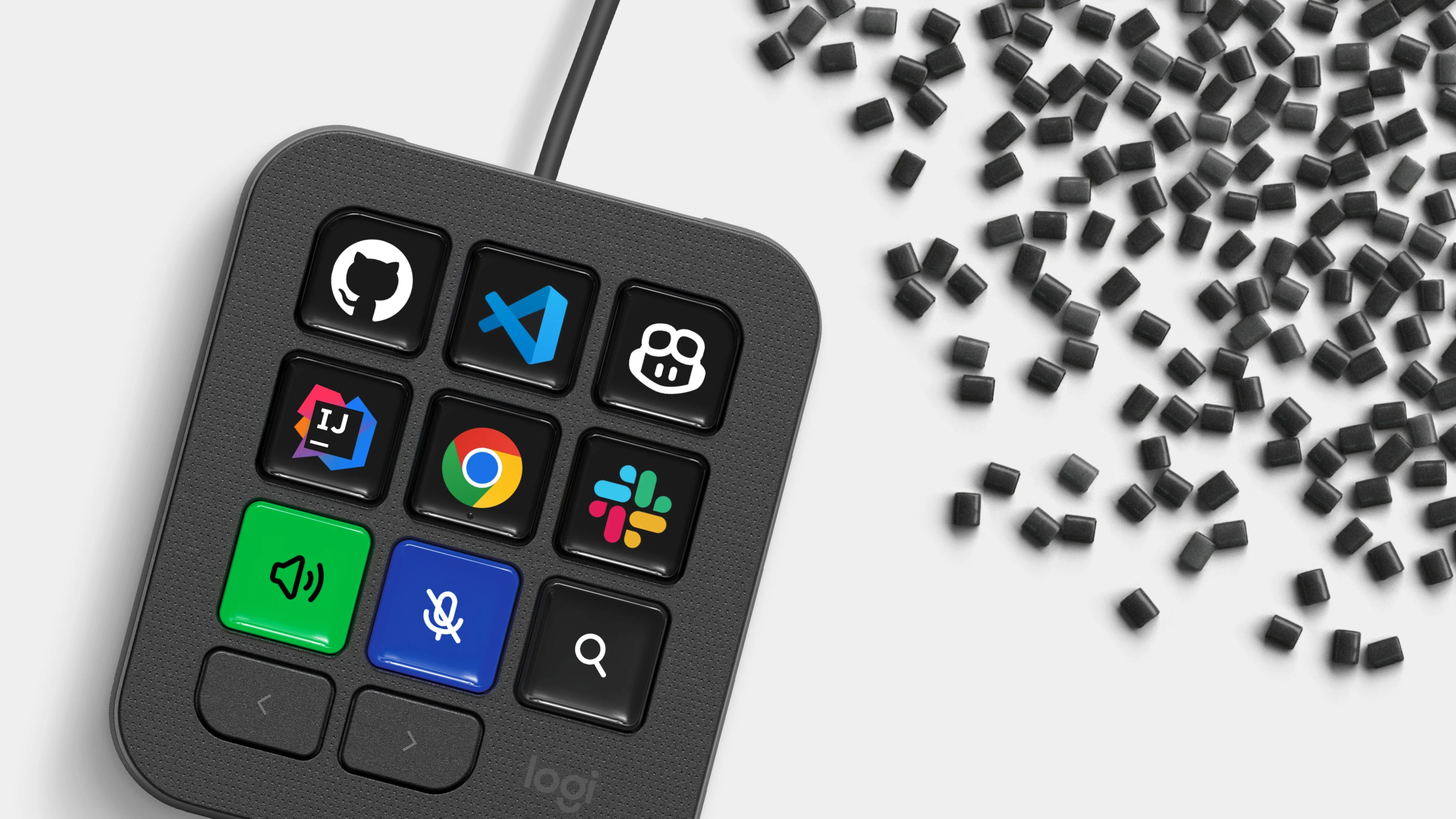
  • Unterstützte Tools: Visual Studio Code, GitHub Copilot, IntelliJ IDEA, Claude Code, OpenAI Codex, Zoom, Spotify, Microsoft Teams, PowerPoint, Excel, Notion, Slack, Figma, Adobe Lightroom, Photoshop, Premiere Pro, After Effects, Illustrator, Final Cut Pro, DaVinci Resolve und OBS Studio. Die vollständige Plugin-Liste finden Sie unter marketplace.logi.com.


Systemanforderungen


  • Anforderungen: USB-C-Anschluss. Für die Installation von Options+ ist eine Internetverbindung erforderlich.

  • Kompatibilität: Windows* 10 oder neuer (*Windows-Systeme mit ARM64-Prozessoren werden nicht unterstützt), macOS 13 oder neuer


Abmessungen und Gewicht


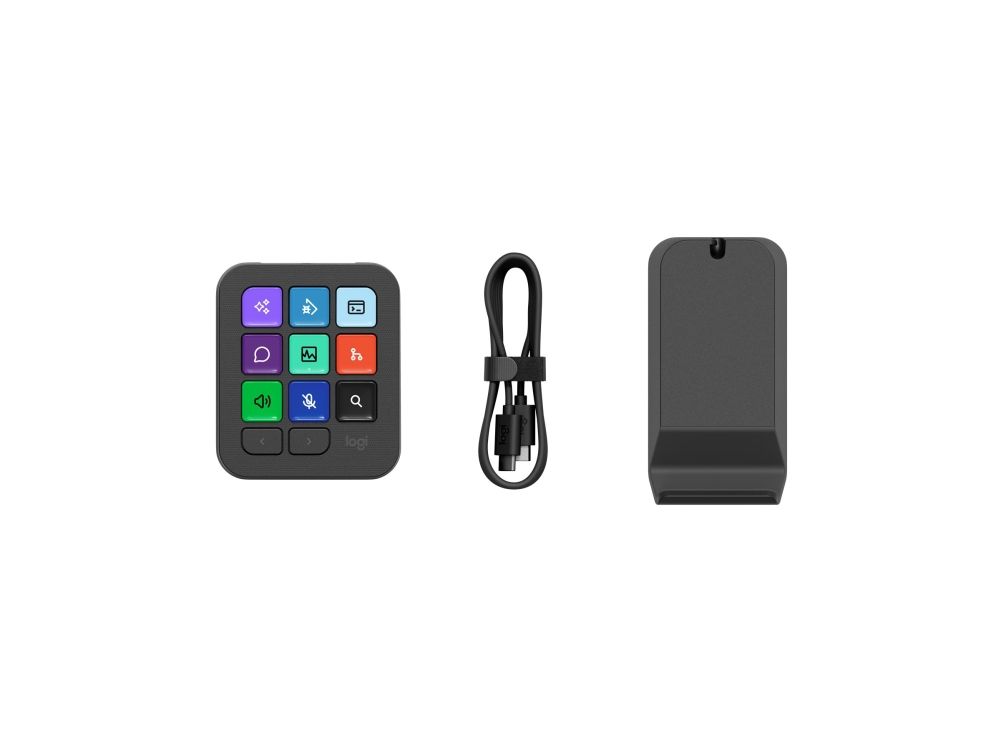
  • MX Keypad: Höhe: 91,7 mm, Breite: 77,9 mm, Tiefe: 25,5 mm, Gewicht: 96 g

  • Ständer: Höhe: 112,7 mm, Breite: 58,5 mm, Tiefe: 20,5 mm, Gewicht: 61 g

  • USB-C-2.0-Kabel: Länge: 1500 mm, Gewicht: 27 g


AI control at your fingertips. Use MX Keypad to trigger AI agents, automate tasks, and control your favorite tools with a single tap. Works with VS Code, GitHub Copilot, Claude Code, IntelliJ, Zoom, Figma, and more.

Your keys to flow & AI control
Customizable LCD keys that put everything you need within a single press. Control your AI tools, automate your workflow, and switch context instantly — keeping you in the flow from deep coding to daily productivity.

App-aware context switching
MX Keypad detects your active app and instantly swaps tools as you move between VS Code, Slack, Figma, and more. No distractions, just flow.

Design your workflow, key by key
Personalize every key with custom shortcuts, macros and toggles. Organize actions across multiple pages, design your own icons, and make your keypad work exactly the way you do.

Build and expand from your editor
Manage your plugin and add new actions directly from VS Code. You can also add actions from your installed extensions.