Savio AK-88
FBAC4895-B52C-4E03-B099-A6A8F8B8017B Created with sketchtool. 706D6907-81E1-46A2-B8F9-7B702A1EF2C7 Created with sketchtool. 6A870209-E7F5-44F5-A66F-09E20C85A0DC Created with sketchtool. 0BB04D6C-A9AB-4913-BF4F-5A23954E68E1 Created with sketchtool. 501E26C7-66C1-4DAA-B740-6CFAF55A1B39 Created with sketchtool. C105F7D3-D5EE-43C9-9EE8-05CC42B296D4 Created with sketchtool. D94689D8-7CBB-41C8-AC06-F79D81FF82D5 Created with sketchtool. DA4C7ED9-2512-4D52-94F0-92800F2A6E04 Created with sketchtool. 42E133FD-828F-4CF4-A0BF-560014487A57 Created with sketchtool. F52D9745-4BFD-4506-BEEF-630FD09EF2D9 Created with sketchtool.
Externen Lager (7-9 Werktage)
Das Produkt befindet sich in einem externen Lager. Die Lieferfrist: ca. 7-9 Werktage.. Mehr Info
Versandoptionen - Klicken Sie auf eine Option, um sie auszuwählen
Versand mit DHL - PaketShop
3,57
Versand mit DHL zur Adresse
7,60
Versand mit GLS - PaketShop
9,16
Versand mit GLS zur Adresse
11,90
EUR 30,26
ex. MwSt. 25,43
Gesamtbetrag inkl. Versand. 33,83
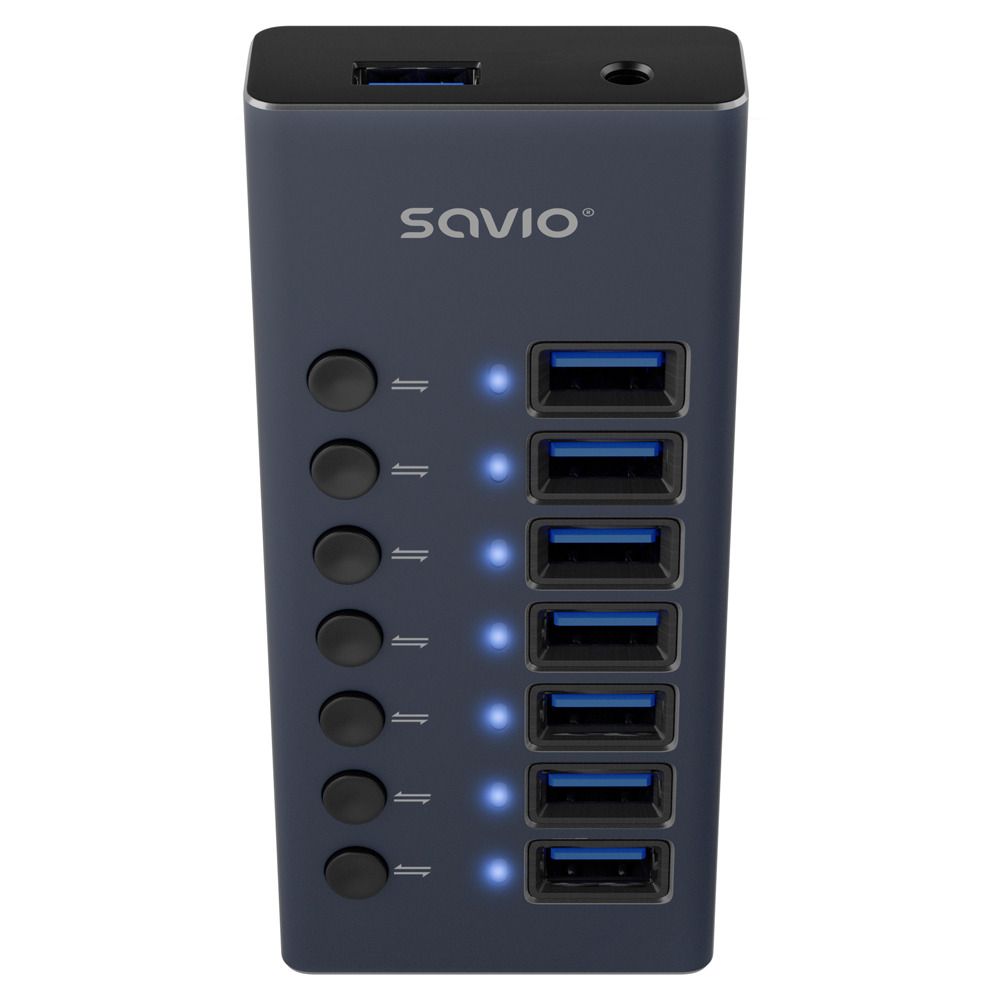
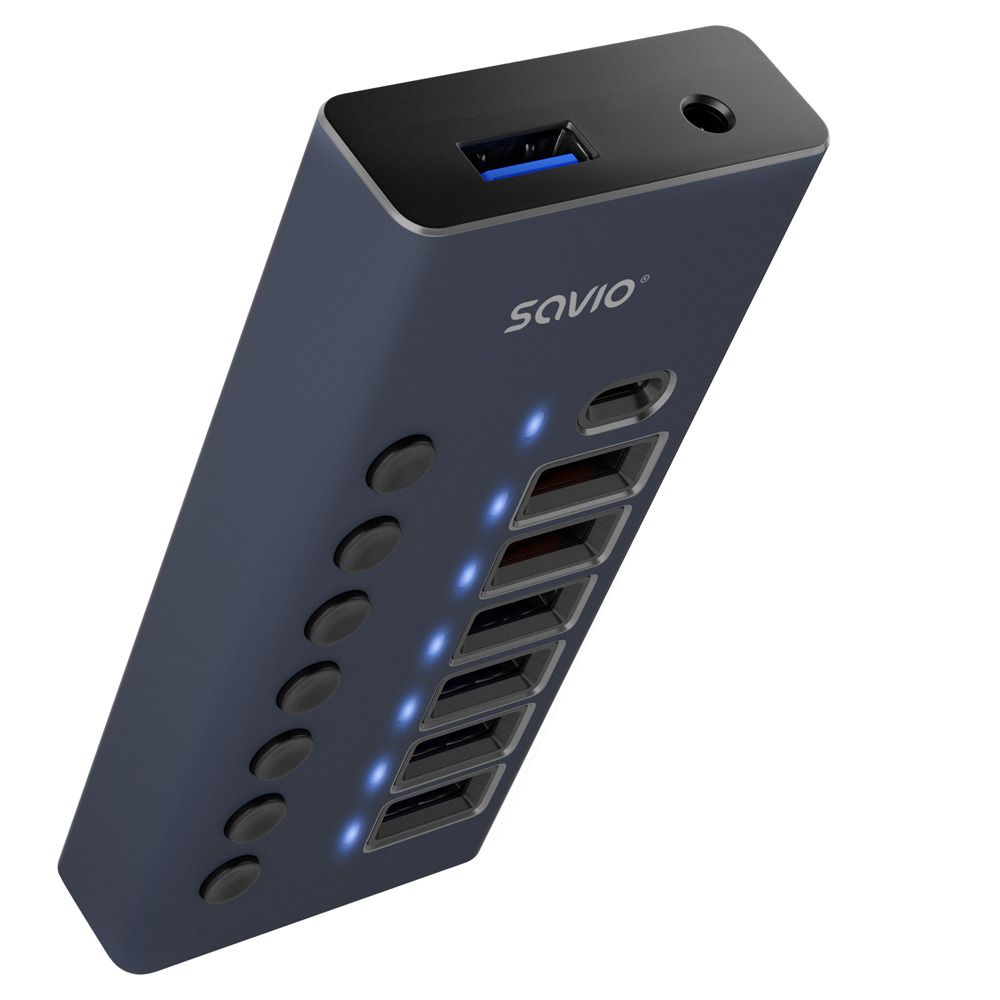
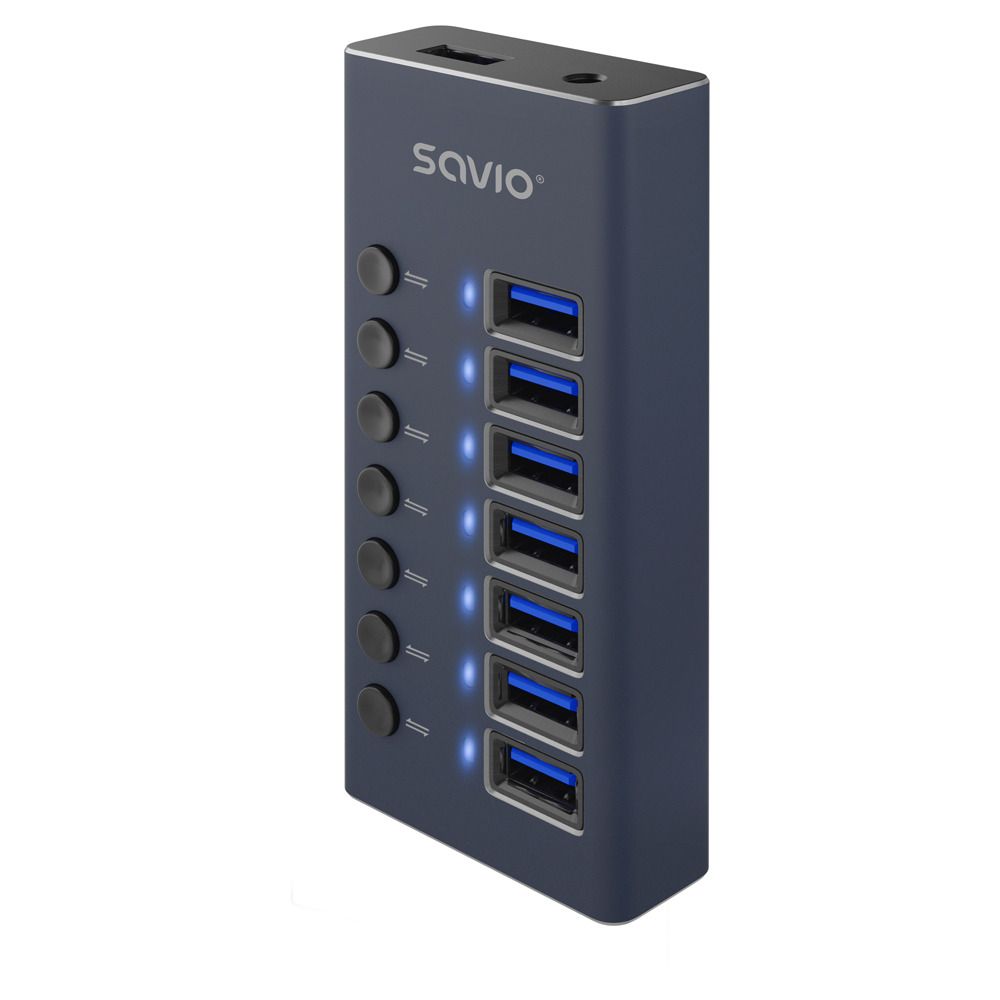
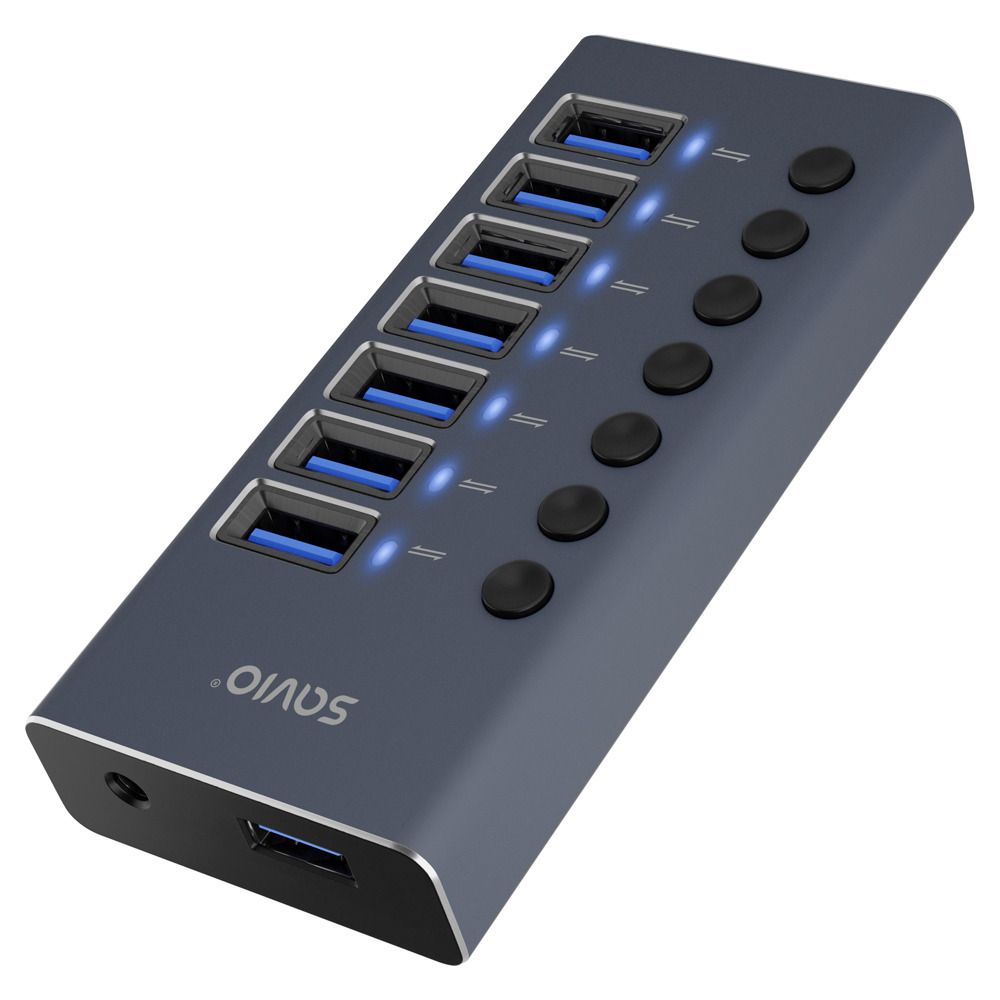
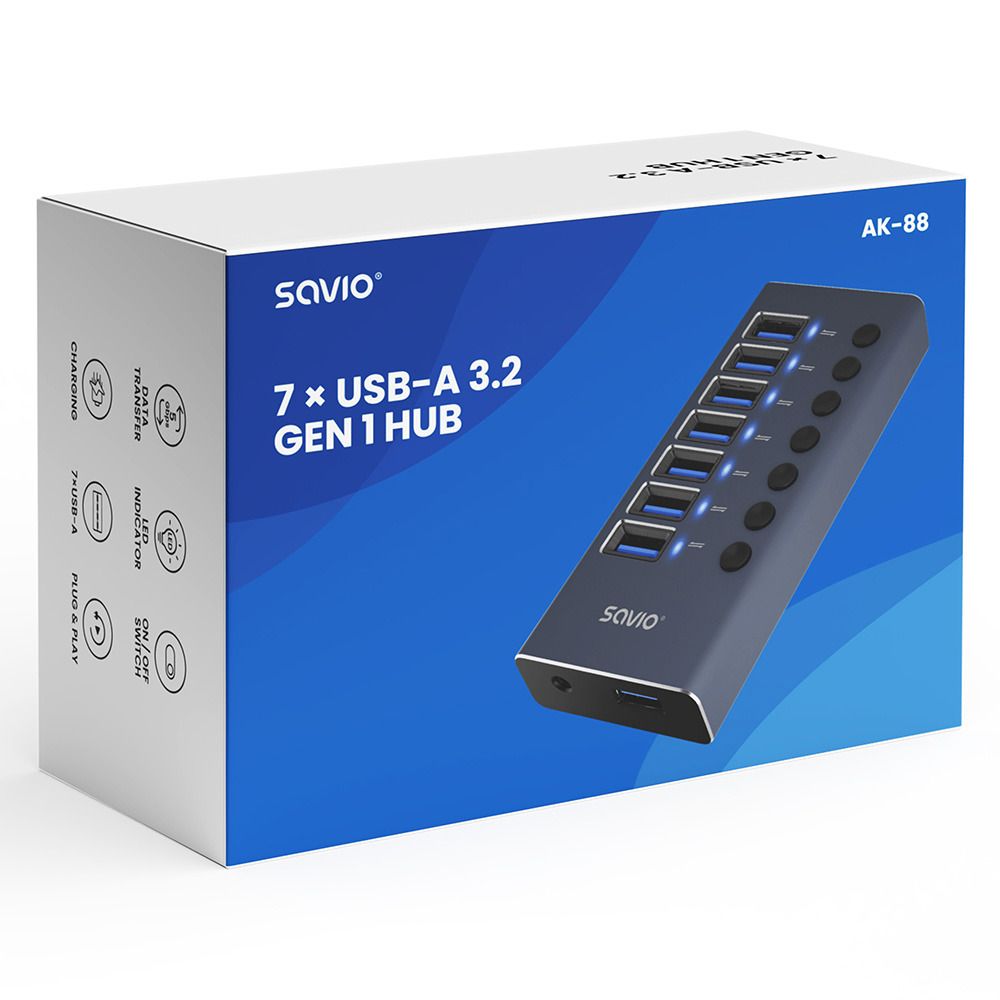
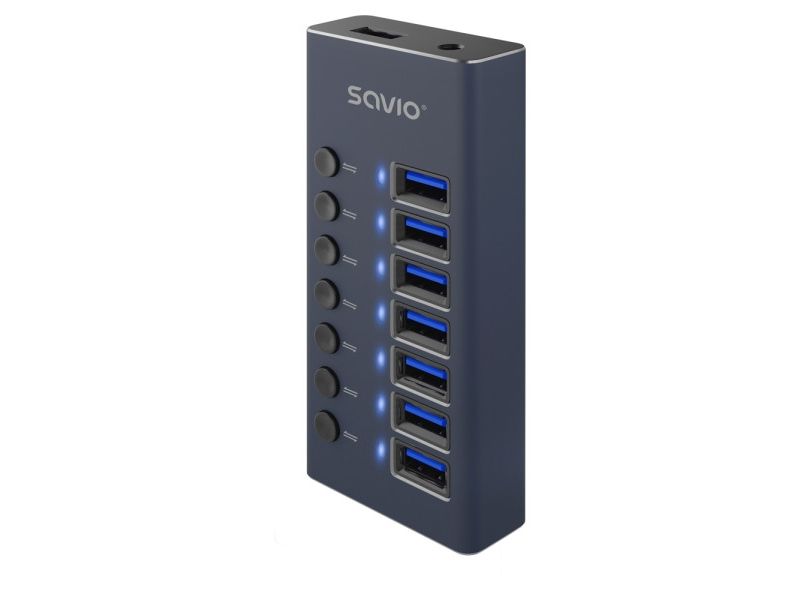
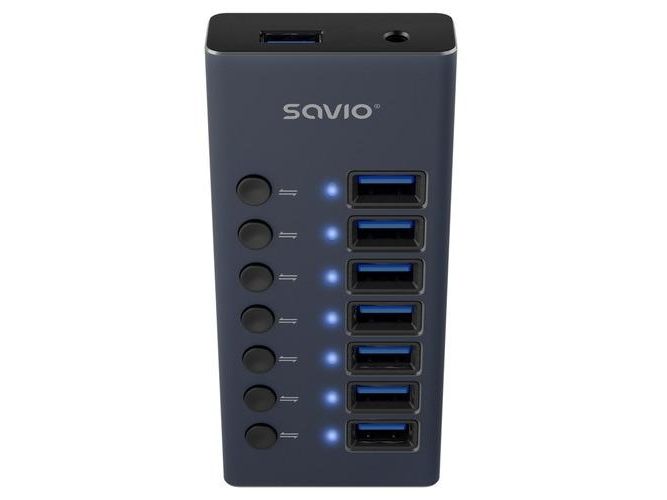
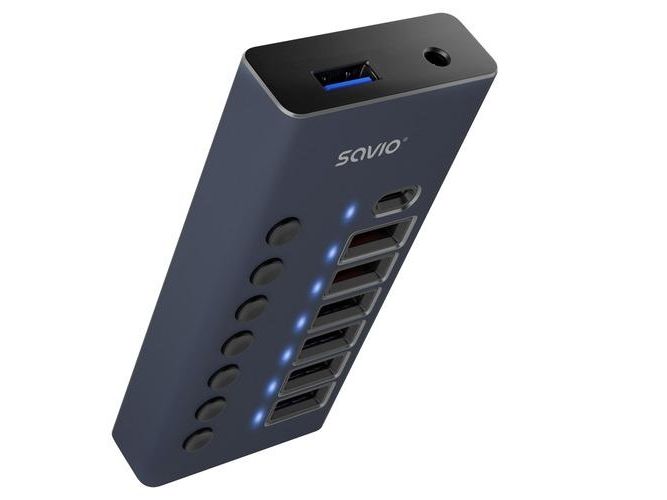
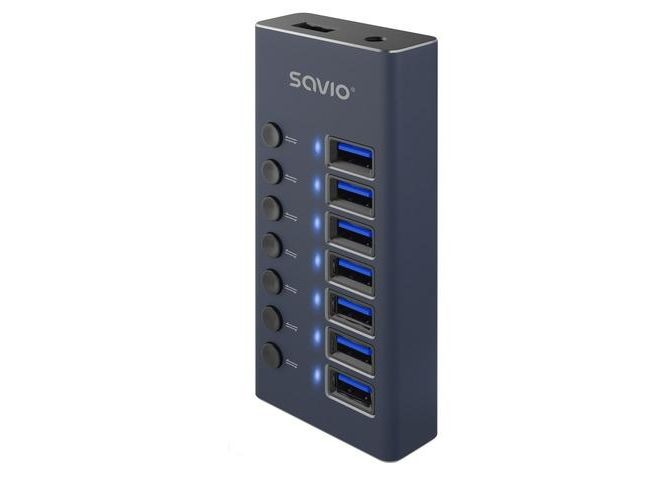
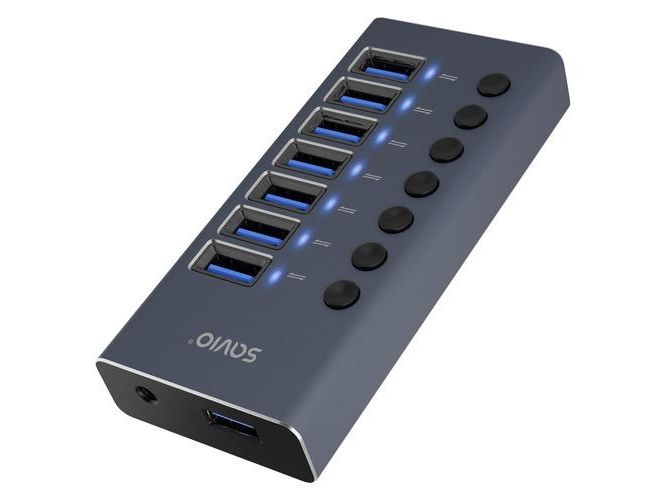
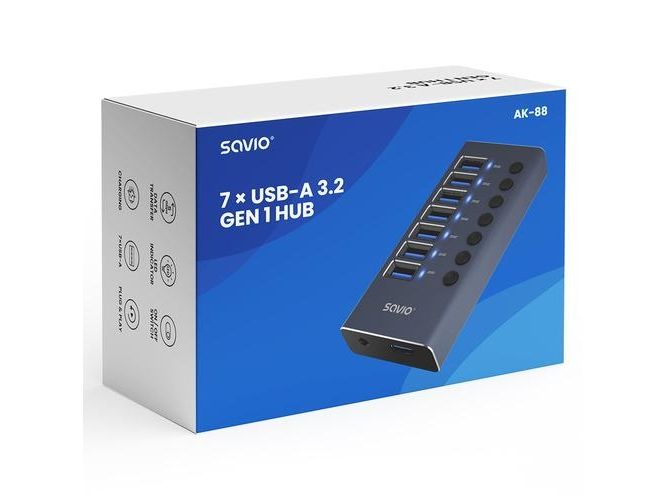
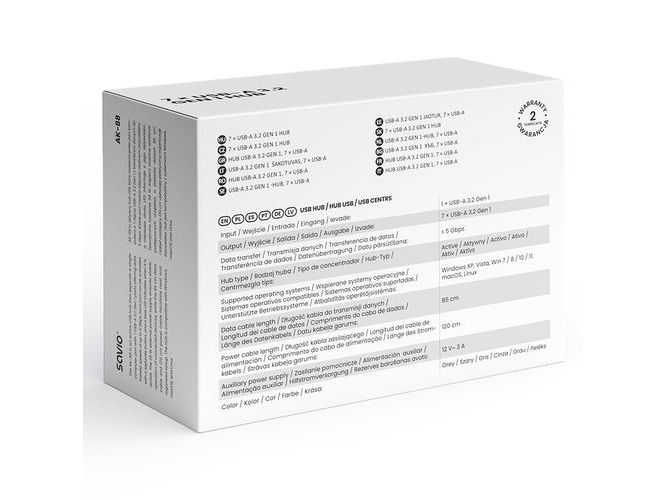
SAVIO AK-88 expands a single USB-A port on your computer into seven additional USB-A ports. All ports support USB 3.2 Gen 1 (Generation 1) and provide data transfer speeds of up to 5 Gbps (gigabits per second). The hub allows you to conveniently connect a mouse, keyboard, external storage device and other USB accessories.

Each of the seven ports has an individual button that allows it to be switched on independently. A blue LED (Light Emitting Diode) next to each port makes it easy to check its current status.

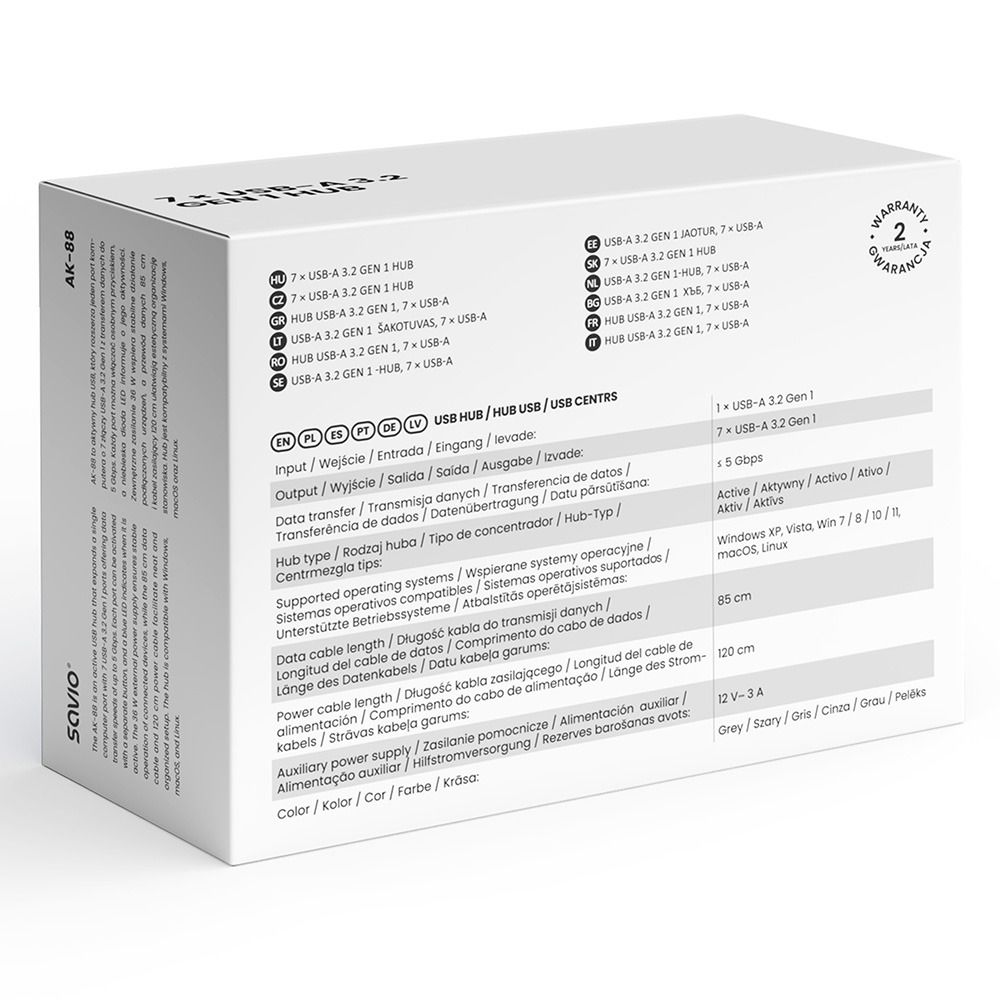
AK-88 is an active hub with an external 36 W power supply. This means that connected devices do not rely solely on power supplied by the computer's USB port, which is particularly useful when using several accessories at the same time. The 36 W rating refers to the hub's power supply and does not indicate the charging power available from each individual port.

The hub is compatible with Windows XP, Vista, Windows 7, 8, 10 and 11, macOS and Linux. An 85 cm data cable and a 120 cm power cable make it easier to position the device conveniently on your desk.