Das Produkt befindet sich in einem externen Lager. Die Lieferfrist: ca. 4-5 Werktage. Mehr Info
Versandoptionen - Wird im Checkout ausgewählt
Palettenlieferung bis Bordsteinkante (8:00-16:00 Uhr an Wochentagen) - Tägliche Versandfrist um 14:00
150,00
EUR
175,17
ex. MwSt. 147,20
Gesamtbetrag inkl. Versand.
325,17
Die Funktion setzt voraus, dass Sie angemeldet sind. Erstellen Sie einen Nutzer und verwenden Sie unser intelligentes Listensystem, um zukünftige Einkäufe, regelmäßige Einkäufe oder Wunschlisten zu verfolgen. Jetzt registrieren Anmelden
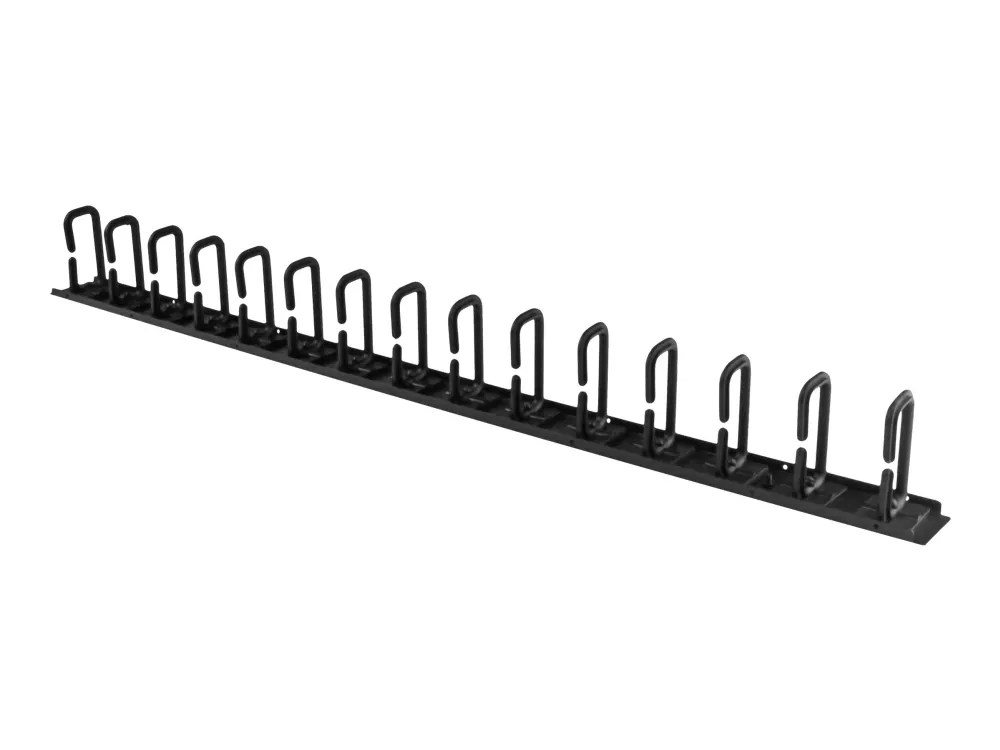
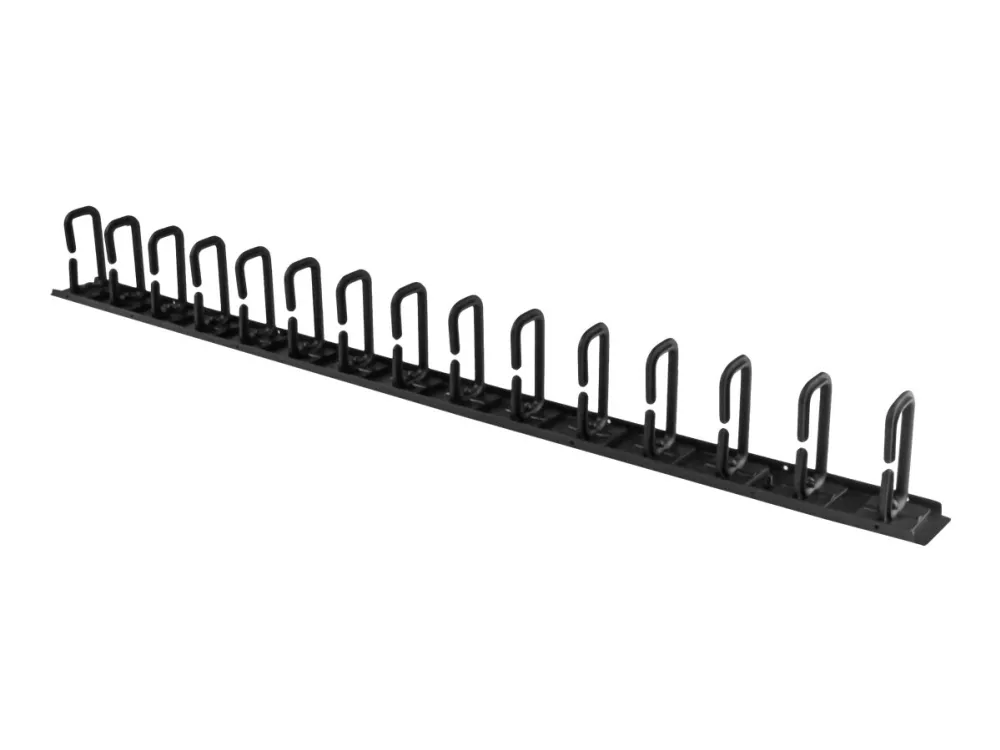
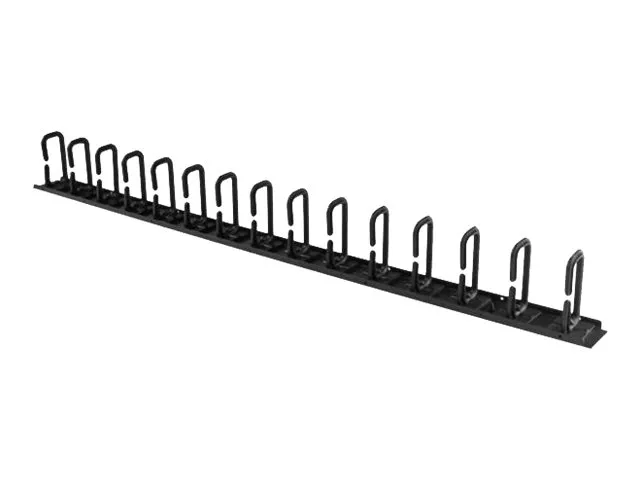
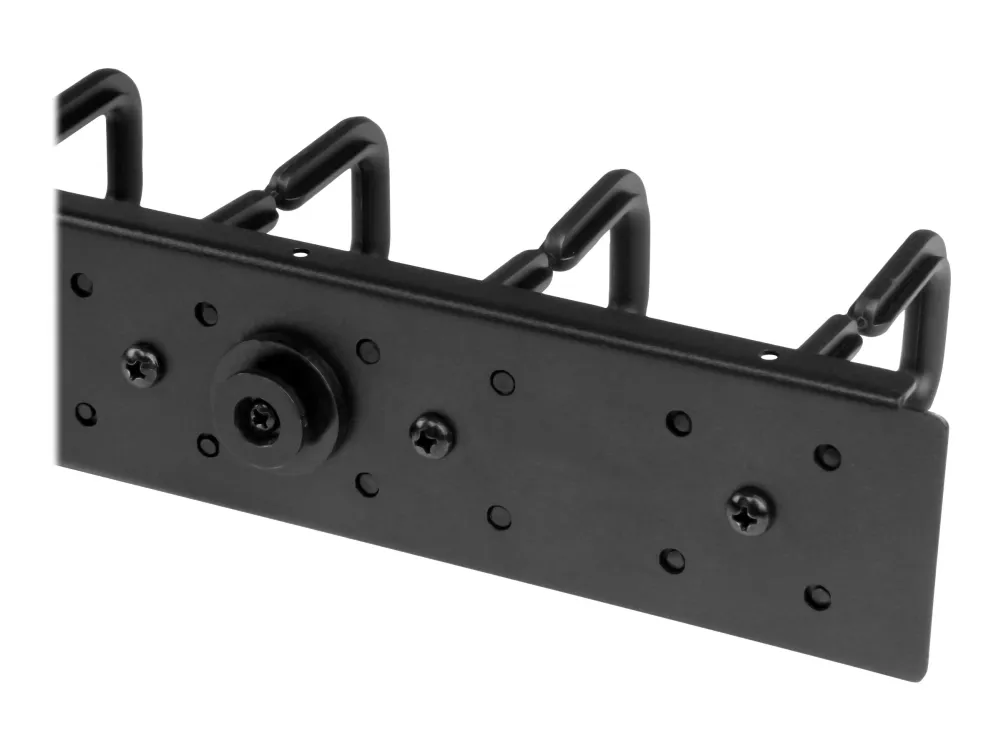
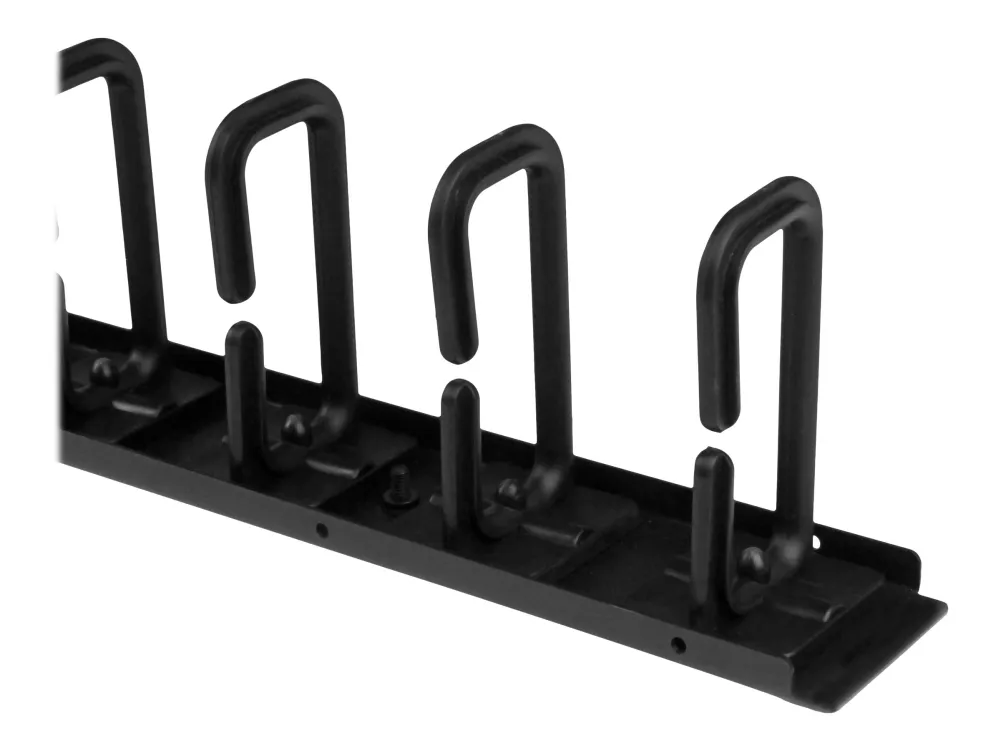
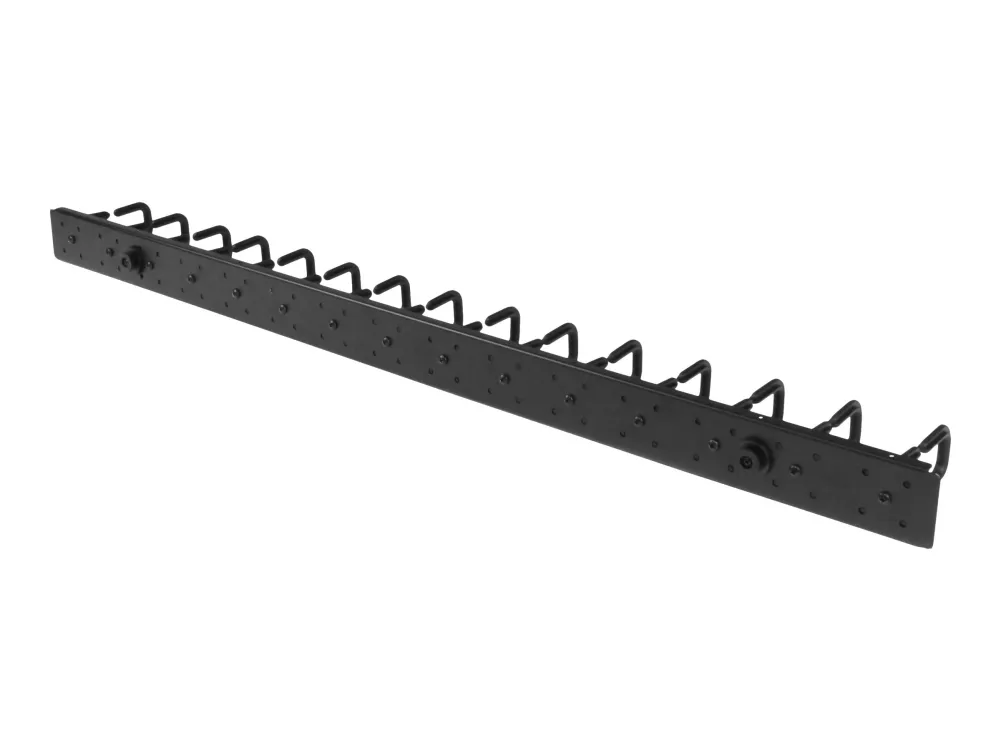
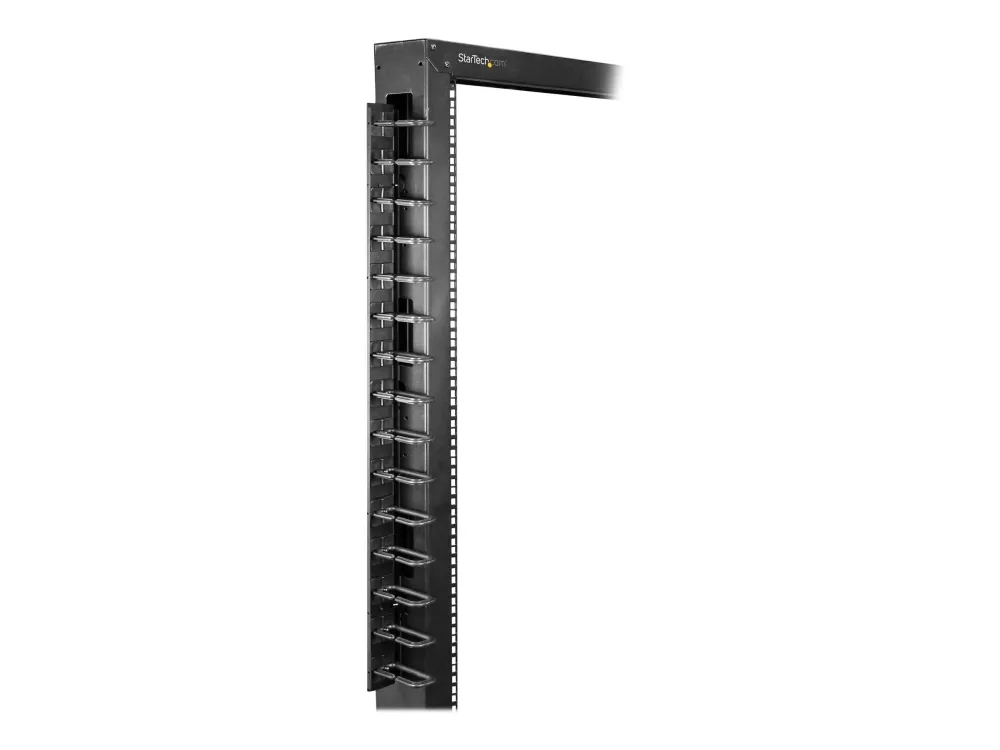
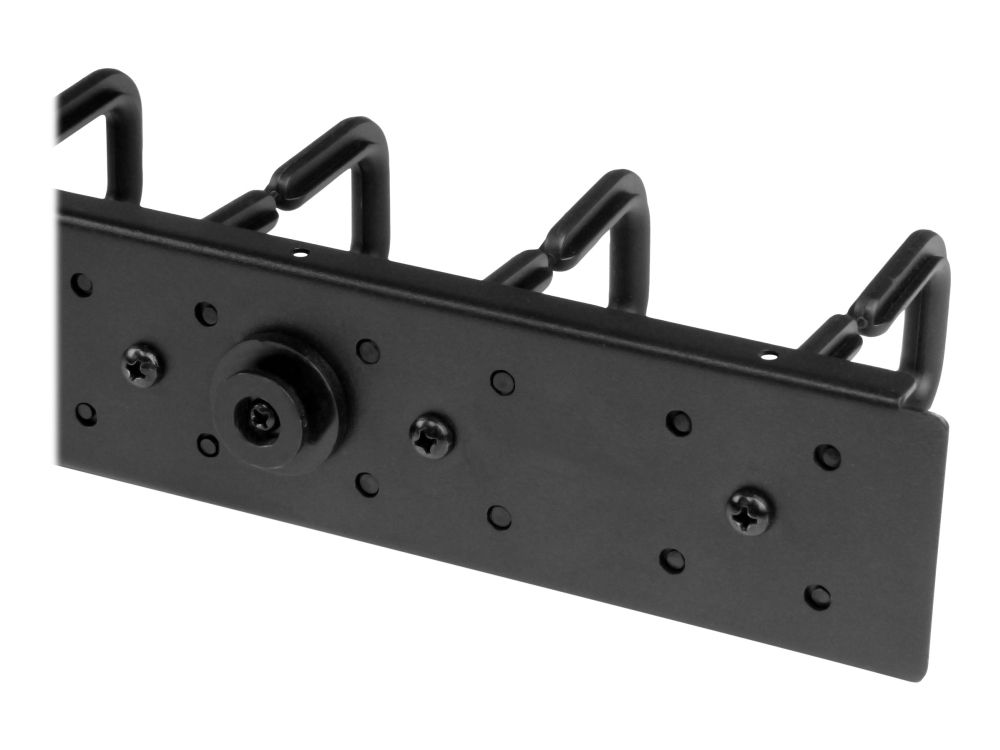
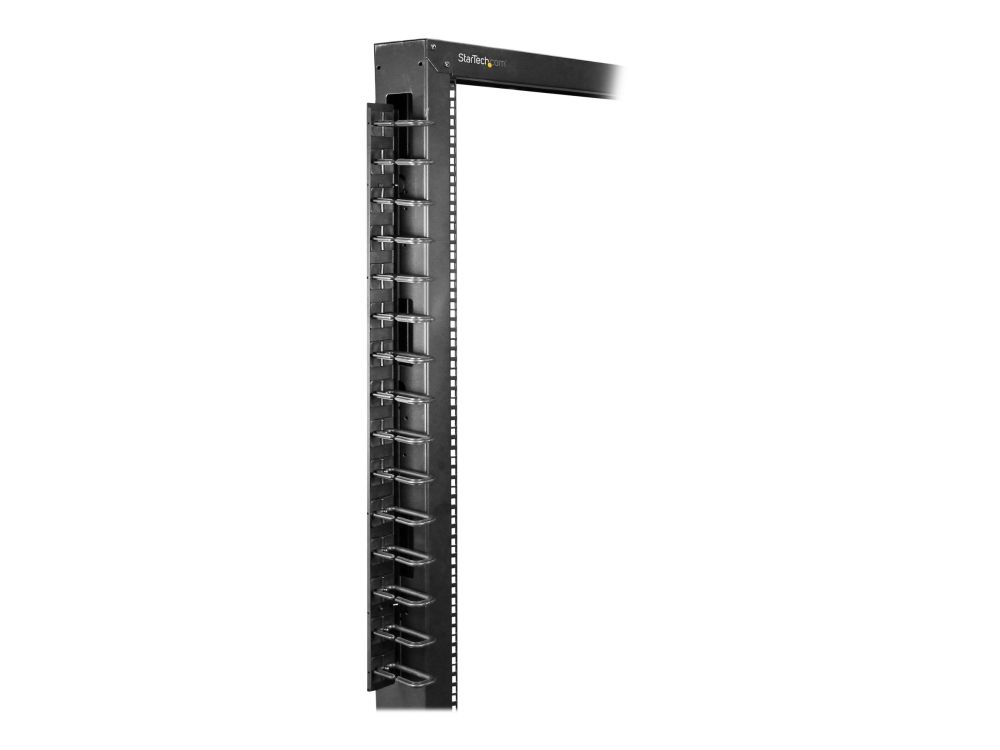
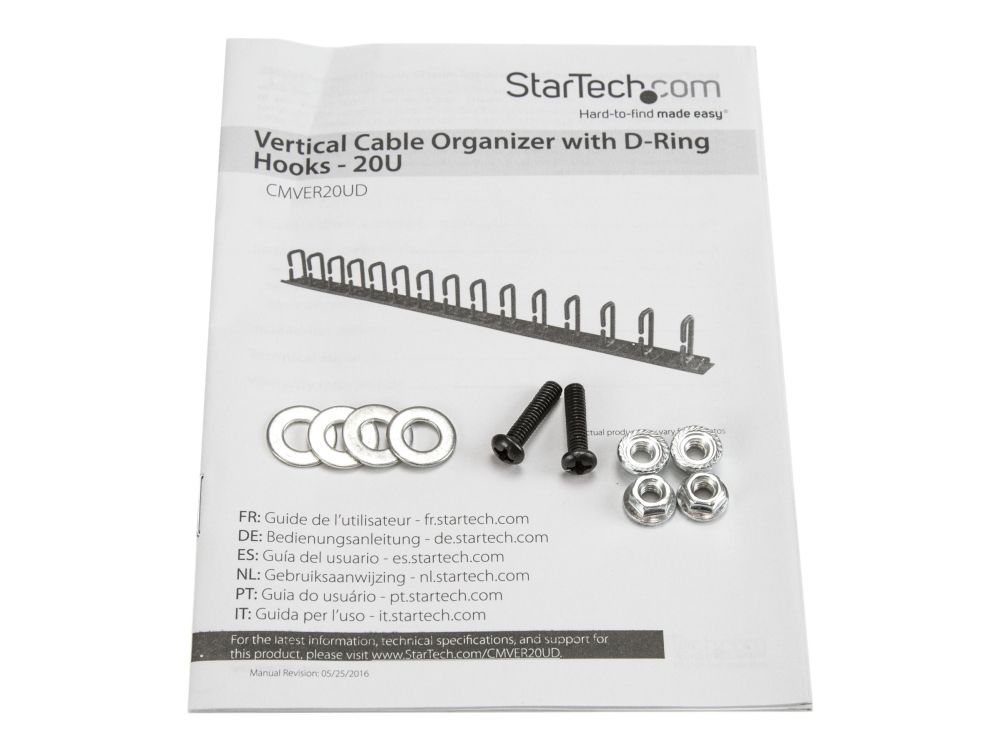
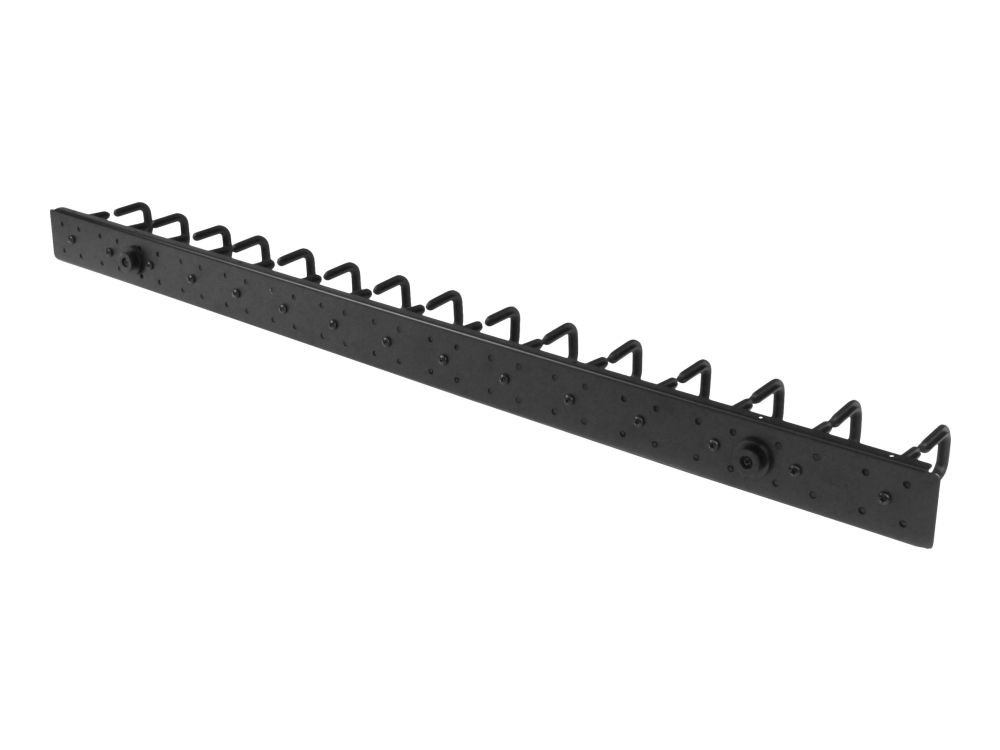
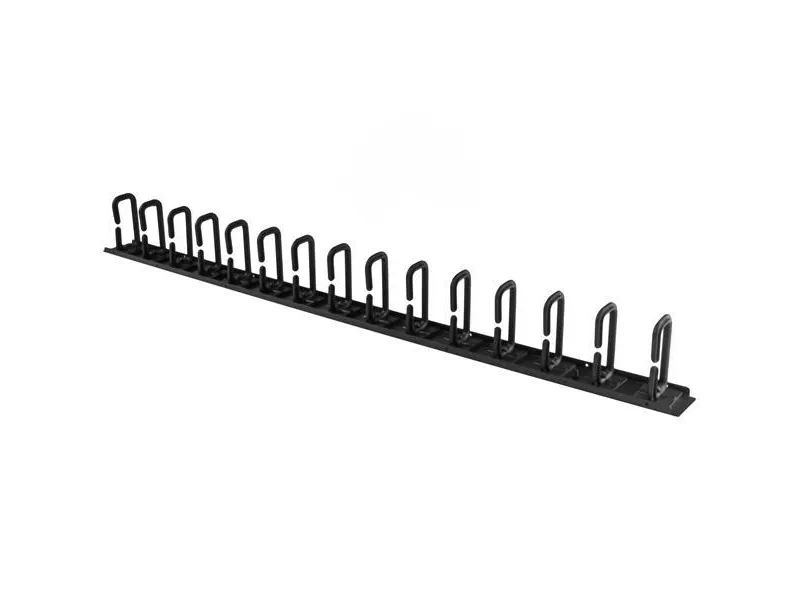
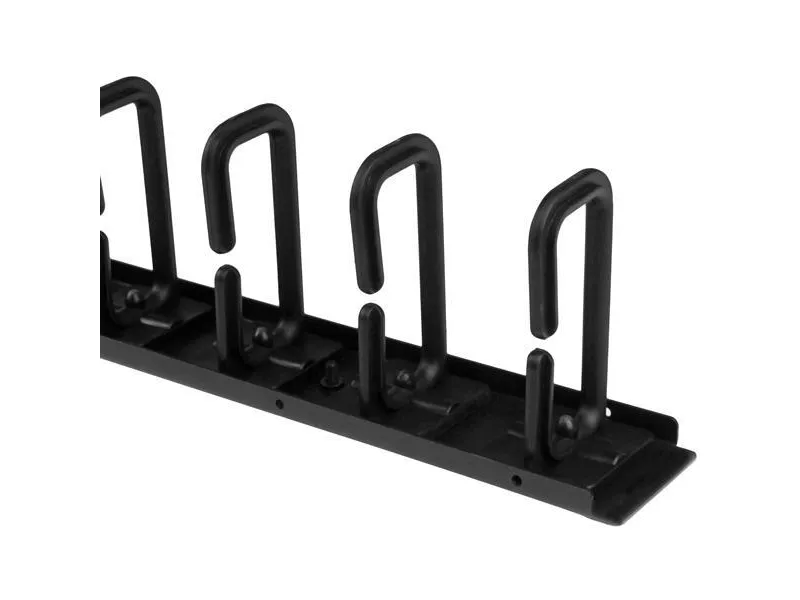
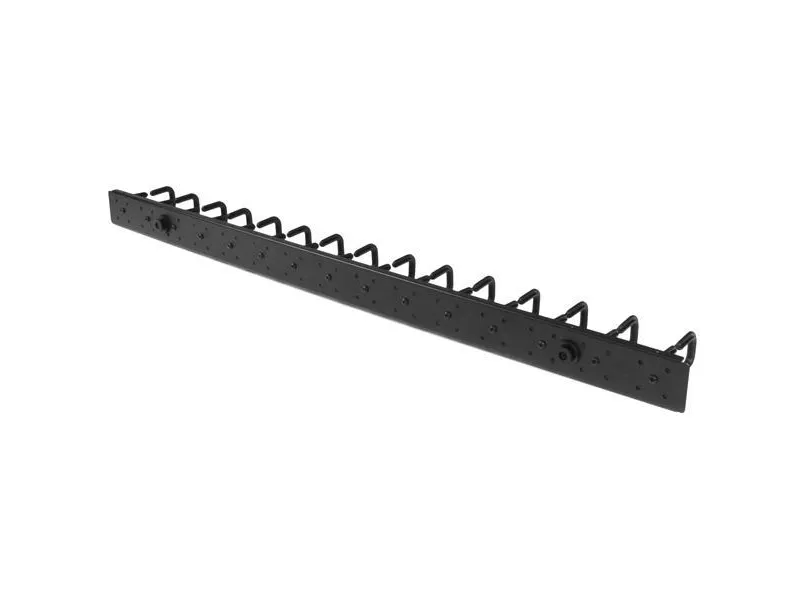
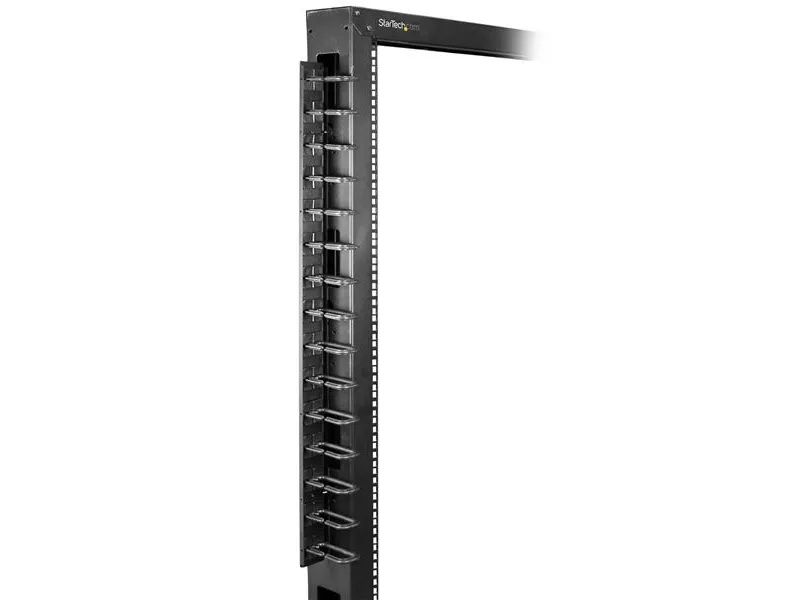
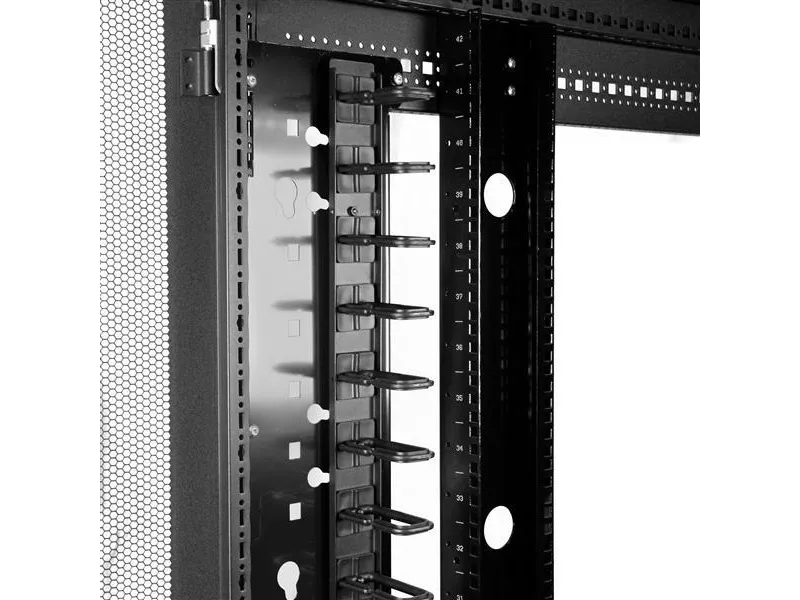
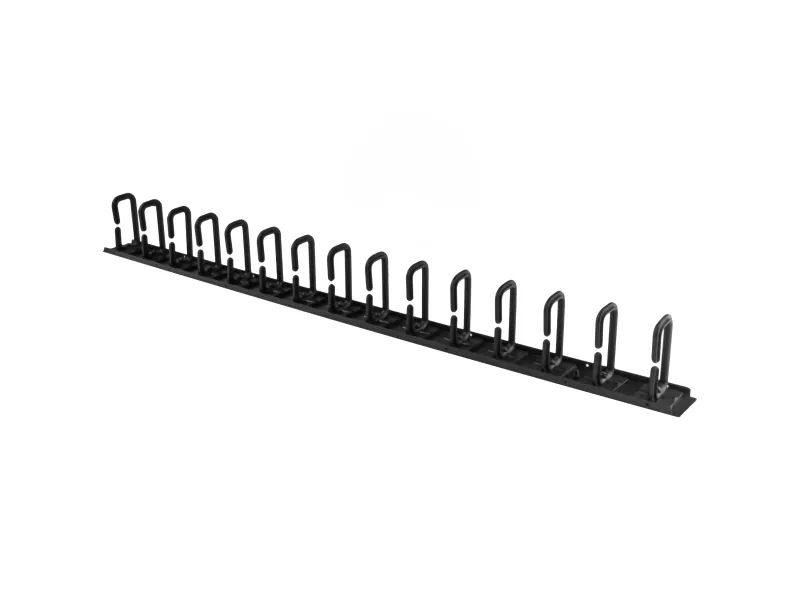
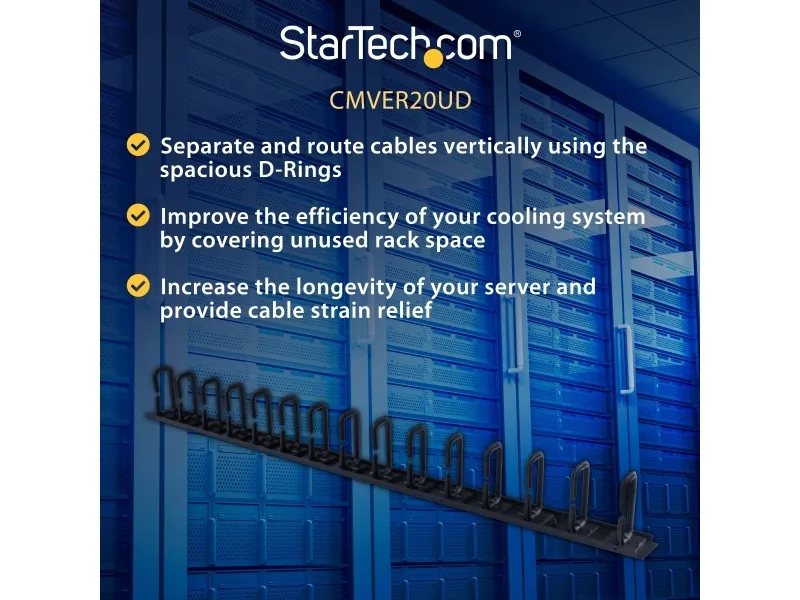
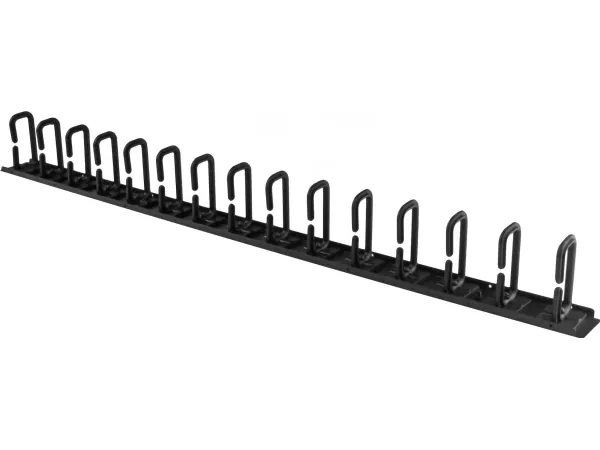
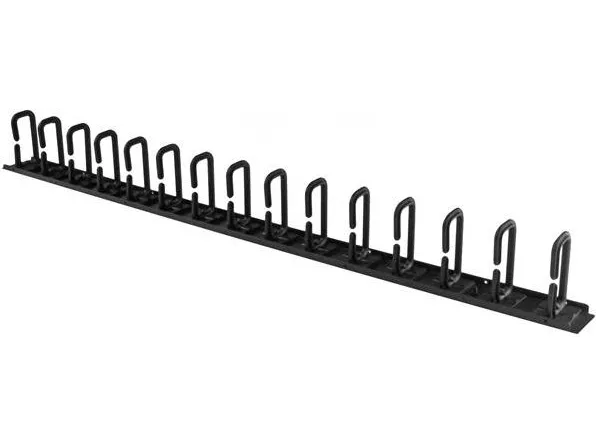
Organize your cables in any rack or cabinet that's 20U or larger, using this vertical cable management panel. This 3-foot vertical cable manager gives you a simple and space-efficient way to organize the cables in your server rack. You can attach the cable manager vertically into your rack, to neatly guide cables between equipment that's mounted at different heights.
The 0U cable manager offers versatile installation options and is compatible with most racks that are 20U or larger. The panel features a 0U design that doesn't take up any mounting space, and with simple tool-less installation it's easy to attach or reposition as necessary.
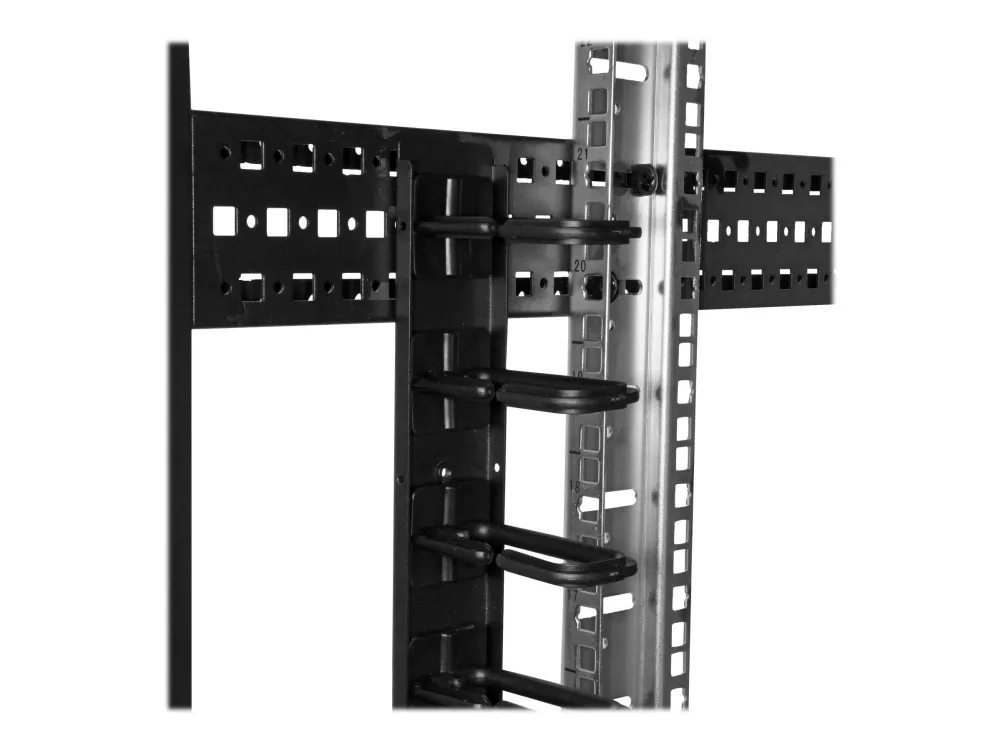
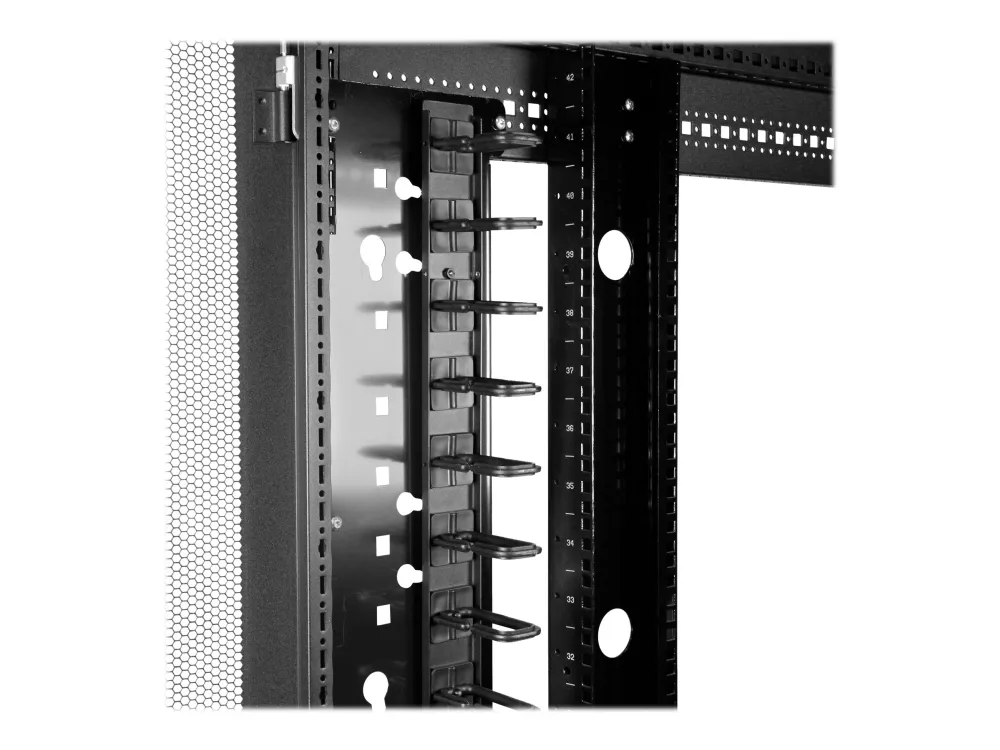
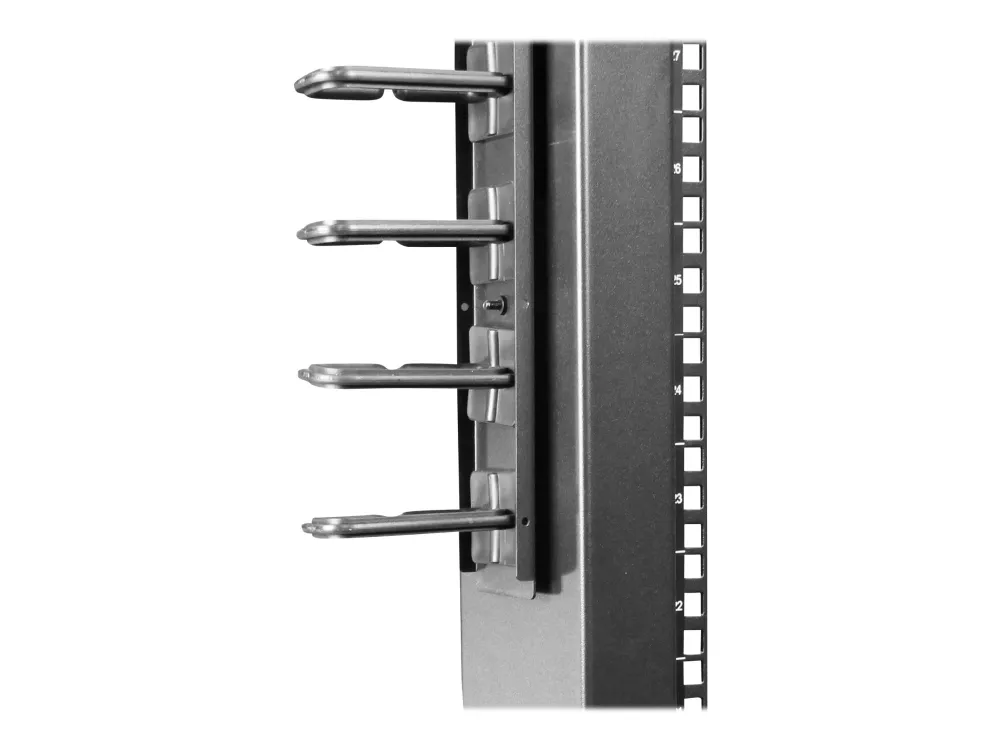
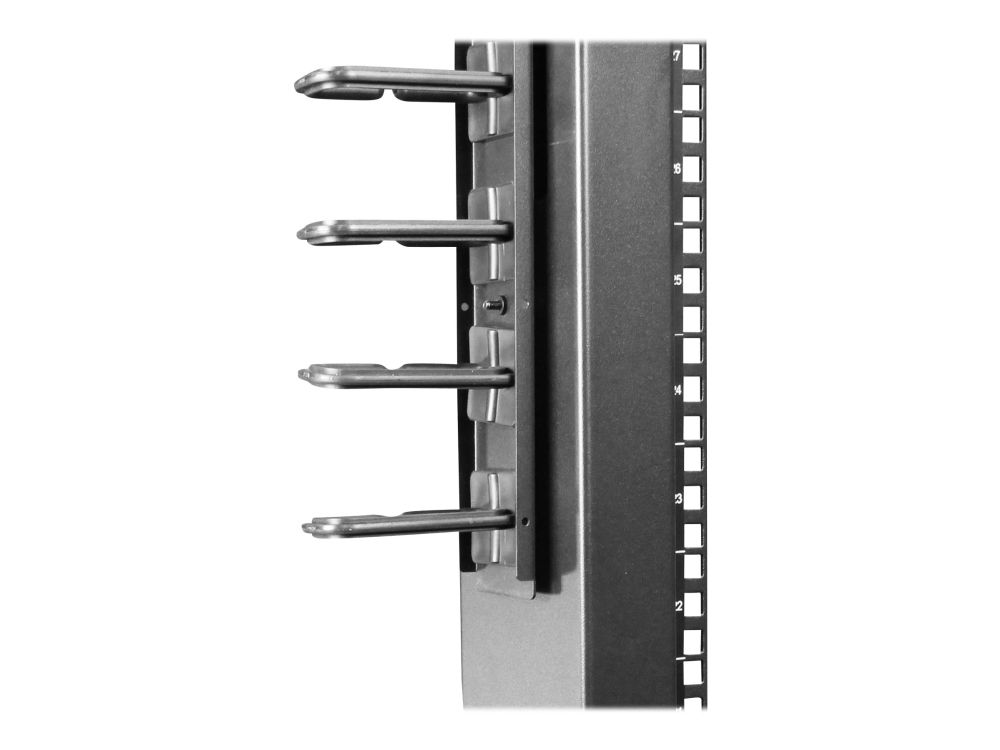
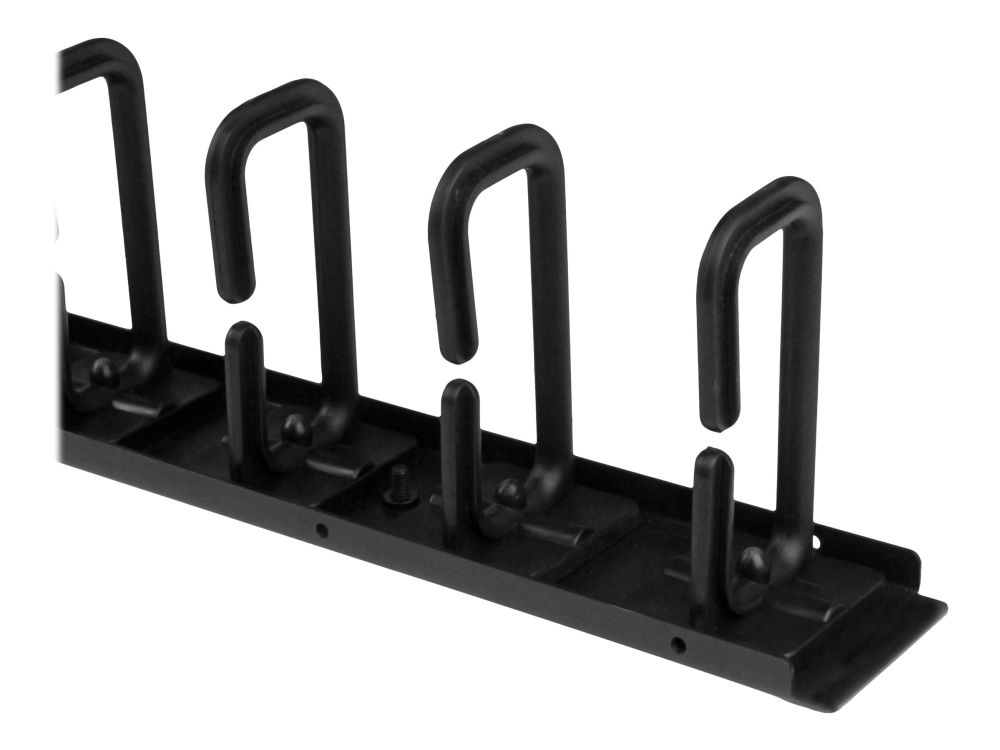
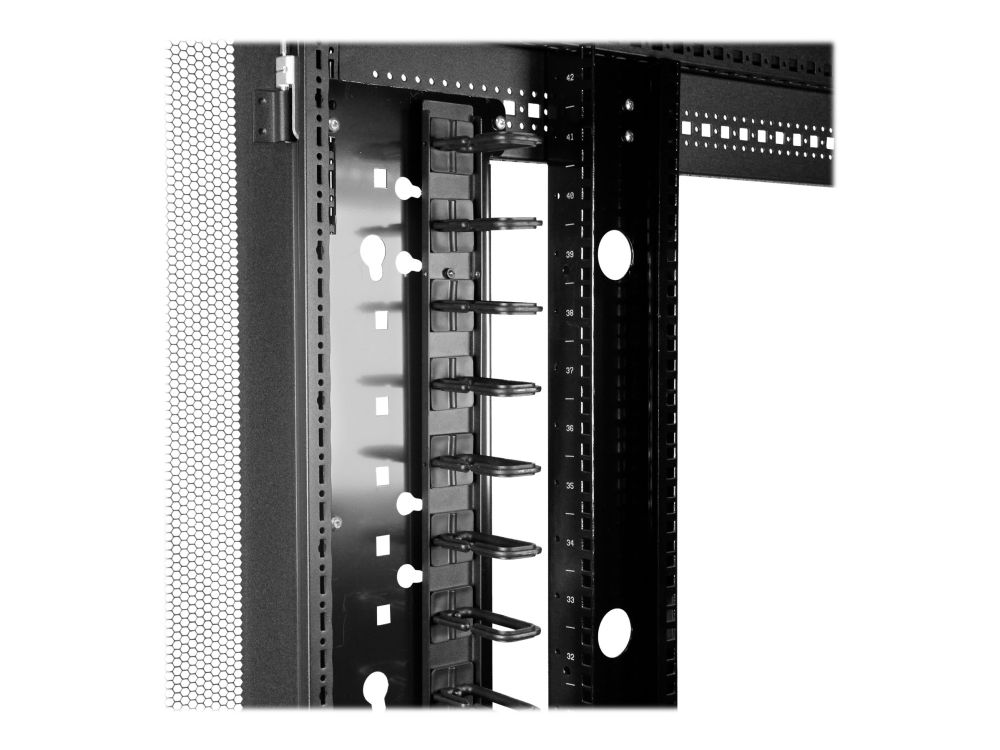
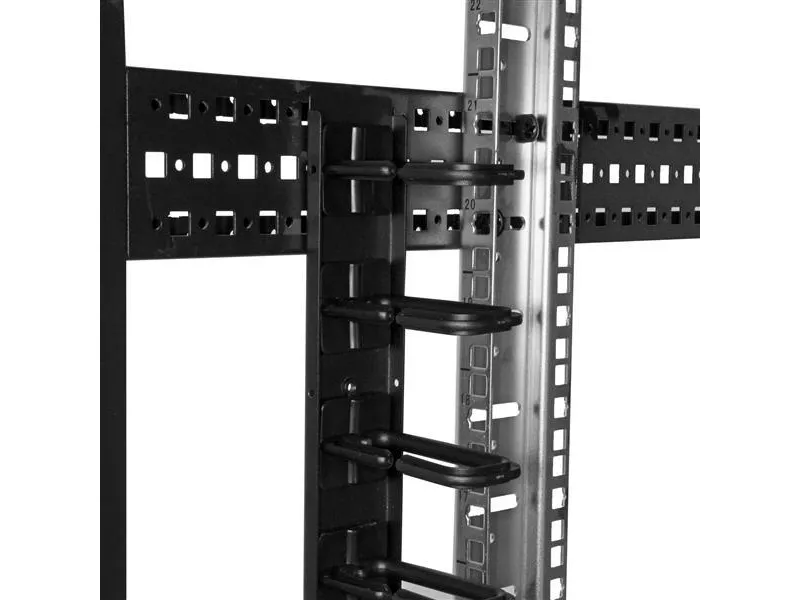
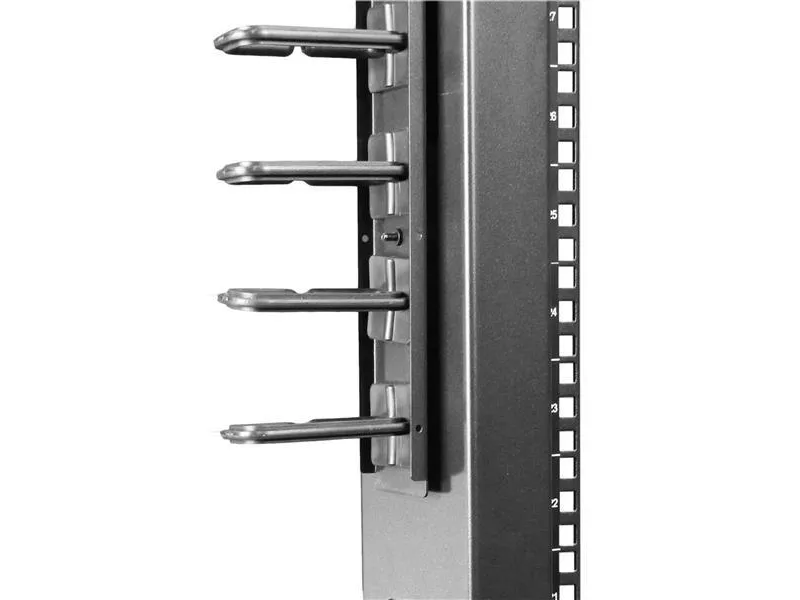
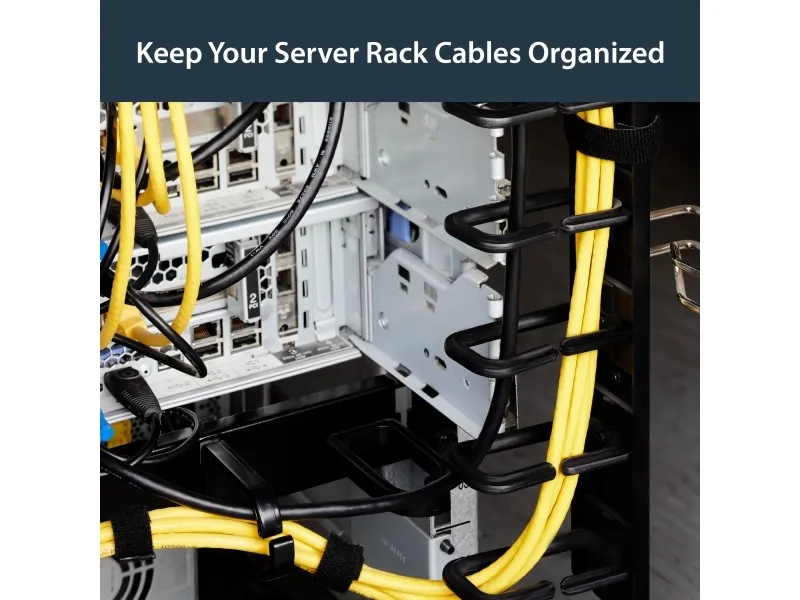
The cable manager uses a D-ring method of cable management to run cables vertically along the side of your rack, neatly guiding them between equipment that's mounted at different heights. This provides a tidy and well-organized way to run cables from devices mounted toward the bottom of your rack to other devices mounted near the top, without leaving a mess of cables hanging in between.
Having neatly organized and routed cables not only improves the appearance and accessibility of your rack, it also makes it easier for you to install, access and maintain rack components.
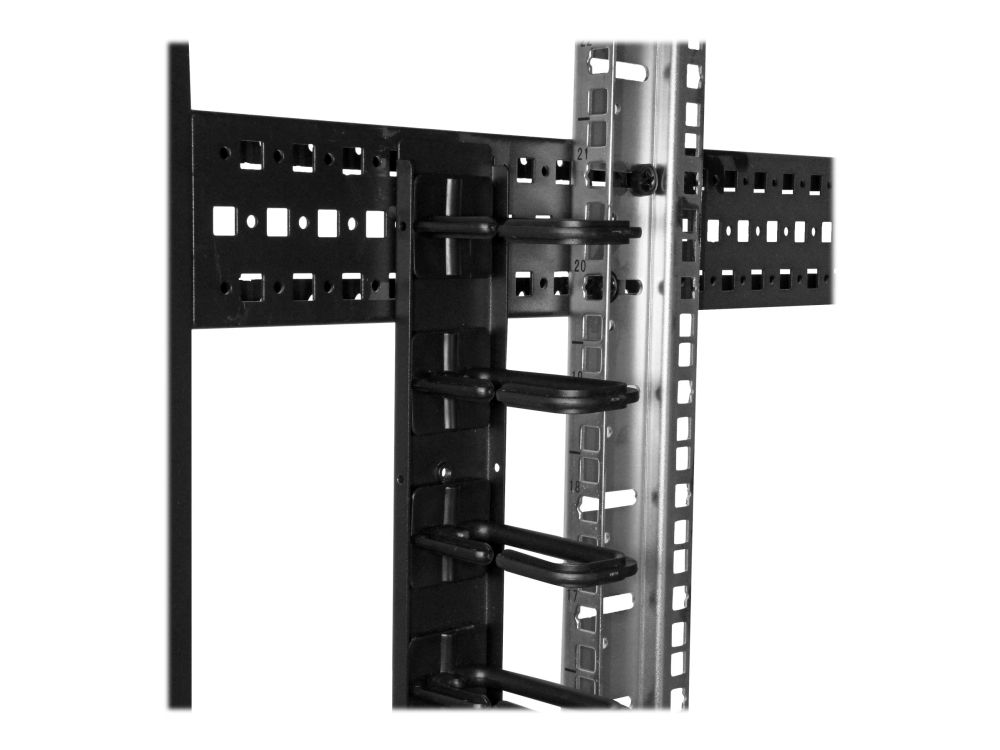
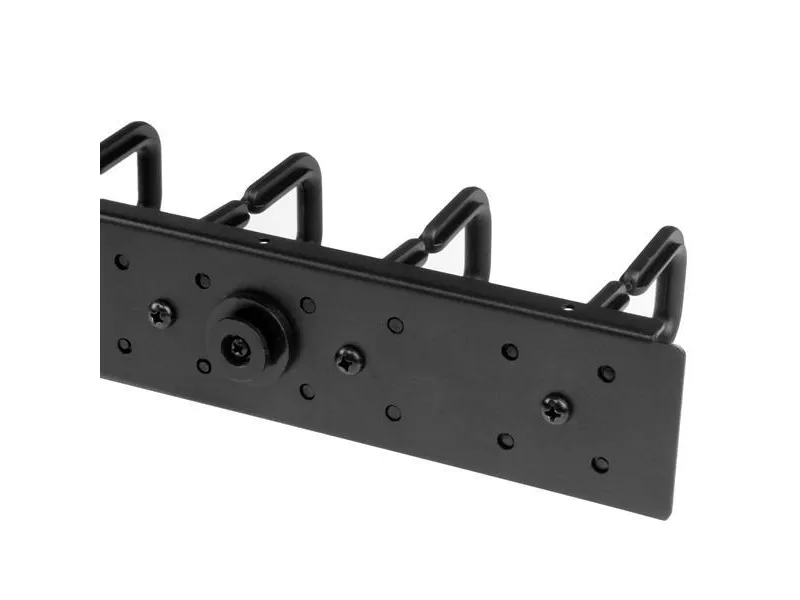
For maximum compatibility with virtually any server rack, you can install the cable-management panels using mounting holes that are commonly found on most rack equipment. The tool-less mounting method attaches the cable management panel to the keyhole-shaped mounting holes that are built into your rack.
The horizontal mounting rail method attaches the cable management panel to the horizontal mounting rails that run along the side of your rack.
For racks that don't support these installation methods, you can also mount the cable management panels through other means, such as using the non-standardized holes found on your rack walls and enclosures, or the rack units on equipment mounting rails.
Routing your cables through a panel reduces the tension that's often put on cables. This prevents cable damage or connection loss, and reduces strain on equipment ports, preventing damage to your expensive rack-mount devices.
Properly routing cables also improves airflow, which passively cools devices stored in your rack, helping to keep your equipment running at optimal temperatures to reduce the probability of damage caused by your rack overheating.
Typ
Kabelmanagementtafel
Produktfarbe
Schwarz
Gehäusematerial
Stahl
Rack-Kapazität
20U
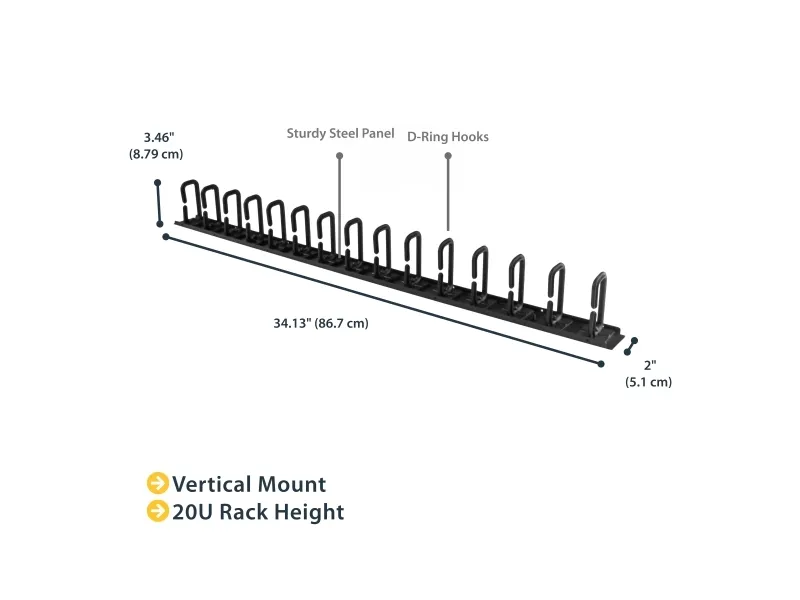
Breite
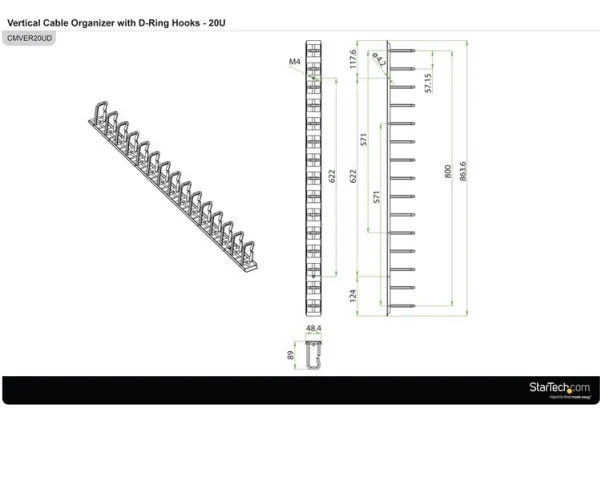
863,6 mm
Tiefe
50 mm
Höhe
87 mm
Gewicht
760 g
Menge pro Packung
1 Stück(e)
Verpackungsbreite
904 mm
Verpackungstiefe
111 mm
Verpackungshöhe
149 mm
Paketgewicht
1,29 kg
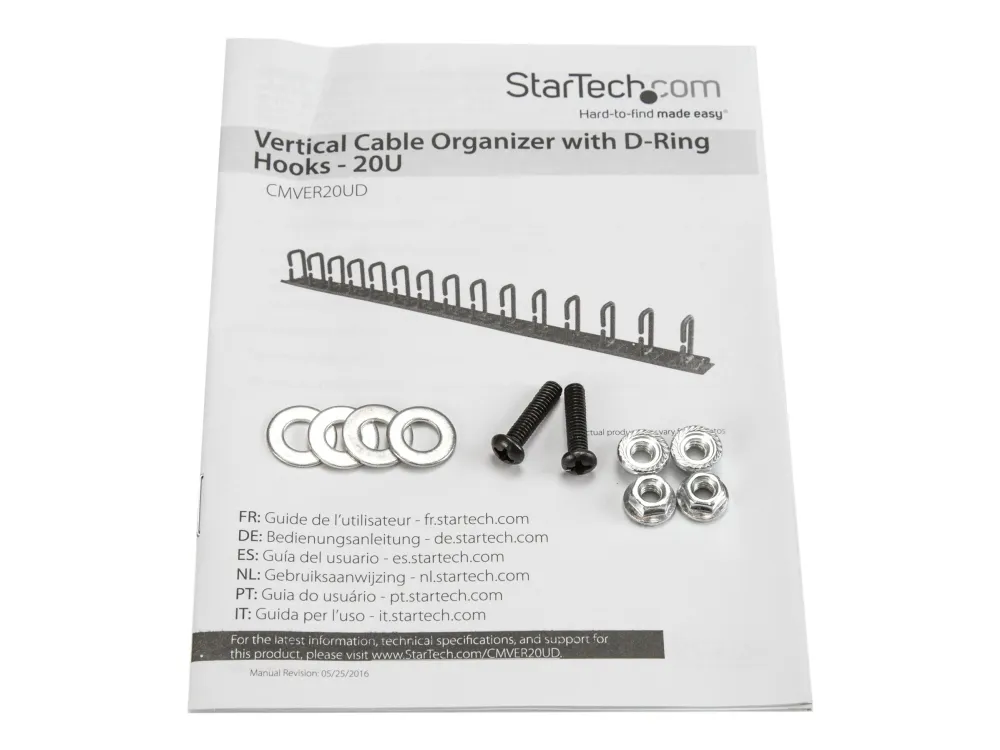
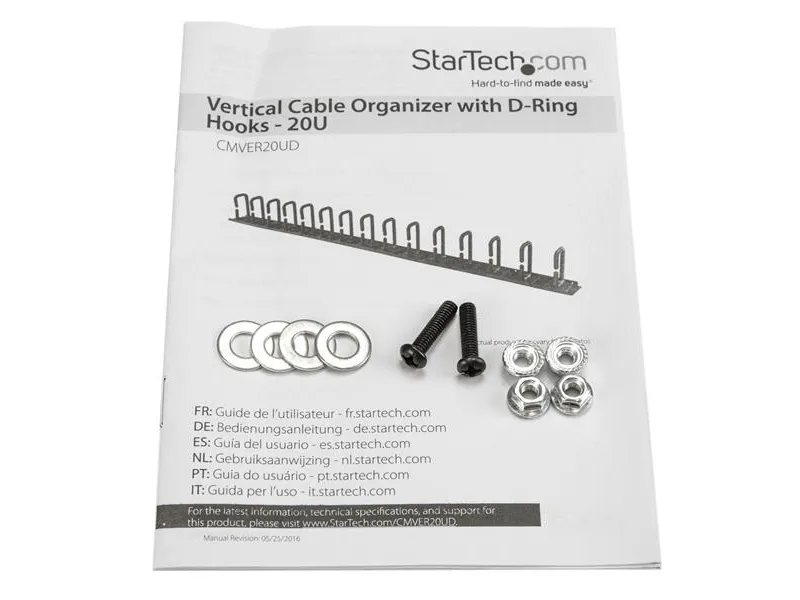
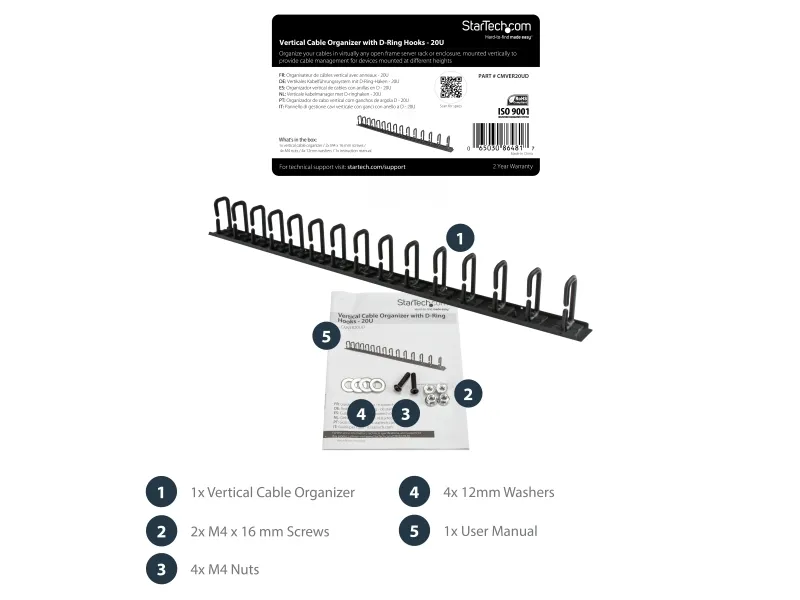
Schrauben enthalten
Nein
Konformitätsbescheinigungen
RoHS
Breite des Versandkartons
560 mm
Länge des Versandkartons
970 mm
Höhe des Versandkartons
595 mm
Anzahl Produkte pro Versandkarton
20 Stück(e)
Warentarifnummer (HS)
85389099
Das Produkt hat folgende Artikelnummer in unserem System
EAN:
0065030864817
SKU:
CMVER20UD
Warum ist ein und dasselbe Produkt unter verschiedenen Artikelnummern erhältlich?
Hersteller bringen oft dasselbe Produkt unter verschiedenen Artikelnummern auf den Markt, in der Regel handelt es sich dabei nur um unterschiedliche Versionen der Verpackung. Die Verpackung kann zum Beispiel für verschiedene Länder bestimmt sein.
Wir versuchen unser Bestes, um die Produkte zu vereinheitlichen, aber es kann vorkommen, dass dasselbe Produkt unter verschiedenen Artikelnummern in unserem System erscheint.