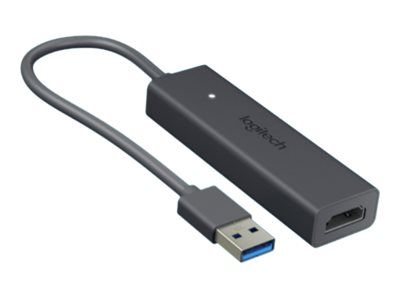
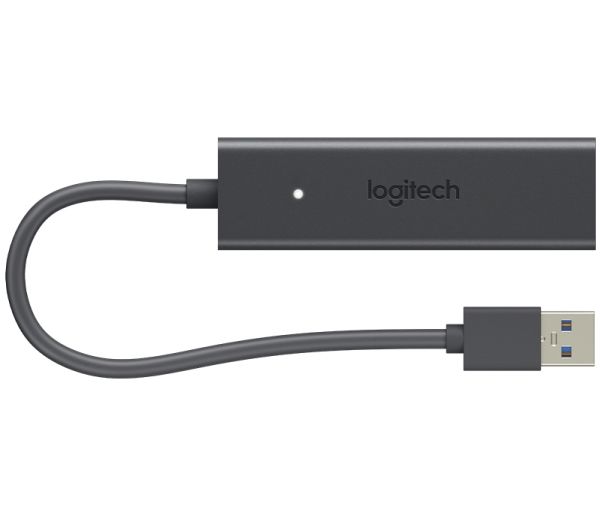
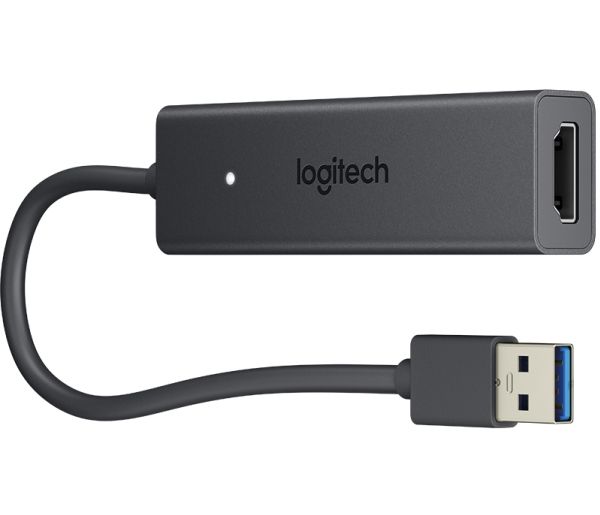
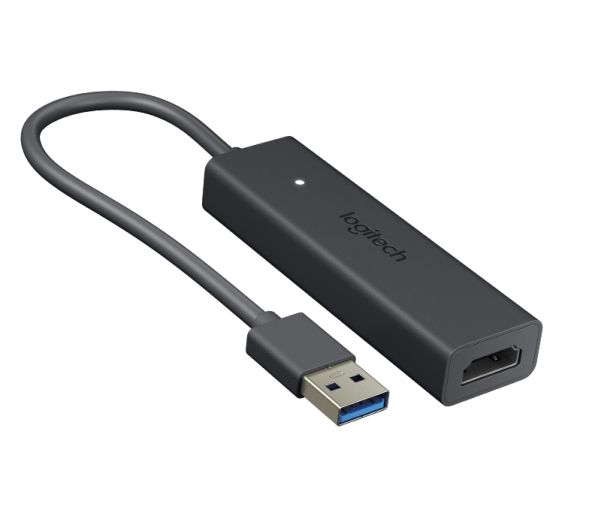
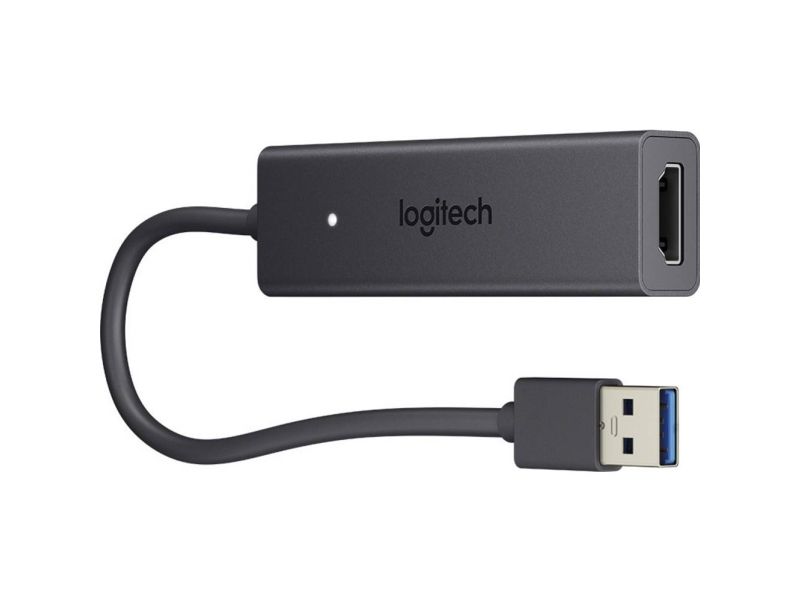
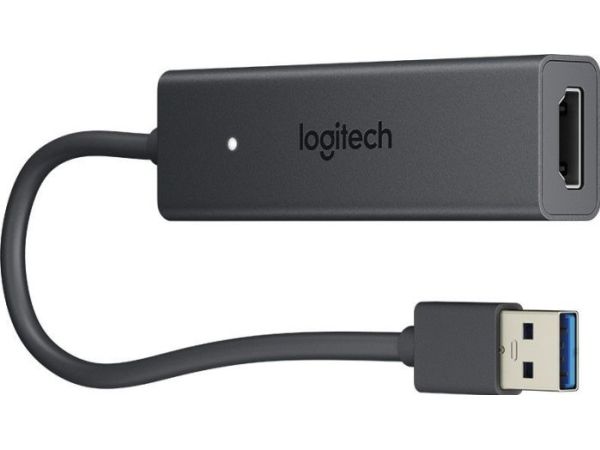
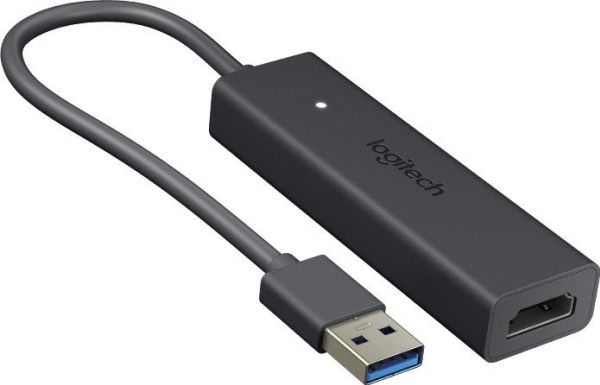
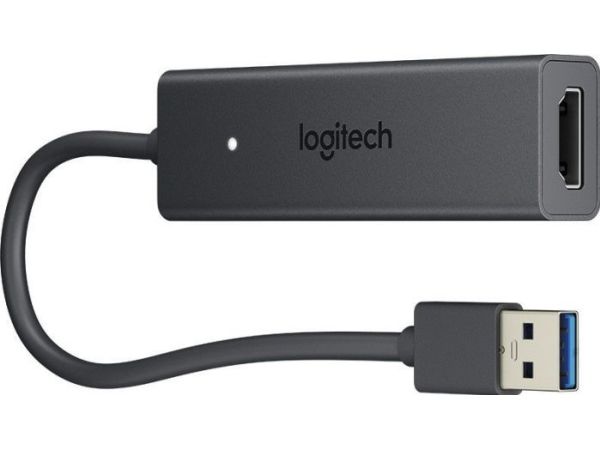
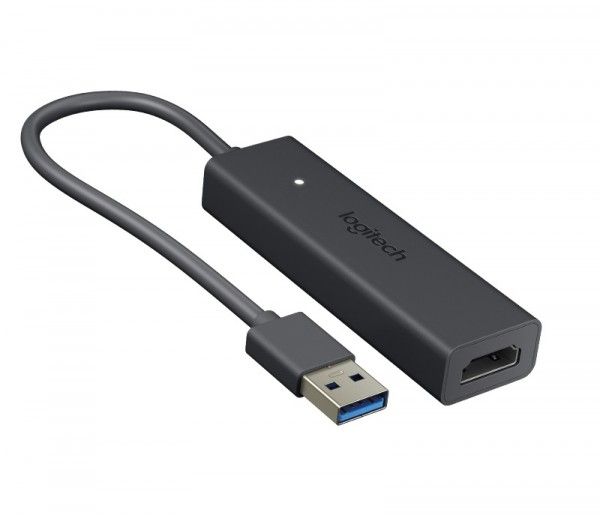
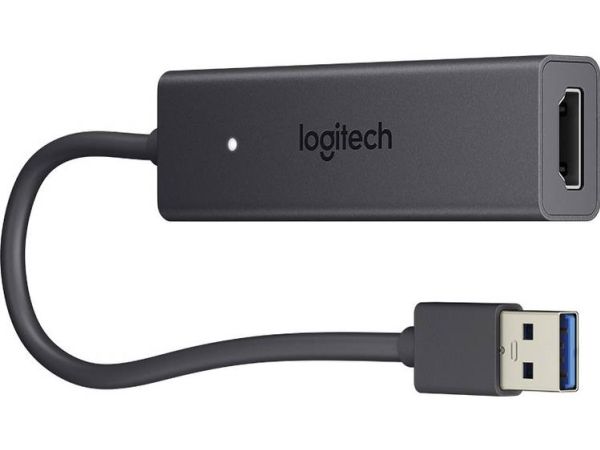
Logitech Screen Share, 2.0/3.2 Gen 1 (3.1 Gen 1), USB Typ-A, HDMI-Ausgang, 1920 x 1080 Pixel
FBAC4895-B52C-4E03-B099-A6A8F8B8017B Created with sketchtool. 706D6907-81E1-46A2-B8F9-7B702A1EF2C7 Created with sketchtool. 6A870209-E7F5-44F5-A66F-09E20C85A0DC Created with sketchtool. 0BB04D6C-A9AB-4913-BF4F-5A23954E68E1 Created with sketchtool. 501E26C7-66C1-4DAA-B740-6CFAF55A1B39 Created with sketchtool. C105F7D3-D5EE-43C9-9EE8-05CC42B296D4 Created with sketchtool. D94689D8-7CBB-41C8-AC06-F79D81FF82D5 Created with sketchtool. DA4C7ED9-2512-4D52-94F0-92800F2A6E04 Created with sketchtool. 42E133FD-828F-4CF4-A0BF-560014487A57 Created with sketchtool. F52D9745-4BFD-4506-BEEF-630FD09EF2D9 Created with sketchtool.
Externen Lager (5-7 Werktage)
Das Produkt befindet sich in einem externen Lager. Die Lieferfrist: ca. 5-7 Werktage.. Mehr Info

Kostenloser Versand - DHL PaketShop

Alle Möglichkeiten zeigen
Versand mit DHL - PaketShopKostenlos
Versand mit DHL zur AdresseKostenlos
Versand mit GLS - PaketShopKostenlos
Versand mit GLS zur AdresseKostenlos
EUR 317,35
ex. MwSt. 266,68
Gesamtbetrag inkl. Versand. 317,35
SIMPLE CONTENT SHARING FOR EVERY ROOM
Logitech Screen Share brings fast and easy content sharing to any conference room computer. Simply connect a laptop or tablet via HDMI to start sharing: there’s no need to install software, enter a passcode, or even connect to the internet. Affordably priced for every room, Logitech Screen Share takes the hassle out of presenting slides, spreadsheets, documents, and video recordings into online meetings.

INSTANT SHARING
Just plug in. Isn’t that how content sharing is supposed to work? No more checking and rechecking the meeting ID or pairing code. And no more fumbling with input sources and remote controls. There’s nothing to learn, no software to install, and you don’t even need to be online. Simply connect and present.

SHARE TO ANY MEETING
Don’t leave remote colleagues at the dark end of a conference call. Logitech Screen Share works with Zoom, Skype for Business, WebEx, BlueJeans, and other meeting services that support content sharing.

IN-ROOM PROJECTION
Stop crowding around a laptop! Just connect to Logitech Screen Share to project your presentations, spreadsheets, documents, and videos on the in-room display.

ADAPTER AND MOBILE-FRIENDLY
For devices without a built-in HDMI port, simply connect a suitable adapter. This lets you share from any device with a video output, including smartphones, tablets, ultrabooks, digital cameras, and media players.

HD VIDEO + AUDIO
Share a preview of your latest video project. Get feedback on work-in-progress. Showcase your portfolio from YouTube and Vimeo. With support for HD video and audio over HDMI, Logitech Screen Share lets you present videos as they were meant to be seen and heard.

SHARP AND RESPONSIVE
Jumpy cursors and jittery screens frustrate participants and disrupt meetings. With its ultra low-latency HDMI connection and on-board video processing, Logitech Screen Share delivers a sharp and responsive experience in every meeting. This means natural-feeling navigation, instant typing, smooth scrolling, and 1080p HD video at up to 30 frames per second.

PEOPLE + CONTENT
The Screen Share Application runs on the in-room computer for easy sharing into online meetings. Meanwhile, the in-room video and audio remain active, so presenters can share content -- even videos with sound -- and be seen and heard at the same time.

COMPLEMENTS CONFERENCECAM KIT
Add wired content sharing to rooms equipped with Zoom Room systems and other PC- and Mac-based conference room solutions to instantly share your screen into any online meeting.