Das Produkt befindet sich in einem externen Lager. Die Lieferfrist: ca. 5-7 Werktage.. Mehr Info
Versandoptionen - Wird im Checkout ausgewählt
Versand mit DHL - PaketShop
3,57
Versand mit DHL zur Adresse
7,60
Versand mit GLS - PaketShop
9,16
Versand mit GLS zur Adresse
11,90
Alle Versandoptionen anzeigen (4)
EUR
1,70
ex. MwSt. 1,43
Gesamtbetrag inkl. Versand.
5,27
Die Funktion setzt voraus, dass Sie angemeldet sind. Erstellen Sie einen Nutzer und verwenden Sie unser intelligentes Listensystem, um zukünftige Einkäufe, regelmäßige Einkäufe oder Wunschlisten zu verfolgen. Jetzt registrieren Anmelden
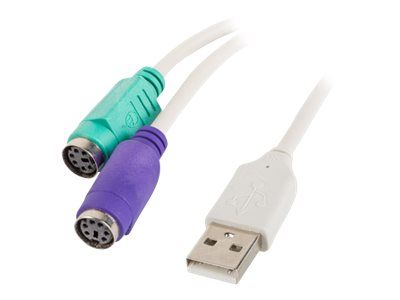
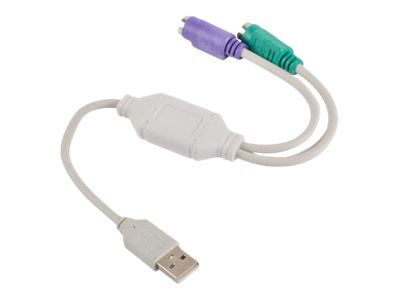
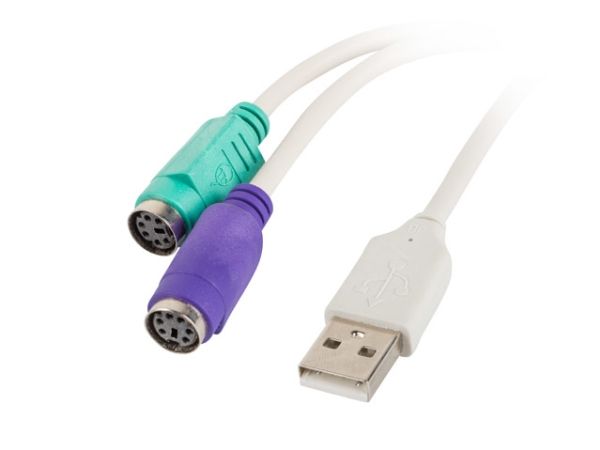
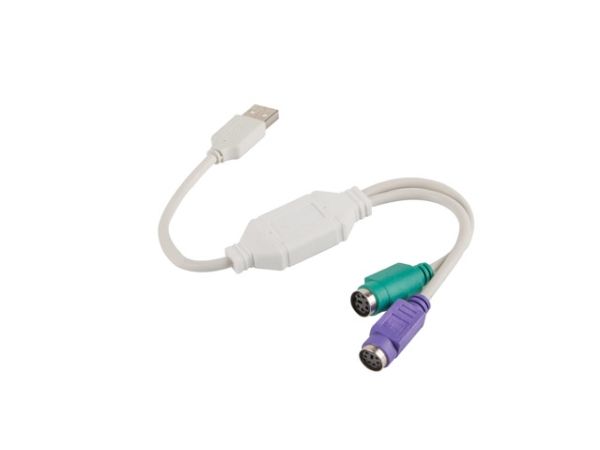
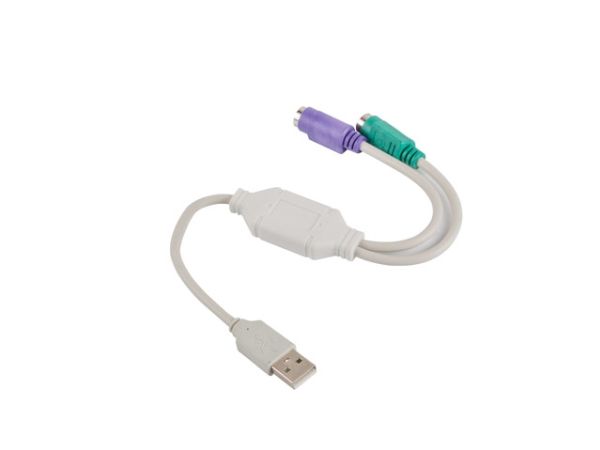
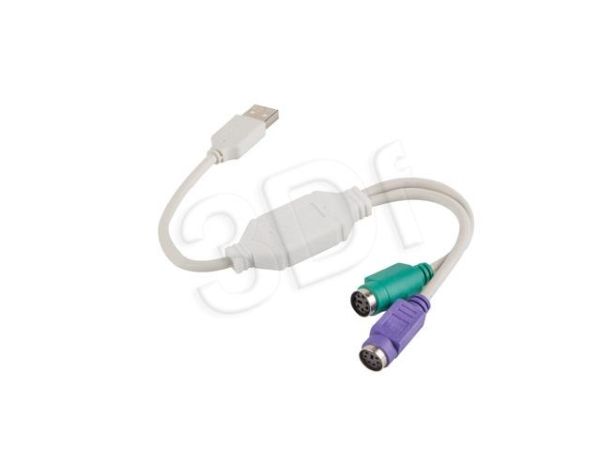
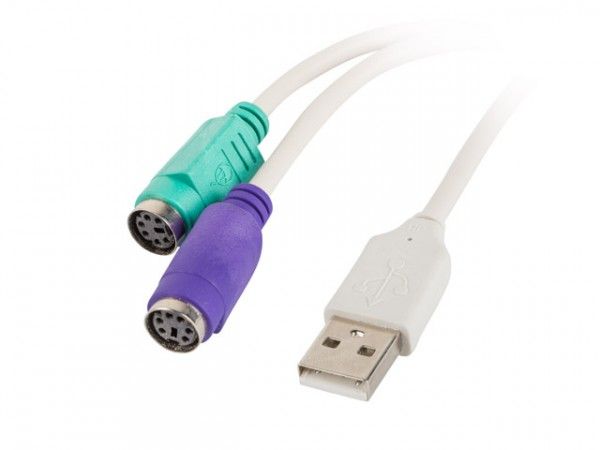
Lanberg’s USB-to-PS/2 adapter is a solution that allows you to operate and communicate simultaneously with devices supporting PS plug. In order to increase the effectiveness of the adapter, the manufacturer introduced 2 separate PS sockets that allow two different devices to work simultaneously, using just one USB connector. On top of that, this particular product allows bi-directional transmission.
Lanberg’s adapter itself does not require a separate power supply and is very easy to install. All you need to do is to plug it into PC’s free USB port and then plug the 2 other PS connector to the end-devices. Adapter is automatically configured and does not require any additional user experience with the configuration.
Product is fully compatible with various Windows operating systems such as XP, Vista, 7, 8, 10, as well as, Linux and MacOS system versions.
Product usage: In order to properly use the adapter, first make sure that the device (e.g. a computer) is turned off. Then connect the mouse to the green PS socket and the keyboard to the purple PS socket. Next connect the adapter to the PC, laptop. Turn the computer on and adapter’s drivers should be automatically installed and the PS connector devices will be available to use.
Anschluss 1
2x 6-p Mini-DIN
Anschluss 2
USB A
Steckverbinder 1 Geschlecht
Stecker
Steckverbinder 2 Geschlecht
Buchse
Produktfarbe
Grün, Violett, Weiß
Menge pro Packung
1 Stück(e)
Das Produkt hat folgende Artikelnummer in unserem System
EAN:
5901969409970
SKU:
AD-0025-W
Warum ist ein und dasselbe Produkt unter verschiedenen Artikelnummern erhältlich?
Hersteller bringen oft dasselbe Produkt unter verschiedenen Artikelnummern auf den Markt, in der Regel handelt es sich dabei nur um unterschiedliche Versionen der Verpackung. Die Verpackung kann zum Beispiel für verschiedene Länder bestimmt sein.
Wir versuchen unser Bestes, um die Produkte zu vereinheitlichen, aber es kann vorkommen, dass dasselbe Produkt unter verschiedenen Artikelnummern in unserem System erscheint.