Das Produkt befindet sich in einem externen Lager. Die Lieferfrist: ca. 5-7 Werktage.. Mehr Info
Versandoptionen - Wird im Checkout ausgewählt
Versand mit DHL - PaketShop
Kostenloser Versand
Versand mit DHL zur Adresse
Kostenloser Versand
Versand mit GLS - PaketShop
Kostenloser Versand
Versand mit GLS zur Adresse
Kostenloser Versand
Alle Versandoptionen anzeigen (4)
EUR
289,27
ex. MwSt. 243,08
Gesamtbetrag inkl. Versand.
289,27
Die Funktion setzt voraus, dass Sie angemeldet sind. Erstellen Sie einen Nutzer und verwenden Sie unser intelligentes Listensystem, um zukünftige Einkäufe, regelmäßige Einkäufe oder Wunschlisten zu verfolgen. Jetzt registrieren Anmelden
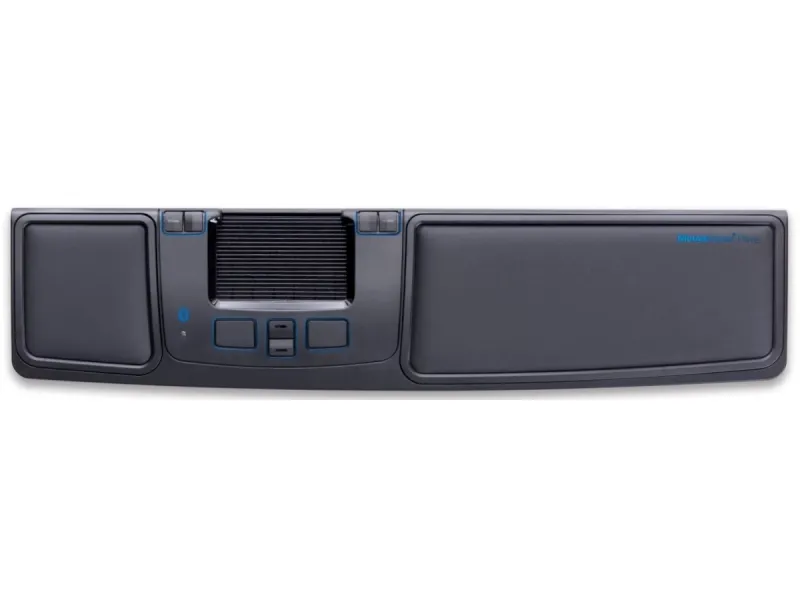
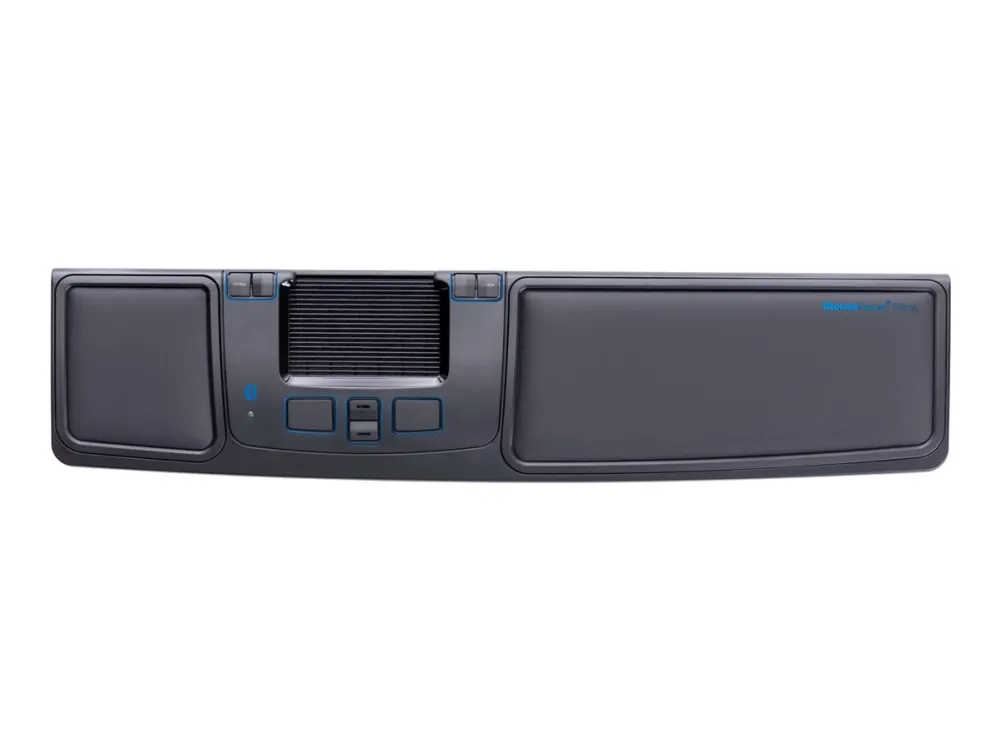
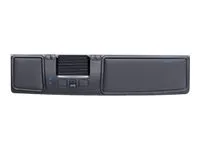
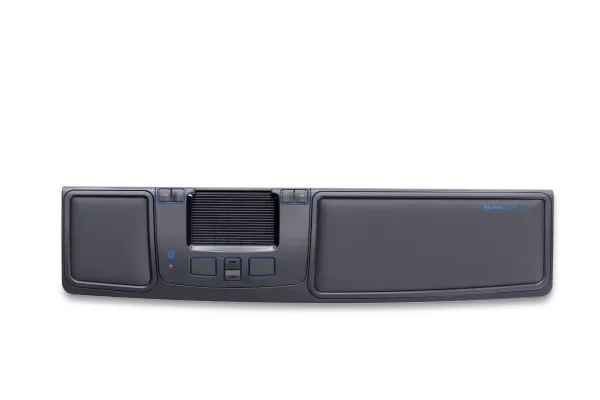
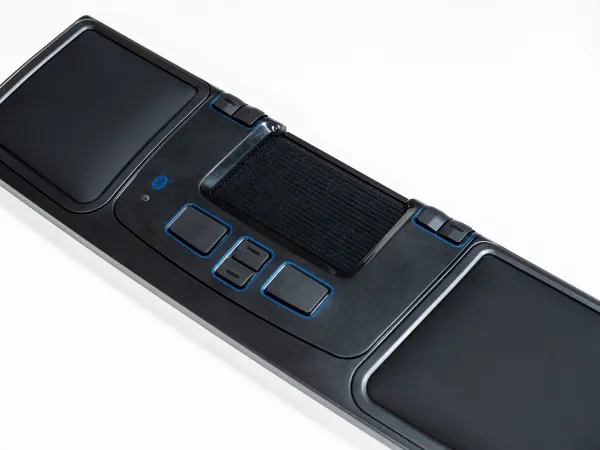
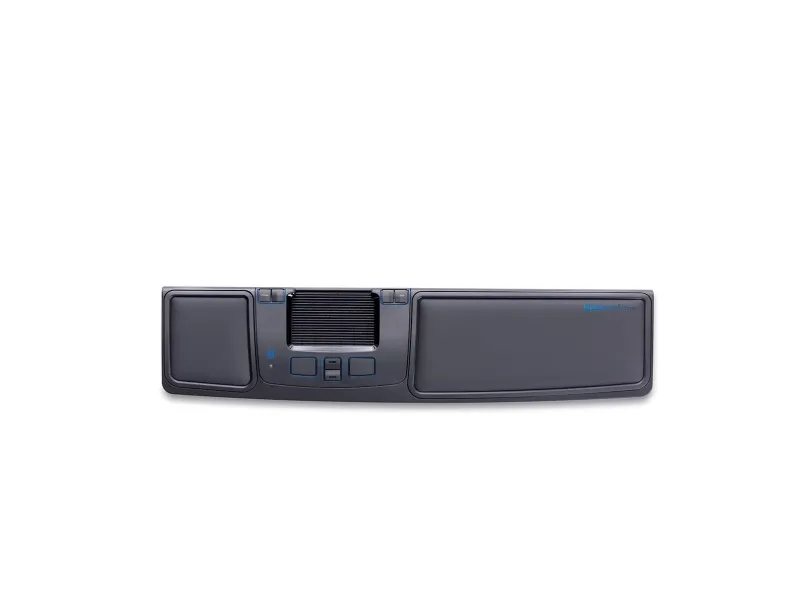
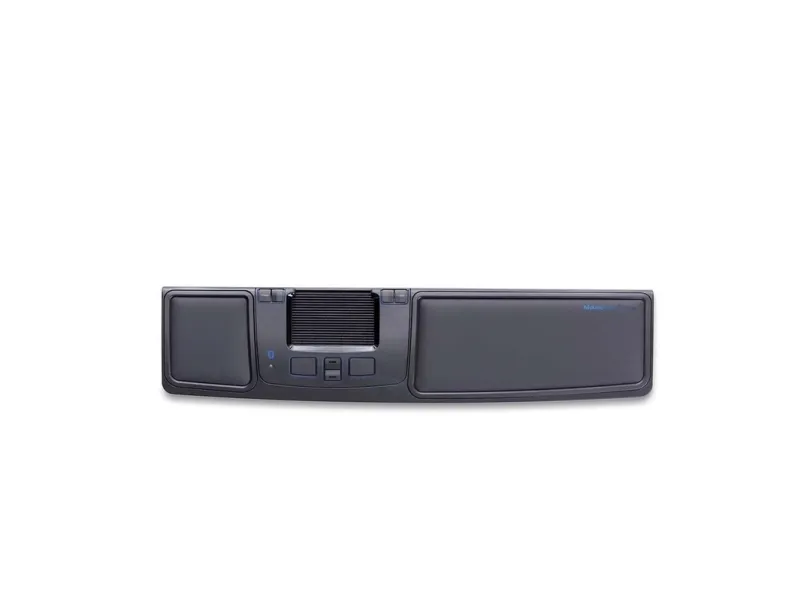
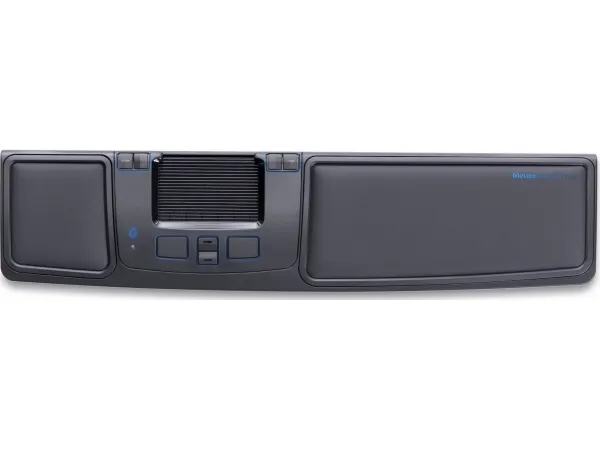
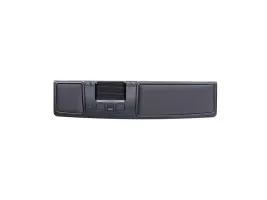
Prime har alt det, du ønsker i en Mousetrapper – og lidt til. Trådløs tilslutning via Bluetooth og 8 programmerbare knapper giver dig masser af muligheder for at tilpasse din Mousetrapper til netop dine behov. Mousetrapper er musealternativet, som forebygger musearm og andre problemer, der kan opstå ved arbejde med en traditionel computermus.
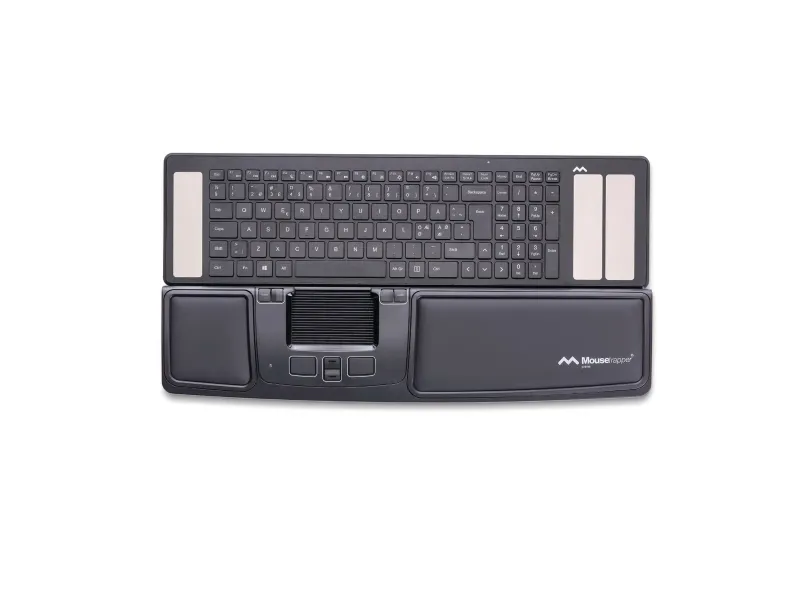
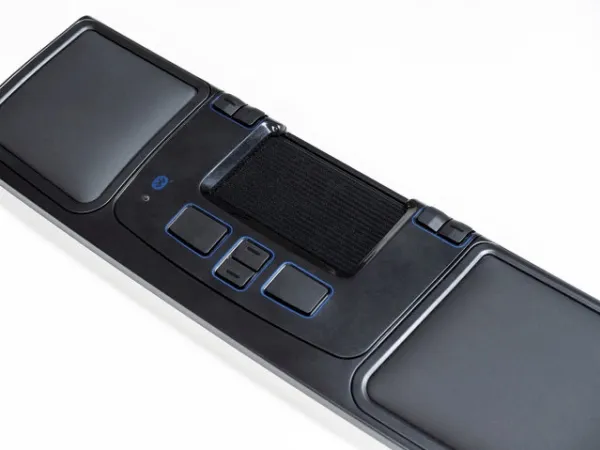
Fordele ved Prime: Alt det, du ønsker i en Mousetrapper, og lidt til. De 8 programmerbare knapper giver dig masser af muligheder for at tilpasse din Mousetrapper til netop dine behov. Med Prime har du mulighed for at arbejde trådløst via Bluetooth – og du kan selvfølgelig bruge et USBkabel, hvis du foretrækker det. Download vores app MT Keys, så kan du nemt ændre knappernes funktioner og lægge standardtekster, brugerprofiler og meget mere ind. MT Keys fås både til Mac og PC. Håndledsstøtterne på Prime kan tørres af og udskiftes, hvilket gør det let at holde produktet pænt og hygiejnisk. Prime inkluderer et udfoldeligt tastaturunderlag, der gør, at den passer lige så godt til de nye supertynde tastaturer som til højere standardtastaturer.
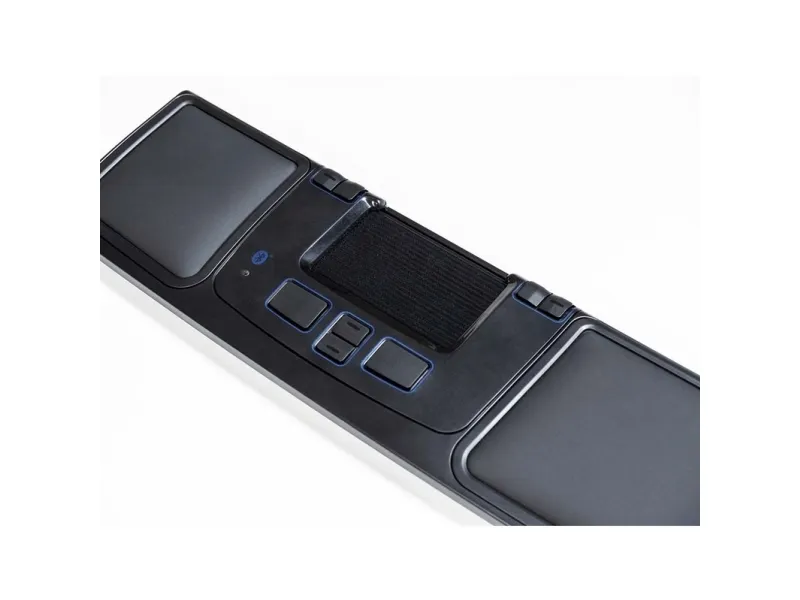
• Et supertyndt ergonomisk design • En styremåtte med klik- og scrollefunktion • Mulighed for at arbejde trådløst via Bluetooth • 8 programmerbare knapper der kan tilpasses efter dit personlige behov via MT Keys • Håndledsstøtterne kan holdes rene med desinfektionsmidler op til 85 % • Udskiftelige håndledsstøtter • Justerbar højdetilpasning ved hjælp af et underlag med friktionsbelægning til at folde ud • Batteritid inden opladning er 4 måneder • Genopladeligt batteri • 2000 dpi • Bluetooth 4.1
Everything you want from a Mousetrapper and more. A total of eight programmable buttons give you more options for configuring your Mousetrapper exactly as you want it. Prime lets you work wirelessly via a USB-dongle, and two separate buttons make it easy to scroll and zoom in and out. Download the MT Keys software, which lets you easily reconfigure all the button functions, add standard texts, create user profiles and much more. MT Keys is available for both Mac and PC.
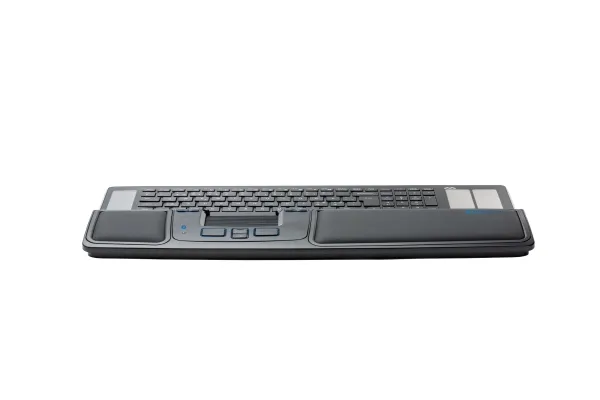
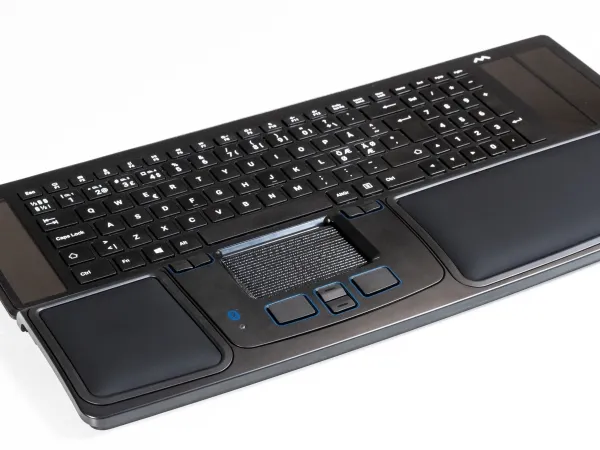
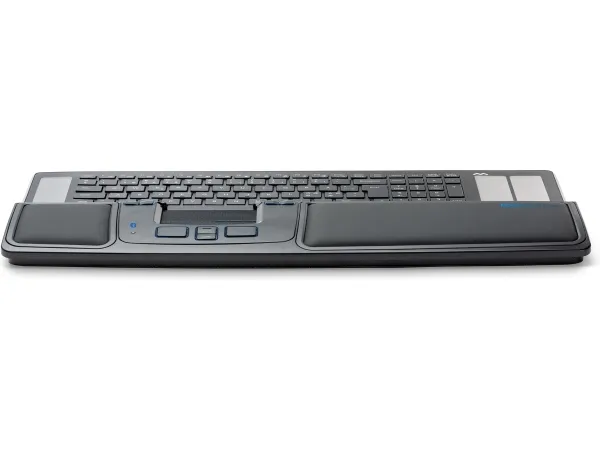
The replaceable and wipeable wrist supports on Prime make it easy to keep the product clean. Prime also has a foldable keyboard pad, allowing you to adjust the height to your keyboard. Our Type keyboard is designed to fit perfectly with all Mousetrapper devices.
Wireless Option to work wirelessly. Rechargeable battery with 4 months of battery life.
8 buttons Programmable buttons for customization to your needs with our app.
2000 Allows precise and effective work with a DPI of 2000. Change the sensitivity and speed with MT Keys.
Why use a centrally positioned mouse? A centered position for your hands is essential to prevent RSI. Overstretching the arm to reach for the mouse beyond the keyboard is a common trap. By using an ergonomic mouse like Mousetrapper you get an ergonomically healthy position that keeps your arms and hands relaxed. It has been found that a centered mouse, often after only a couple of weeks, provides a noticeable improvement.
Mousetrapper Control Pad The Mousetrapper Control Pad is not a touch pad, it’s a mechanical control pad with a very unique tactile feeling. By placing your index, middle and ring fingers on the control pad you can control the cursor with simple movements as the control pad moves smoothly in two dimensions. It is easy to use and gives the user maximum flexibility with the option of clicking directly on the Control Pad.
Zweck
Büro
Übertragungstechnik
Kabellos
Geräteschnittstelle
Bluetooth + USB Type-A
Bewegung Auflösung
2000 DPI
Scroll Typ
Tasten
Knopfanzahl
8
Scroll-Richtungen
Senkrecht
Tastentyp
Gedrückte Tasten
Programmierbare Mausknöpfe
Ja
Anzahl der programmierbaren Tasten
8
Bluetooth-Version
4.1
Produktfarbe
Schwarz, Grau
Intelligentes, ergonomisches Design
Ja
Oberflächenfärbung
Einfarbig
Material
Acrylnitril-Butadien-Styrol (ABS), Leder, Silikon
Energiequelle
Batterien / Kabel
Wiederaufladbar
Ja
Unterstützt Windows-Betriebssysteme
Windows 10, Windows 10 Education, Windows 10 Education x64, Windows 10 Enterprise, Windows 10 Enterprise x64, Windows 10 Home, Windows 10 Home x64, Windows 10 IOT Core, Windows 10 IoT Enterprise, Windows 10 Pro, Windows 10 Pro x64, Windows 10 x64, Windows 11, Windows 11 x64
Unterstützt Mac-Betriebssysteme
Mac OS X 10.15 Catalina, Mac OS X 10.15.3 Catalina, Mac OS X 11.0 Big Sur, Mac OS X 12.0 Monterey
Unterstützte Linux-Betriebssysteme
Ja
Unterstützte mobile Betriebssysteme
Android, iOS
Breite
478 mm
Tiefe
110 mm
Höhe
109 mm
Gewicht
680 g
Menge pro Packung
1 Stück(e)
Mitgelieferte Kabel
USB
Handgelenkauflage
Ja
Benutzerhandbuch
Ja
Das Produkt hat folgende Artikelnummer in unserem System
EAN:
7350071401231
EAN:
7350071401118
SKU:
MT123
Warum ist ein und dasselbe Produkt unter verschiedenen Artikelnummern erhältlich?
Hersteller bringen oft dasselbe Produkt unter verschiedenen Artikelnummern auf den Markt, in der Regel handelt es sich dabei nur um unterschiedliche Versionen der Verpackung. Die Verpackung kann zum Beispiel für verschiedene Länder bestimmt sein.
Wir versuchen unser Bestes, um die Produkte zu vereinheitlichen, aber es kann vorkommen, dass dasselbe Produkt unter verschiedenen Artikelnummern in unserem System erscheint.